
Building
Emotes
An emote is an animation played on a player, in their own skin: a wave, a
dance, a handshake, a bench press. You make it once in Studio and every player
on your server can play it with /emote <name>.
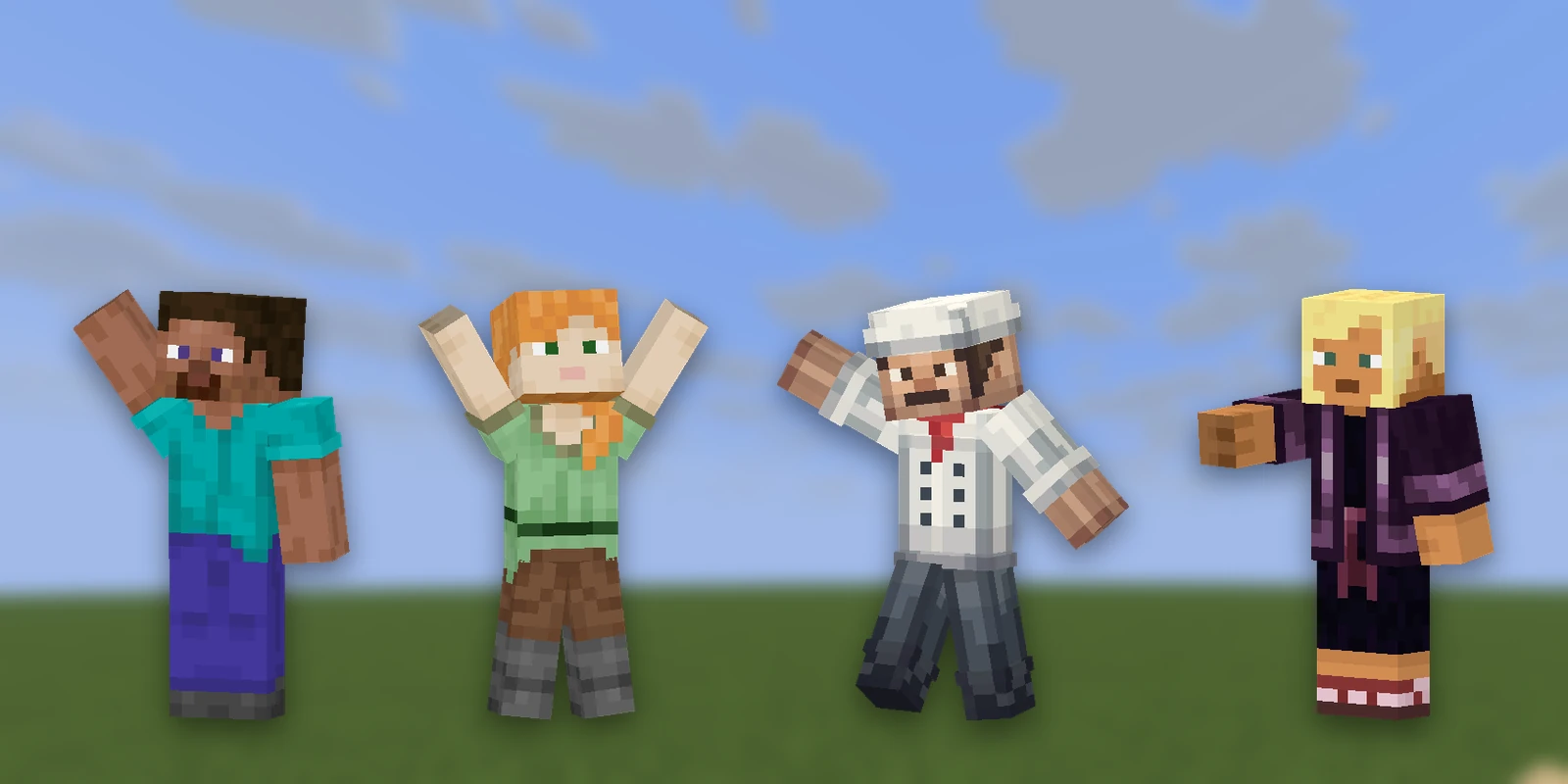
Emotes need RP Engine on the server. They don't exist in a plain
resource pack, and they aren't in a Bedrock .mcpack.
Making one#
Open a pack, press Add asset and pick Emote. There are two ways in:
- Generate: describe the motion and the AI animates it. It costs 25 credits and takes one to five minutes. An emote carrying models the AI has to rig first can cost more, once: the bones it adds are saved on the model and reused next time.
- Blank: opens the editor with nothing on the timeline, to key by hand.
When generating, describe the movement, not the character:
a little victory dance, fists pumping, then a spin
| Setting | What it does |
|---|---|
| Type | Emote (one animation) or Group (see Movement groups) |
| People | 1 to 5. More than one makes an emote for several players, like a handshake or a hug |
| Playback | Play once holds the last frame at the end. Loop repeats until the player moves or runs /emote stop |
| Models | Up to 4 of this pack's models for the emote to use: a chair to sit on, a sword to swing. Mention them in the description |
Add models here rather than afterwards if the emote should use them. The AI animates around what it can see; a model added later just stands there.
A pack holds up to 64 emotes.
The emote editor#
The editor works like a model's Animate mode: bones down the left, a timeline along the bottom, keyframes for rotation, position and scale. The rig is a standard player with a head, body, arms and legs, plus forearms and shins so elbows and knees can bend. Select Whole body to move, turn or scale the entire figure (Ctrl+A).
An emote can be up to 30 seconds long. Changes save on their own a moment after you stop editing.
The pencil next to the emote's name on the timeline opens its settings:
| Setting | What it does |
|---|---|
| Name | What players type after /emote. The line above it shows the full command |
| Length | In seconds |
| Playback | Once or Loop |
| Wear it while | Turns the emote into something worn while moving. See below |
| Movement | Move the player: when the emote ends, the player is teleported to where it finished, so a forward flip leaves them a block ahead. Off, they end where they started |
The preview uses your linked Minecraft skin. Type any username in Preview skin to see the emote on someone else. In game it always plays in the skin of whoever runs it.
Models#
The + on the shelf above the stage adds one of the pack's models, up to 4. Select it to place it with the gizmo, and choose what it's attached to: Not attached leaves it standing where you put it, a bone makes it follow that part (a sword in the right hand), and Whole body makes it follow the figure. Its position can be keyframed like a bone. If the model has its own animation, that plays in time with the emote.
Other players#
The other + on the shelf adds another person, for up to 5 in total. The first is always Lead, whoever runs the command. Each added person has a name, a place relative to the lead and a direction to face. In game they're moved into position when the emote starts and put back when it ends, and the command takes their names in order:
/emote handshake SteveEvery invited player is asked first and can refuse.
Render#
Render dresses the viewport for showing off (a backdrop, a floor, a slow turn) and exports the emote as a video, in MP4 or WebM depending on your browser.
Movement groups#
A group is a set of emotes a player wears rather than plays once: a heavy armour stomp, a strut, a zombie shuffle. It holds one emote per movement state:
| State | When it plays |
|---|---|
| Standing still | Idle |
| Walking | Moving at normal pace |
| Sprinting | Running |
| Crouching in place | Sneaking without moving |
| Crouching while moving | Sneak-walking |
| Jumping | Off the ground, jumping or falling |
A state left empty uses the player's own vanilla animation. That's a real choice, not a gap: many sets look best with only a walk and an idle.
To make one, press Add asset, pick Emote, then Group (groups are made blank, since they're built from emotes). Name the group, then for each state choose Use an existing emote, Generate one or Draw a new one. A pack holds up to 16 groups. Deleting a group keeps its emotes.
A player puts one on with /emote <group name> and takes it off with
/emote stop. While it's on they play normally: same game mode, free to walk,
jump and fight.
Draw walk cycles at Minecraft's normal pace. In game a walk, sprint or crouch-walk cycle is driven by how far the player moves, not by time, so the feet don't slide on ice, soul sand or with a speed potion. Draw each one for the speed below and it plays as drawn:
| State | Draw it for |
|---|---|
| Walking | 4.317 blocks per second |
| Sprinting | 5.612 blocks per second |
| Crouching while moving | 1.295 blocks per second |
You won't see it on yourself. Everyone else sees your rig; your own view stays vanilla, so your arm, held item and hotbar are your own. To check how it looks while testing, use:
/emote <name> --showYourselfThe rig visibly lags a step behind you that way, so don't leave it on for real play.
A single emote can be worn too: tick states under Wear it while in its settings and it plays in those states. That isn't available for an emote with other players in it, since they're held in place around the lead.
Getting it in game#
- 1
Install RP Engine
On your server. See Installing RP Engine.
- 2
Sync
Press Sync in the pack or the emote editor, and run the
/rp sync <code>it shows in game. The emotes arrive with the pack. - 3
Play it
/emote <name>, or/emoteand Tab to list them. Each emote's card on the pack page has a button that copies its command.
A player needs a rig of their own in the pack before they can emote. RP Engine makes these automatically from each player's skin, and someone who joined after the last push may need another push first.
Hand-written emote files, permissions, what stops an emote and the server's settings are all on Emotes in RP Engine.