
Content
Emotes
An emote is an animation played on a player, in their own skin: a wave, a dance, a handshake. While it plays, the player is hidden and a copy of them (a rig) performs it in their place. When it ends they are put back exactly where they were.
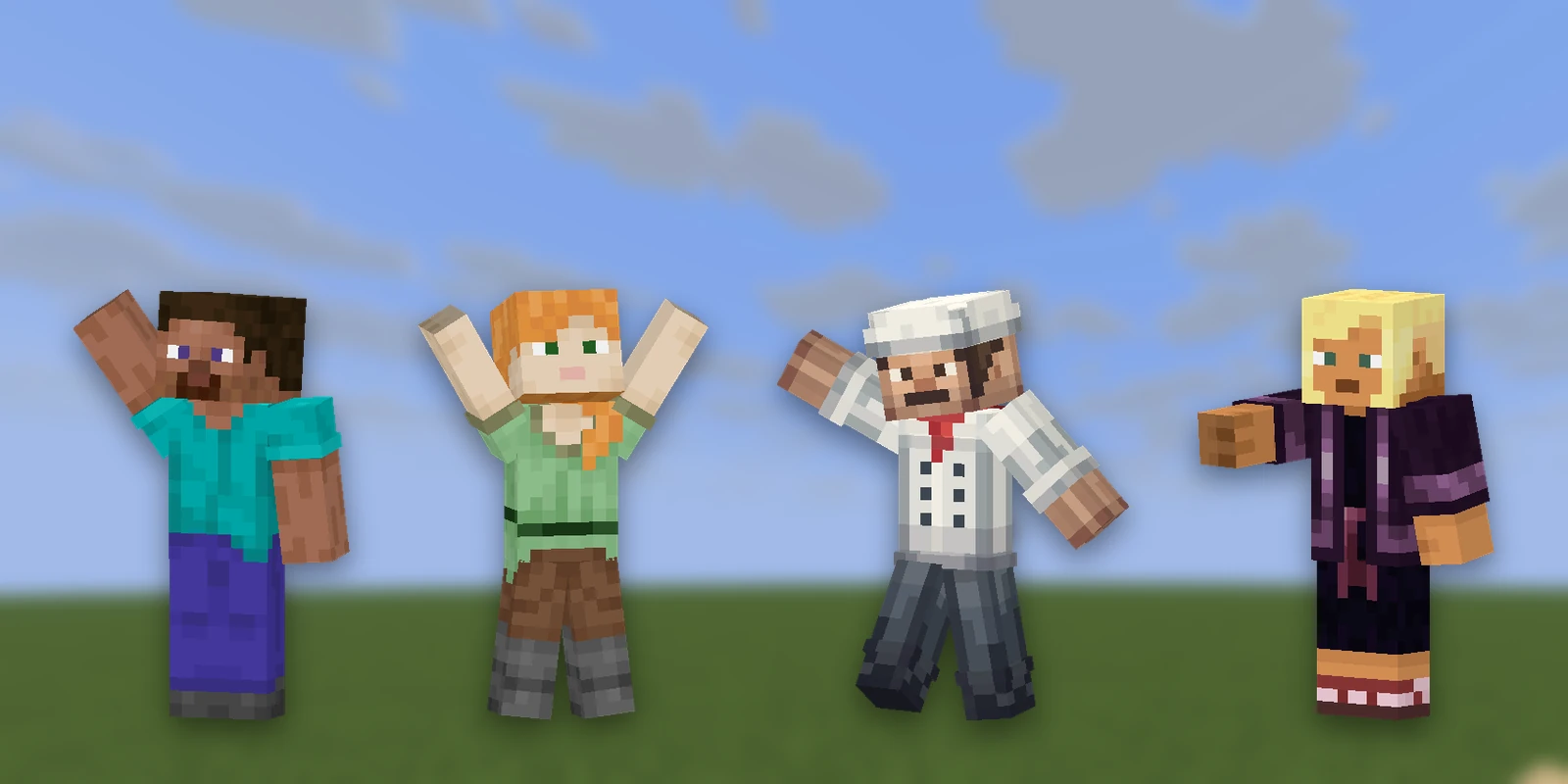
/emote wave
/emote handshake Steve
/emote stop
Tab completion lists every emote on the server, and for an emote that needs a partner it offers the players who could join in.
Every player needs a rig#
An emote has two parts:
- The rig is a model of the player, cut out of their skin. It is made automatically.
- The animation is keyframes, made once. It moves bones by name, so the same wave fits every player.
Rigs travel inside the resource pack, so the pack needs one for each player who emotes. RP Engine builds them itself from the skin of everyone who joins. A player joining for the first time shows as a default figure until that rebuild finishes (you often notice it when they sit in a seat or a vehicle). The new pack goes to whoever joins next, and to players already online the next time they are sent a pack: nobody's game reloads just because someone walked in.
| config.yml | Default | What it does |
|---|---|---|
emotes.rigs | true | Build rigs on this server at all |
emotes.bake-on-join | true | Rebuild when someone new joins. Off, and /rp reload builds whoever has arrived |
emotes.rig-days, emotes.rig-players | 30, 64 | Only players seen in the last 30 days get a rig, at most 64, newest first. Each rig adds about 20 KB to everybody's download. 0 is no limit |
emotes.player-commands | true | Registers /emote. Off, and it's still there as /rp emote |
emotes.cast-permission | rpengine.emote.cast | Who may pull other players into an emote. Empty for no check |
Building rigs needs Minecraft 1.21.4 or newer. On older servers, rigs that arrive in a Studio push still work.
Getting emotes onto a server#
Make them in Studio, then send the pack straight to your game (a push):
- 1
Pair
In Studio, open your pack and press Sync to get a pairing code. In game, run
/rp sync <code>. See Testing on your server. - 2
Push
Push from Studio. The pack arrives with the emotes in it, and rigs are built for everyone on that sync.
- 3
Emote
Type
/emoteand press Tab.
Or write them by hand: see Hand-authored emotes.
/rp emotes lists what the server has right now. If somebody joined after the
push, push again.
Sharing a push#
A sync belongs to one player. To let someone else test the same pack, add them to yours:
| Command | What it does |
|---|---|
/rp sync add <player> | Invites them; they accept or deny |
/rp sync who | Who is on your sync |
/rp sync remove <player> | Takes them off, and the pack comes off them |
/rp sync leave | Leaves somebody else's sync |
/rp sync stop | Ends your sync for everybody |
Models inside an emote#
An emote can carry a pack model as a prop: a chair, a sword, a barbell. If part of the model moves, it plays on the emote's own clock, so a lifted barbell stays in the lifter's hands.
Emotes with a cast#
Some emotes take more than one person, like a handshake or a hug. The lead names the others, and everyone is moved into position, turned to face each other, and put back afterwards. Nobody is moved until every participant and spot has been checked, and the emote ends for everyone at once.
Invited players are asked first, with accept and deny buttons (they run
/emotereply, which every player can use, so anyone can refuse).
| Permission | What it allows |
|---|---|
rpengine.emote | Play an emote |
rpengine.emotes | List emotes |
rpengine.emote.cast | Pull other players into an emote (they are still asked) |
rpengine.emote.force | Skip the invitation, for staff running an event |
Movement sets#
A movement set is a group of emotes you wear rather than play once: a walk, a run, an idle, used for as long as you have it on. You put one on the same way:
/emote strutGroups and single emotes share one list of names, so they can't clash.
Walk cycles follow the player, not the clock#
Walk, sprint and crouch-walk cycles play according to how far the player has moved, not how much time has passed. Standing still, the legs stop; on soul sand they slow; with a speed potion they keep up. Feet don't slide.
Draw each cycle for Minecraft's normal pace and it plays as drawn:
| State | Draw it for |
|---|---|
| Walk | 4.317 blocks per second |
| Sprint | 5.612 blocks per second |
| Crouch-walk | 1.295 blocks per second |
Idle, crouching in place and jumping play at their drawn speed. Changing pace doesn't restart anything: the engine picks up the new cycle on the same leg and blends between them.
What stops an emote#
Being hit, moving (for most emotes), /emote stop, or a plugin
(EmoteStartEvent can be cancelled, and Emotes.stop ends one). Any
invisibility the player had before comes back afterwards, minus the time the
emote took.
Playing one automatically, such as on join#
RP Engine has no "on join" trigger for emotes. Use a plugin that runs commands
when a player joins, and have it run /emote <name> as that player (the
command only plays on whoever runs it), or call engine.emotes() from your own
plugin. Give the rebuild a few seconds for a first-time player, or they emote as
the default figure. A
VFX can be played the same way with /rp cast.
Hand-authored emotes#
A pack can carry its own emotes in an emotes/ folder. One file can hold as
many as you like, keyed by name:
{
  "wave": {
    "name": "Wave",
    "length": 1.2,
    "loop": false,
    "animators": {
      "rightArm": { "rotation": [
        { "time": 0,   "value": [0, 0, 0] },
        { "time": 0.3, "value": [-160, 0, -20], "interpolation": "smooth" },
        { "time": 1.2, "value": [0, 0, 0] }
      ] }
    }
  }
}
This is exactly what Studio's emote editor exports, so the easy way is to make it there and paste the entry. YAML works as well as JSON.
| Part | Values |
|---|---|
| Bones | head, body, rightArm, leftArm, rightLeg, leftLeg, rightForearm, leftForearm, rightShin, leftShin, and root (the whole figure, about the hip) |
| Channels | rotation (degrees), position (pixels), scale |
| Timing | time and length in seconds; loop repeats it |
Emote names are shared across the whole server, not per pack, because
/emote wave uses the bare name. Two packs both defining wave is an error,
so prefix yours (mypack_wave) if other people will install your pack.
Props#
Carry a model with props, beside animators:
"props": [
  { "id": "right", "modelId": "mypack:skate_right", "attach": "rightShin",
    "offset": [2, -16, 0], "scale": 1 }
]| Field | What it is |
|---|---|
modelId | One of your items (whatever wears the model you want) |
attach | A bone name, root for the whole body, or none to stay where it was put |
offset | Where the model's centre sits, in pixels from the rig's origin, which is a block above the feet |
animator | The prop's own motion, with the same channels as a bone |
animation | One of the model's own animations, played on the emote's clock |
BetterModel's player animations load as emotes too. Drop its plugin folder
in and every animation in players/ becomes one. See
Moving from BetterModel.
Hand-authored emotes play on the rigs the engine bakes, which needs Minecraft 1.21.4 or newer. On older servers they load but play on nobody.