
Building
Text Effects
A Text Effect makes text move, burn, shine or fill with water: letters that bob on a wave, a rainbow that scrolls, pixel flames licking up off every letter. It works on any text the game draws flat on the screen: chat, item names and lore, titles, scoreboards and menus.
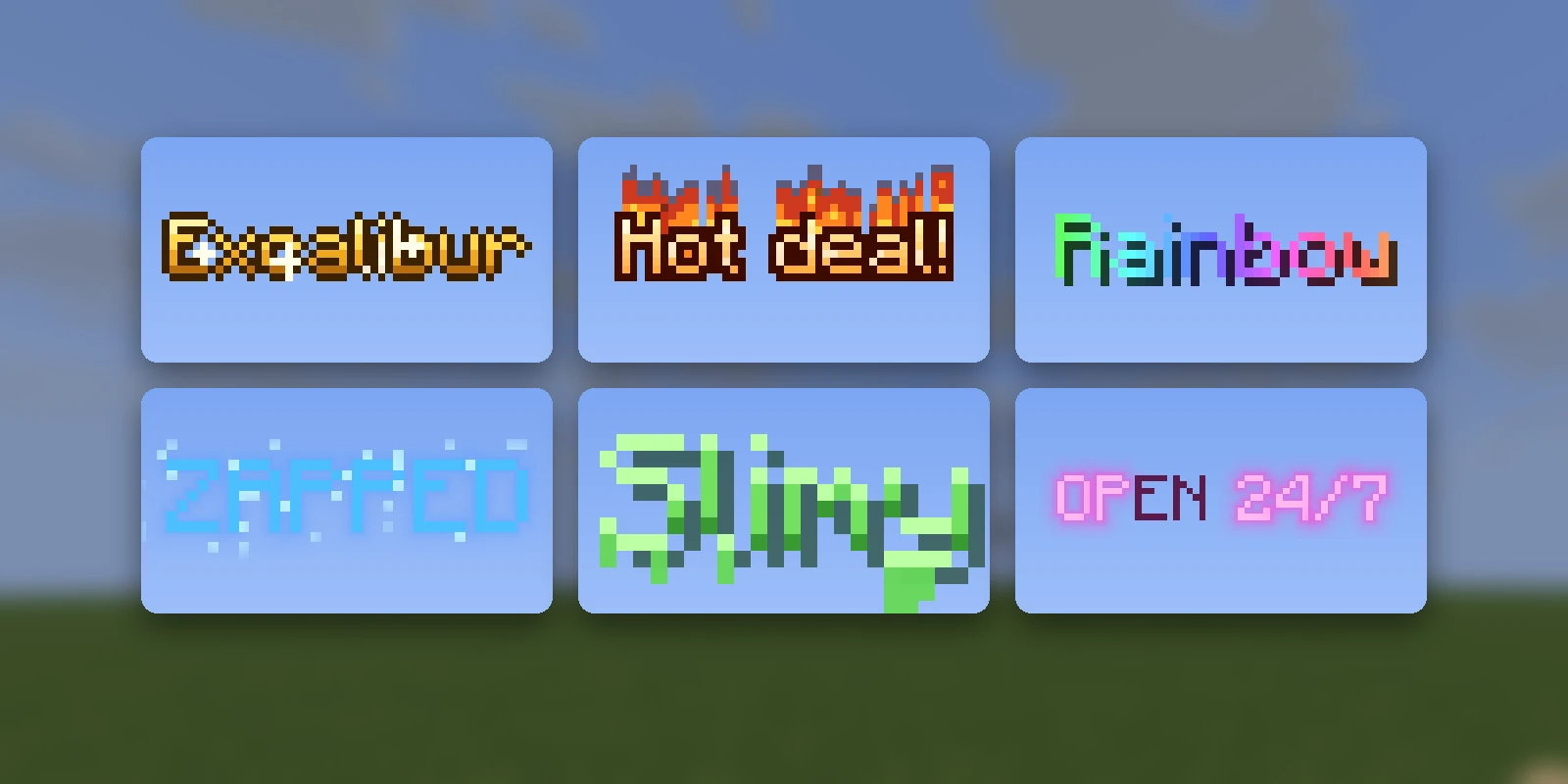
Making one#
Press Add asset and pick the Text Effect tab. Either describe the look ("molten gold", "frozen solid", "glitching") and Studio writes it, which costs AI Credits and takes a few minutes, or pick one of the 32 presets, which is free and ready at once. Either way, you can ask for changes from its page afterwards with Edit with AI.
The page plays the effect live on a line of sample text, so what you see is what a player sees.
Using it#
A Text Effect is a colour. The page shows it, and any text in exactly that
colour wears the effect for every player with your pack. No plugin is needed:
the page has the colour written as a /tellraw command, as MiniMessage and as
a hex code, ready to copy, and Show in chat sends you a line on the server
your pack is synced to.
With RP Engine on the server, it also knows the
effect by name once the pack is synced or distributed, so
<fx:studio:<id>>Hello</fx> works in item names, messages and chat. The page
shows the exact tag.
Limits#
- Only text on the screen. Signs, name tags and text displays in the world keep the plain colour, which is very nearly white.
- Text Effects share a pack's 32 shader slots with 2D and 3D shader objects.
- A colour code inside the text ends the effect. Bold and italic are fine.
- It needs your pack. Players without it see near-white text.
- One text shader per screen. If a player's game also has another pack that replaces the text shader on top of yours, only one of the two draws.