
Content
Items
A custom item is a vanilla item with your own name, texture or 3D model on it. Because it is a real vanilla item underneath, it stacks, burns in lava, goes in a hopper, and every other plugin sees an ordinary item. Furniture, vehicles and armour all start as items.
Items are written in YAML files in the items/ folder of your pack inside
plugins/RPEngine/content/ (your content folder). One
file can hold as many as you like.
# items/gems.yml
ruby:
  material: DIAMOND        # required: the vanilla item underneath
  name: "&cRuby"
  lore: ["&7Warm to the touch."]
  texture: item/ruby       # defaults to item/<id>
  stack: 16                # largest stack
  glow: true               # the enchanted shimmer, without an enchantment
  unbreakable: true
material decides how the item behaves, so pick it for that. A PAPER ruby
does nothing when used; a DIAMOND_SWORD one swings like a sword. Names and
lore take & colour codes.
/rp give mypack:ruby gives you one. /rp items lists them all, and
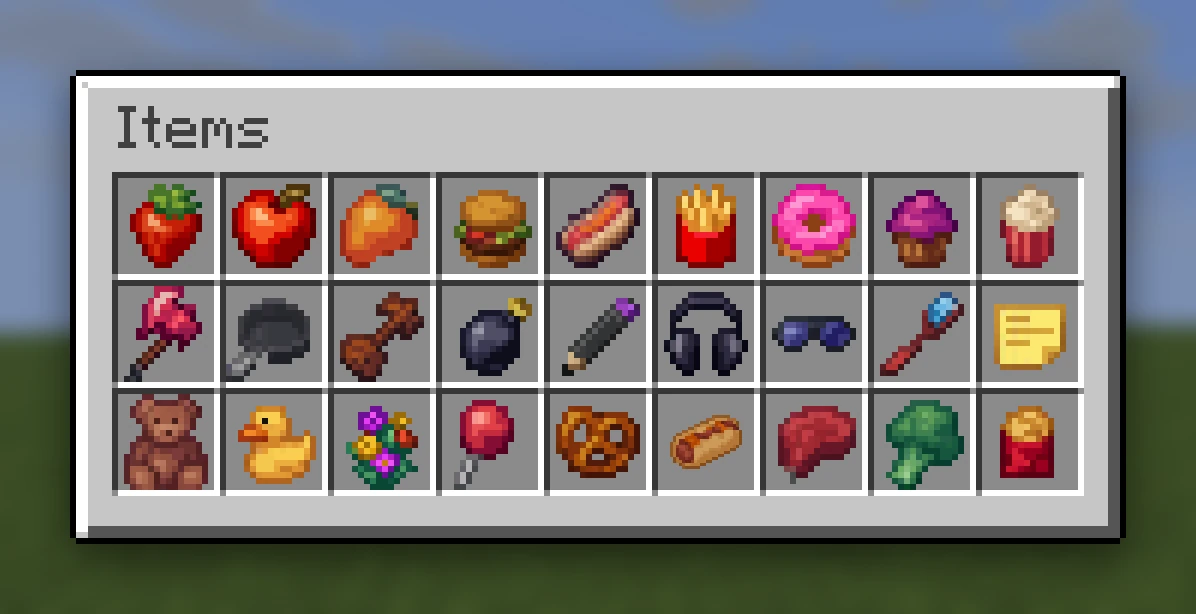
/rp item menu opens them in a chest to take from.
stack and glow need Minecraft 1.20.5 or newer; on an older server they are
ignored with a console warning.
The texture#
With no texture: and no model:, mypack:ruby uses
assets/textures/item/ruby.png. texture: points somewhere else, for example
to let two items share one picture. It can also be a full resource location,
such as minecraft:item/custom/ruby.
A missing texture is a build warning that names the path it looked for.
3D items#
Point model: at a Blockbench file in assets/models/:
sword:
  material: IRON_SWORD
  model: sword             # assets/models/sword.bbmodel
Two file types work:
sword.bbmodel: the project Blockbench saves. Its textures are inside it, so the model is one file. Use this one.sword.json: a Java model exported from Blockbench, with its PNGs beside it. It has no bones or keyframes, so an animated model must be the.bbmodel.
The game's models only allow a cube to be rotated on one axis, by -45, -22.5, 0, 22.5 or 45 degrees, so other rotations are snapped to the nearest of those. Meshes are left out: convert them to cubes first.
model: can also name a model by resource location
(model: minecraft:item/custom/lamp), or be written into the item directly:
pick:
  material: IRON_PICKAXE
  model:
    parent: minecraft:item/handheld
    textures: { layer0: mypack:item/pick }
A different model in first person#
first-person: is a second model, written any of the same ways as model:,
that is drawn only in the holder's own first-person view. Everyone else, and
the inventory, see model:. It suits an aimed gun, where the sights should
fill the view:
rifle_aimed:
  material: PAPER
  model: rifle
  first-person: rifle_sights
Needs Minecraft 1.21.4 or newer. On an older server the normal model is used in first person too, with a warning.
An icon in the inventory#
gui: is how the item looks in an inventory slot: the hotbar, a chest, a
creative tab. A model made to be seen in the world, like a vehicle or a chair,
is hard to read shrunk to sixteen pixels, so give it an icon instead. Write a
model the same ways as model:, or {texture: ...} for a flat icon (a bare
name is looked for in textures/item/):
red_kart:
  material: PAPER
  model: red_kart
  gui: {texture: red_kart_icon}
Everywhere else (in a hand, on the ground, placed) the item keeps its model.
Needs Minecraft 1.21.4 or newer, like first-person:.
Bows and crossbows: drawing back and loaded#
A custom bow or crossbow can change look as it is drawn and when it is loaded,
like the vanilla ones. pull: gives the item a look for each stage of being
drawn, the way a vanilla bow has three. The first is shown the moment the player starts drawing, and
the item goes back to its own look when they let go:
longbow:
  material: BOW
  model: longbow
  pull: [longbow_pull_0, longbow_pull_1, longbow_pull_2]
Each entry is the same kind of thing as the item's own look: a model when the
item has a model:, a texture when it is a flat sprite (a bare name such as
longbow_pull_0 is textures/item/longbow_pull_0.png). To mix them, or to
say when each stage starts, write each one out:
pull:
  - { at: 0,    model: longbow_pull_0 }
  - { at: 0.65, texture: item/longbow_pull_1 }
  - { at: 0.9,  model: longbow_pull_2 }
at: is how far drawn the stage begins. A bow is fully drawn after one second,
so for a bow it reads as a fraction; a crossbow's is the fraction of its loading
time, so Quick Charge speeds the stages up as it does vanilla's. Leave it out
and three stages on a bow or crossbow use vanilla's own timings, and any other
number of stages is spread evenly.
A crossbow also has a loaded look:
repeater:
  material: CROSSBOW
  model: repeater
  pull: [repeater_pull_0, repeater_pull_1, repeater_pull_2]
  charged: repeater_arrow            # loaded with an arrow
  charged-firework: repeater_rocket  # loaded with a firework; optional
Without charged-firework: a firework shows the charged: look too.
All of it is drawn by the player's own game, so everybody watching sees the
draw and the server sends nothing while it happens. On Minecraft 1.21.4 or
newer any item a player can hold in use (a bow, a crossbow, a trident, a
shield) can have pull: stages. On an older server only an item built on
BOW or CROSSBOW can, and anything else keeps its own look, with a warning.
Bedrock players see the item's own look throughout. Needs RP Engine 0.2.25 or
newer.
Drawing, loading, first person and the inventory icon are the only things an item's look can follow. For an item that changes for another reason (a lamp switched on, a Christmas version), make a second item; a placed piece can use states instead.
Borrowing another item's model#
ruby_sword:
  material: IRON_SWORD
  copy-model: mypack:sword
The item wears mypack:sword's model without a copy of the files, which suits
a set of items that look alike and behave differently.
Permissions#
wand:
  material: STICK
  permission: mypack.wand
Checked when the item is used (clicked, or placed if it is furniture), not when it is given or held. A player without it is told "You cannot use that."