
Content
Sounds
Add your own sounds to the game. Each one becomes a real Minecraft sound
event: it follows the player's volume sliders, shows a subtitle, and any plugin
or command that takes a sound name can play it as mypack:chime.
Put the YAML in a sounds/ folder of your content folder
(here mypack) and the .ogg files in its assets/sounds/, then /rp reload.
# sounds/ambient.yml
chime:
  file: bells/chime    # assets/sounds/bells/chime.ogg. Defaults to the id
  category: ambient    # which volume slider it obeys
  subtitle: "A chime rings"
  volume: 1.0
  pitch: 1.0
  stream: false        # true for anything long
length: 2.4 # seconds. Read from the file if you leave it out| Field | Default | What it does |
|---|---|---|
file | the sound's id | Path under assets/sounds/, without .ogg. With a namespace (minecraft:custom/boom) it means assets/minecraft/sounds/custom/boom.ogg |
category | master | Which volume slider controls it (see below) |
subtitle | none | The subtitle text |
volume | 1 | 0 to 10 |
pitch | 1 | 0.5 to 2 |
stream | false | Play from disk instead of memory. Use it for music and long ambience |
length | none | How long the file runs, in seconds (0 to 3600) |
The file#
Ogg Vorbis only. An mp3 renamed to .ogg plays as silence with no error in
game, so a missing file fails the build with its path named.
Mono or stereo#
Both work, and the file decides which you get:
- Mono comes from a spot in the world. Players hear it from its direction, and it fades as they walk away. Use it for blocks, vehicles, creatures and anything else that makes a noise somewhere.
- Stereo keeps its left and right channels and plays at full volume to everybody in range, wherever it was played from. Use it for music, menu clicks and anything that should sound the same everywhere.
RP Engine ships your file exactly as it is, so export it as the one you want.
For music, also set stream: true and category: music, and see
Music for playlists that play by place.
The build writes your namespace's sounds.json and English language file. If
your pack ships its own as well, they are merged, and where both name the same
sound this definition wins.
Categories#
category decides which slider in the player's audio settings turns the sound
down. Pick the one a player would reach for: someone who turns music down
expects your background track to go quiet too.
| Category | What it covers |
|---|---|
master | Everything. Rarely the right choice |
music, record | Background music, and jukeboxes |
weather, block, hostile, neutral | Vanilla's own groupings |
player, ambient, voice | Footsteps, atmosphere, speech |
An unknown category falls back to master, with a console warning.
Subtitles#
Write one. Without a subtitle, players who play with subtitles instead of sound never know it happened.
Looping#
Minecraft can't loop a sound: every sound plays once. Anything that sounds
continuous, like a vehicle's engine, is the server
playing the file again as soon as it ends, and for that it needs to know how
long the file is. RP Engine reads that from the file itself, so you only need
length: to override it, for example to cut a tail of silence off a loop. A
wrong figure gives a gap or an overlap, not an error.
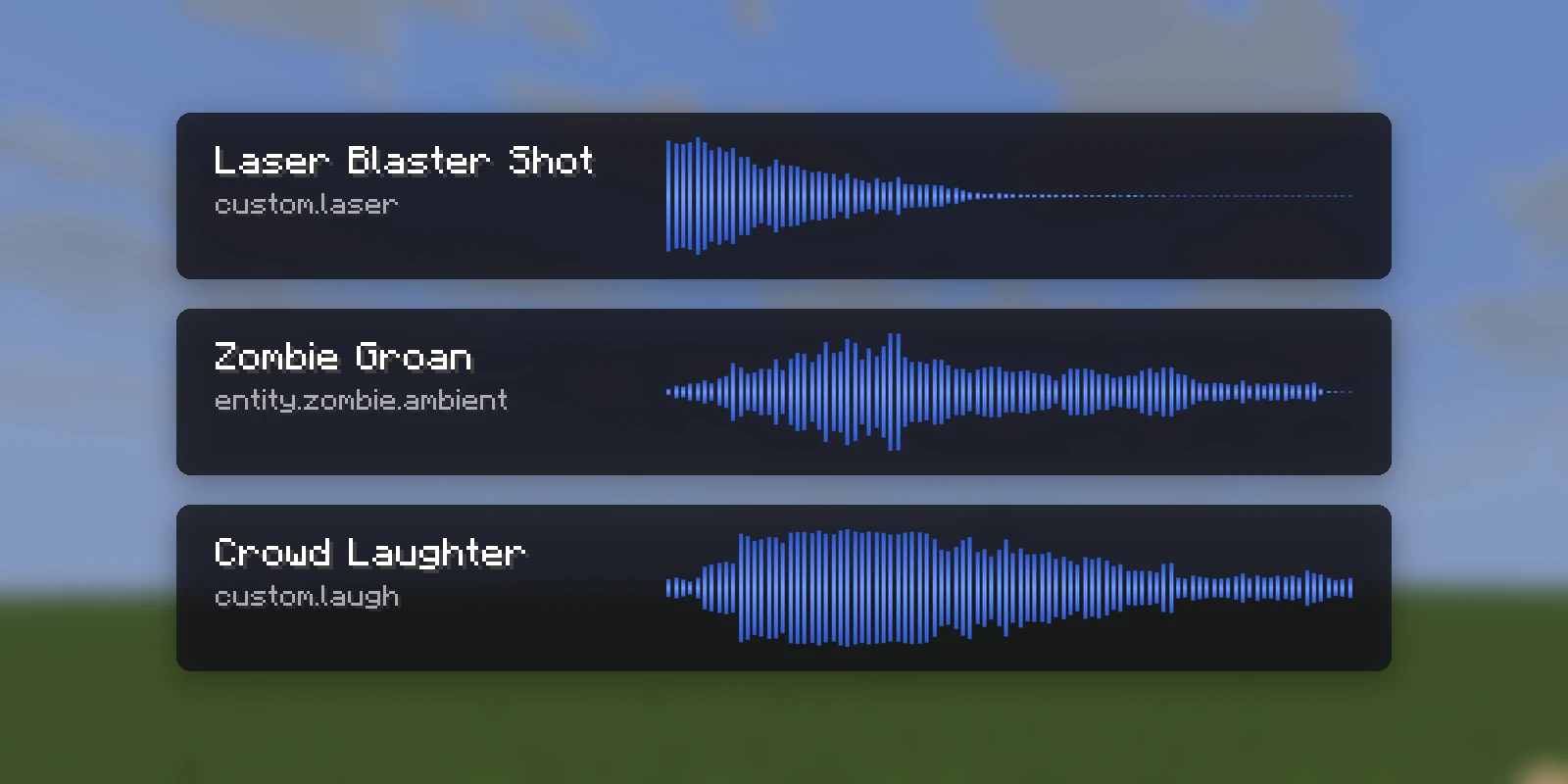
/rp sounds shows each sound's length and whether it is mono or stereo. A file
that isn't Ogg Vorbis (an mp3 or Opus file renamed to .ogg) gets a console
warning, since it would play as silence.
Playing one#
/rp sounds                     every sound on this server
/rp sound mypack:chime         play it to yourself
/rp sound mypack:chime Steve   play it to somebody else
/rp sound stop mypack:theme    stop it early (all stops every custom sound)
From an item action:
- sound: mypack:chime 1 1.2 # id, volume, pitchVanilla sounds work there too (minecraft:block.anvil.land), with nothing to
declare. Other plugins can use the id directly, for example
playSound(location, "mypack:chime", ...).