
Content
Dialogs
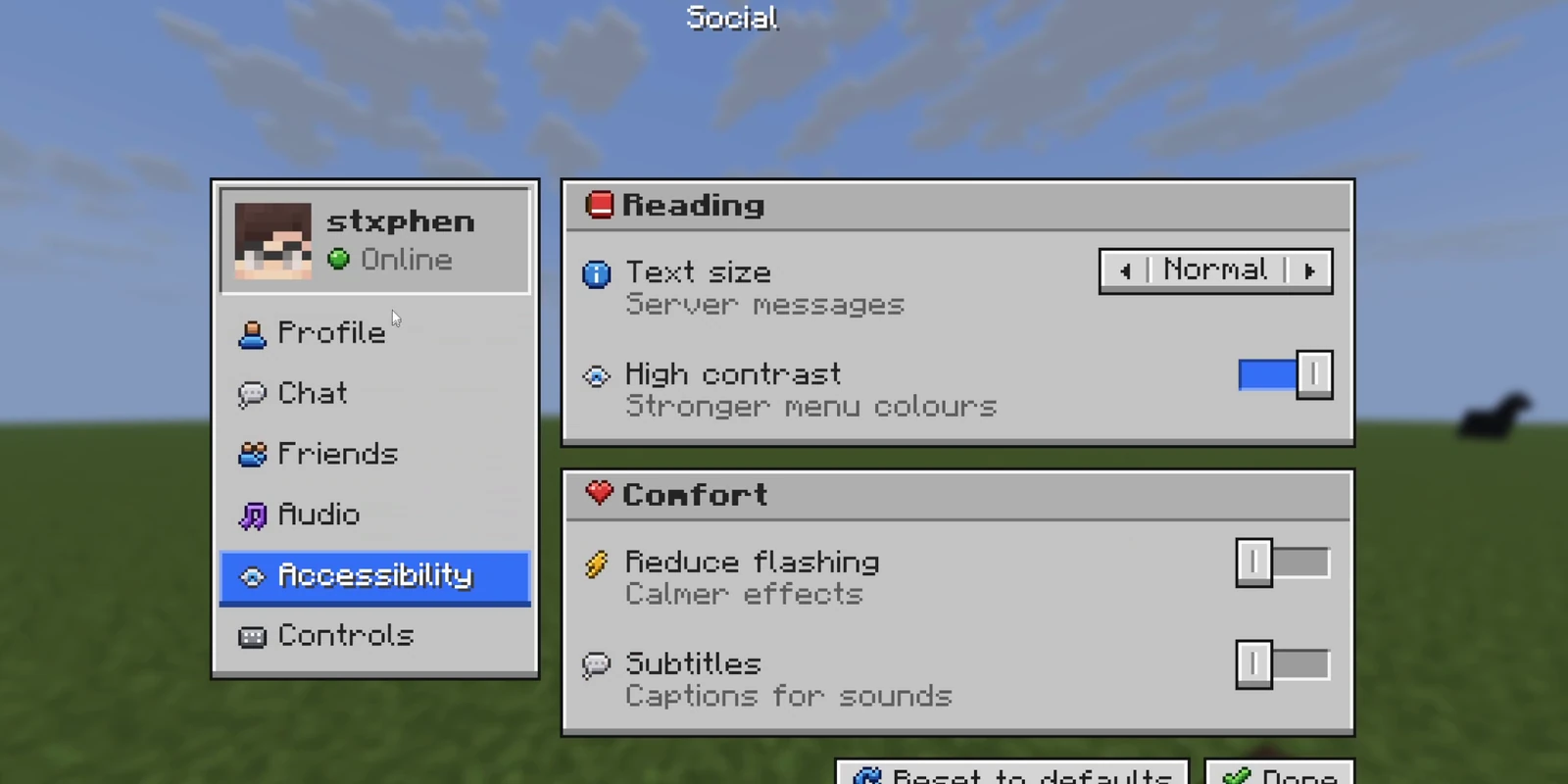
A dialog is the screen a server opens on a player, in Minecraft 1.21.6 and newer. Unlike a GUI, it is not a container wearing a picture: it is a real menu the game draws, with real buttons that run real commands.
# mypack/dialogs/menus.yml
welcome:
  title: Welcome
  body:
    - Glad you made it.
    - Pick somewhere to start.
  columns: 2                       # how many buttons sit side by side
  buttons:
    - label: Spawn
      command: spawn               # the PLAYER runs it, with their permissions
      tooltip: Back to the middle
    - label: The wiki
      url: https://example.com
/rp dialogs lists them and /rp dialog mypack:welcome opens one.
A button does exactly one thing, named by its key: command:, suggest:,
url:, copy: or dialog: (another dialog's id). A button with none of them
just closes the screen, which is what an Ok button is. One button makes a
notice, two a yes/no, three or more a grid.
A command of its own#
shop:
  command: shop                    # /shop opens it on whoever types it
  permission: myserver.shop        # optional
  title: Shop
/shop opens the dialog on the player who typed it. A name another plugin
already has is left to that plugin, and the console says so.
Dialogs about somebody#
Write {target}, or any name, anywhere a dialog has words or a command, and
say what it is when you open it:
punish:
  title: Punish {target}
  buttons:
    - label: Mute 1h
      command: mute {target} 1h
/rp dialog mypack:punish target=Steve Adminopens it for Admin, titled "Punish Steve". {player} and the other built-ins
describe whoever the dialog is shown to, and PlaceholderAPI answers the rest
when it is installed.
Settings per player#
Declare settings under vars: with every value they may take, and a button
sets one with /rp var:
settings:
  title: "Sidebar: {show_sidebar?off:Hidden|on:Shown}"
  vars:
    show_sidebar: ["on", "off"]
  buttons:
    - label: "Turn it {show_sidebar?off:on|on:off}"
      command: "rp var show_sidebar {show_sidebar?off:on|on:off}"
{name?value:words|...} picks the words for the player's value, and the last
entry when none matches. Settings survive restarts, and other plugins read
them as %rpengine_var_show_sidebar%. Quote on, off, yes and no.
Pages#
Make each page a dialog of its own and turn between them with /rp page:
settings:
  title: Settings
  after: none                      # stay up until the next page replaces it
  buttons:
    - label: Audio
      command: rp page mypack:settings_audio
    - label: Close
      command: rp page close
A player can only reach a page through a button that runs exactly that command. After a restart, page turns happen on the client with no wait.
After a click#
after: decides. seamless, the default, keeps the dialog up until the
engine has answered the click, so a dialog the click opens takes its place
with nothing in between. close closes at once, none stays open, and
wait_for_response shows the game's waiting screen.
Click sounds#
The game makes no sound for a click on a dialog's picture, so RP Engine plays one. Choose your own per dialog or per command:
shop:
  click-sound: { sound: block.note_block.chime, volume: 0.5, pitch: 1.5 }
  click-sounds:
    - { command: "buy {item}", sound: "" }   # this click is silent
Dialogs from Studio#
A dialog made in Studio arrives with a sync, as studio:<id>
(and studio:<id>.<page> for its pages), drawn in Studio's art. Everything
above is set in Studio's editor: live values, player settings on switches and
sliders, pieces shown only to some players ("Show when"), item slots, live
progress bars, player heads and click sounds. RP Engine fills each in for the
player it is shown to.
Versions#
A dialog needs Minecraft 1.21.6. Below it the definitions still load and
/rp dialogs says why nothing opens. A GUI is the older
way to do the same job and works everywhere.