Real block-model geometry
Cubes and per-face textures inside Minecraft's model box, in an ordinary Resource Pack.
Describe a sword, a staff or a lantern and get a held item built from cubes, painted and ready for a player's hand.
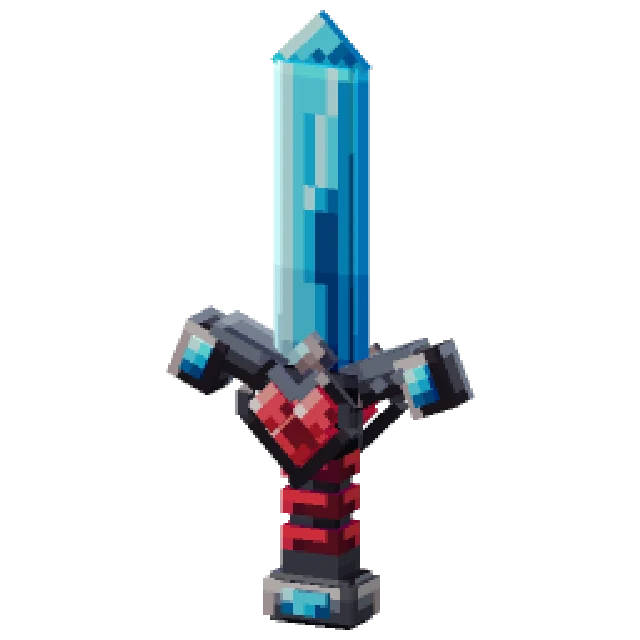
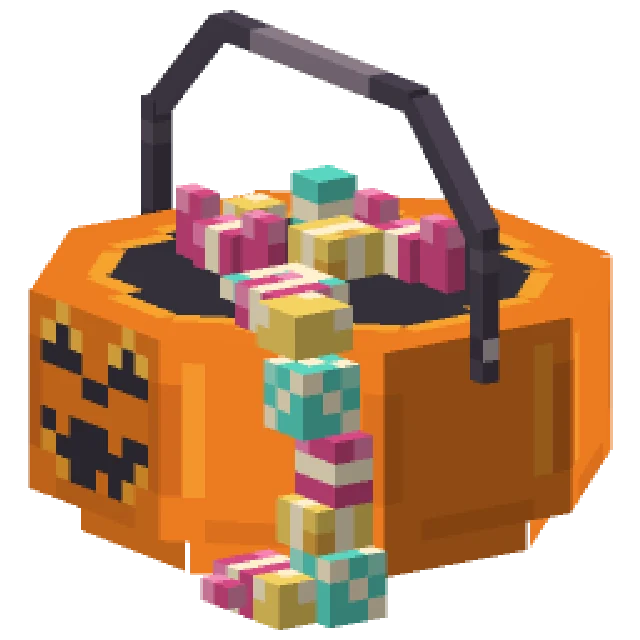
A 3D Item is built from cubes and held in the hand, with depth a flat sprite can't have. It reskins a vanilla item or stands as a custom one.
Cubes and per-face textures inside Minecraft's model box, in an ordinary Resource Pack.
A few big cubes with the detail painted on in the game's own pixel style.
Choose how it looks in a hand, on a head, on the ground and in an item frame.
Describe it in a sentence or add a reference picture, then change it with another sentence.
Upload a .json or .bbmodel as a 3D Item, and keep editing it here.
A 3D bow or shield can show a different model for each drawing or blocking state.
From one sentence to your server, in four steps.
Pick the item, set Shape to 3D and describe it, or upload a .bbmodel.
Move and resize cubes in the model editor and set how it is held.
Paint straight onto it in 3D.
Sync and press Give in-game, or export to your plugin.
Real 3D Items from the public gallery, each beside the exact prompt that made it. Open any of them and copy it into your own pack.
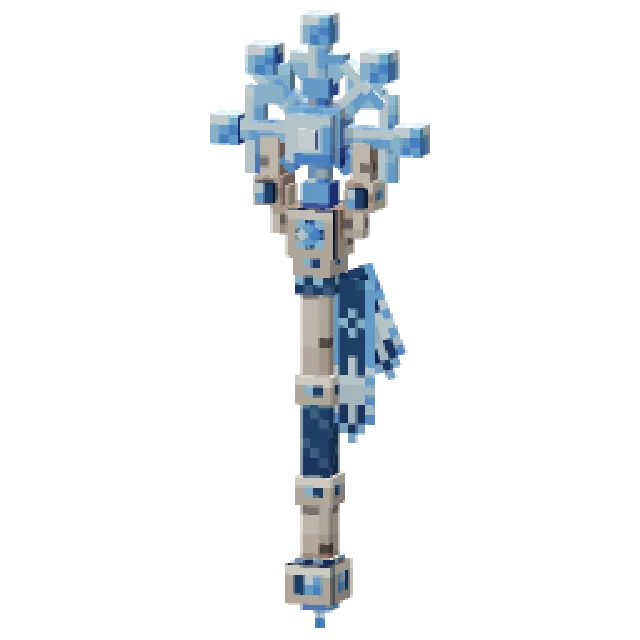
"a wizard staff of pale birch wood topped with a glowing blue ice crystal snowflake"
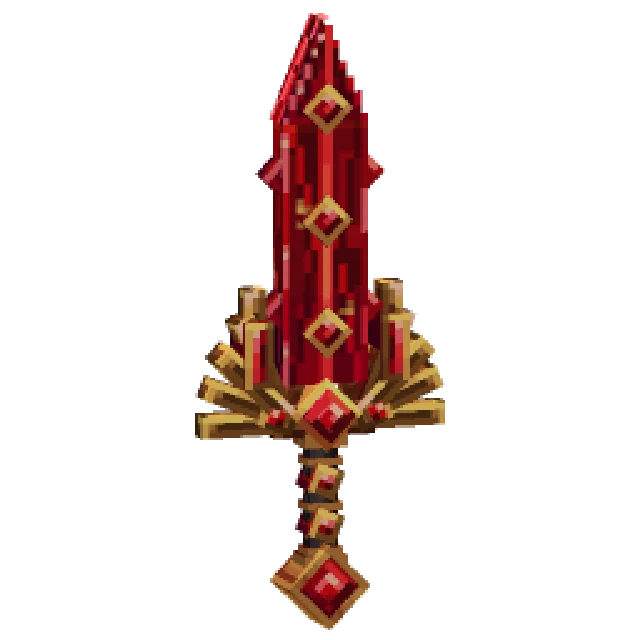
"an ornate ruby-red sword with gold fittings, jewel details, and an extravagant fantasy design"
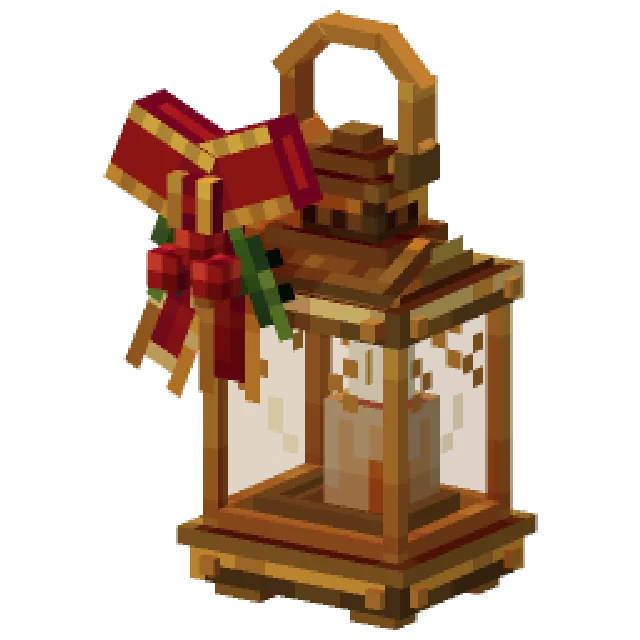
"a hand-held brass lantern with a red ribbon bow and a sprig of holly, warm candle glow inside"
"a carved jack-o-lantern candy bucket with sweets spilling out"
Anything a player holds that deserves some depth.
Swords and axes with a real guard and blade.
Staffs and wands with crystals that stand off the shaft.
Pickaxes, shovels and fishing rods with a shape of their own.
Lanterns, buckets and anything else worth carrying.
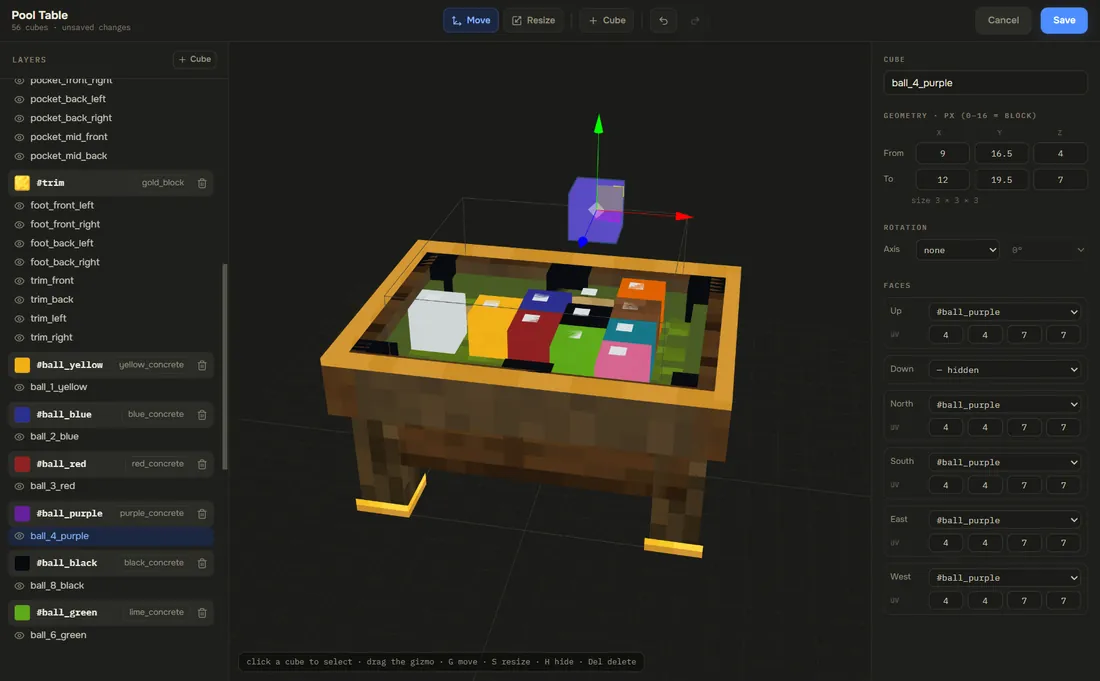
Every 3D Item opens in the model editor: cubes on the left, the build in the middle, each cube's size, rotation and texture on the right. Paint straight onto it in 3D and set its display slots, with no download and no plugin.
One pack, every format. Each plugin export writes your 3D Item in that plugin's own config.
.zipAn ordinary Resource Pack. It works with no plugin at all.
.mcpackA custom item comes across on a server with Geyser.
contents/An item with a custom model, held rather than placed.
.zipAn item that keeps its name and base item.
.zipAn item that keeps its name and base item.
.zipAn item that keeps its name and base item.
free pluginPress Sync and the pack is on your server in seconds, while you build.
DistributionPublish the pack once and RP Engine sends it to every player as they join.
An item built from cubes and held in the hand instead of a flat sprite. It is edited in the model editor, like a 3D Model.
No. A 3D Item is an ordinary block model in a Resource Pack, so vanilla clients draw it.
Yes. Choose 3D under Shape and upload a .json or .bbmodel.
Yes. A 3D reskin changes every copy of that item. A custom 3D Item leaves vanilla items alone and is handed out with a give command.
Yes. There is an export for each of them, and for CraftEngine, with a README listing every item id.
You do. Everything made on your account is yours and we retain no ownership.
3D Items are one of 21 kinds of asset Studio makes, all in one Resource Pack.
 Minecraft 3D Model Generator
 Minecraft Vehicle Generator
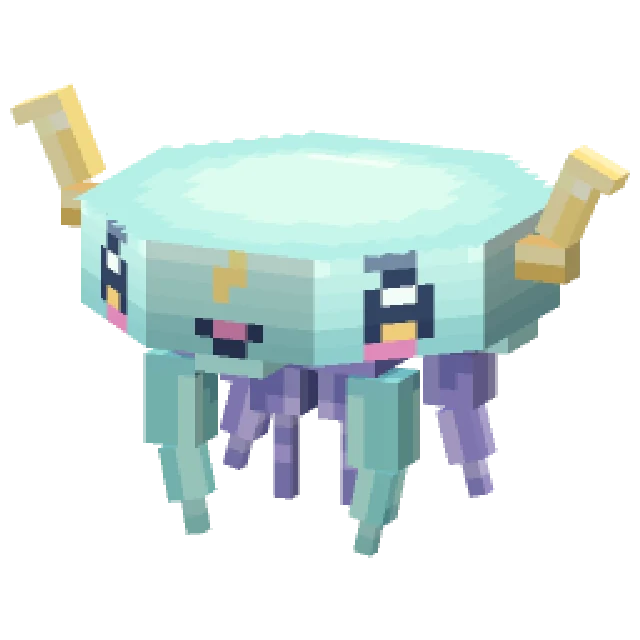 Minecraft Mob Generator
 Minecraft Sound Generator
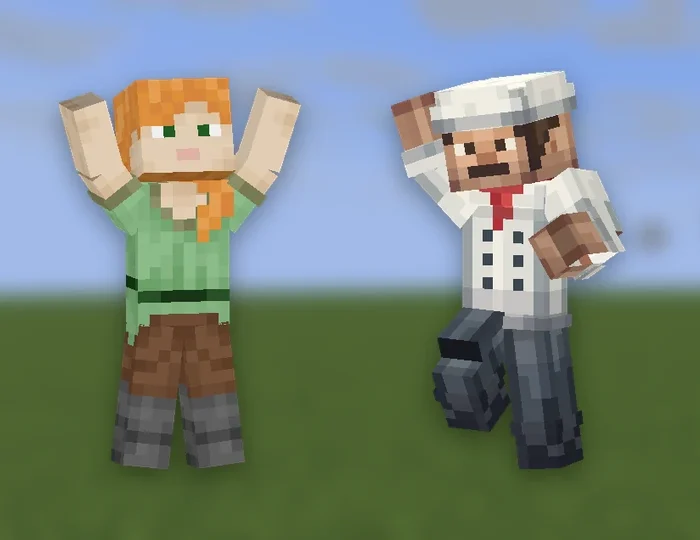 Minecraft Emote Generator
 Minecraft VFX Generator
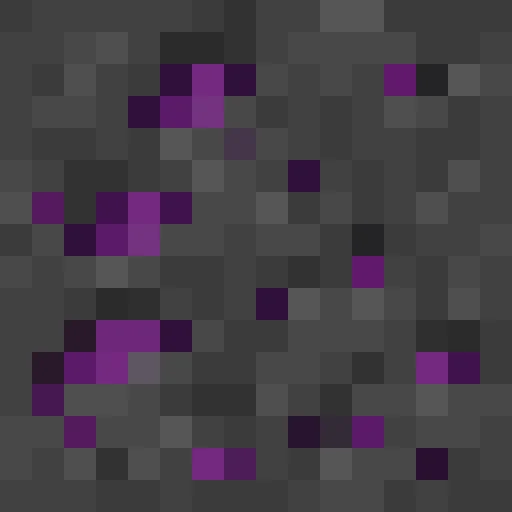 Minecraft Block Texture Generator
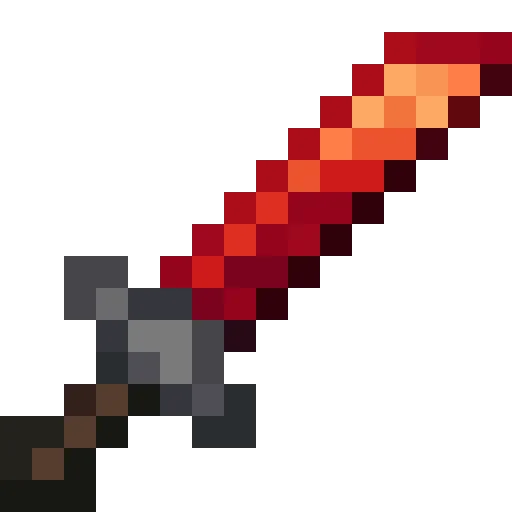 Minecraft Item Generator
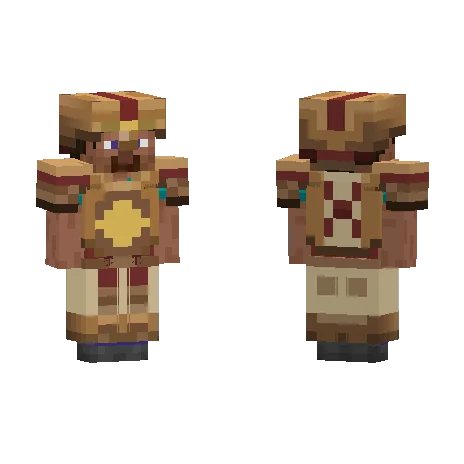 Minecraft Armor Generator
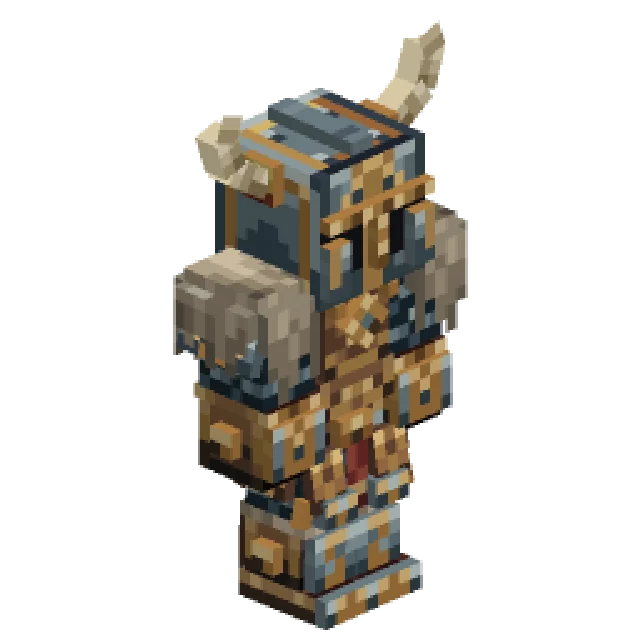 Minecraft 3D Armor Generator
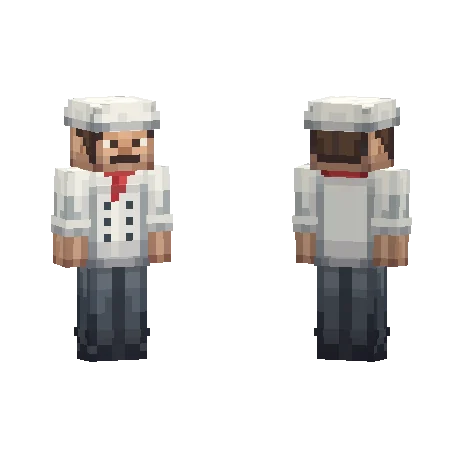 Minecraft Skin Generator
 Minecraft Icon Generator
 Minecraft Rank Tag Generator
 Minecraft GUI Generator
 Minecraft Custom GUI Generator
 Minecraft HUD Generator
 Minecraft Dialog Generator
 Minecraft Shader Generator
 Minecraft Text Effect Generator
 Minecraft Transition Generator