Three takes
Studio designs three different takes, looks at each drawn, and tidies them up.
Cover a player's whole screen while your server teleports them or starts a match, then uncover it. What streamers call a stinger, in Minecraft.
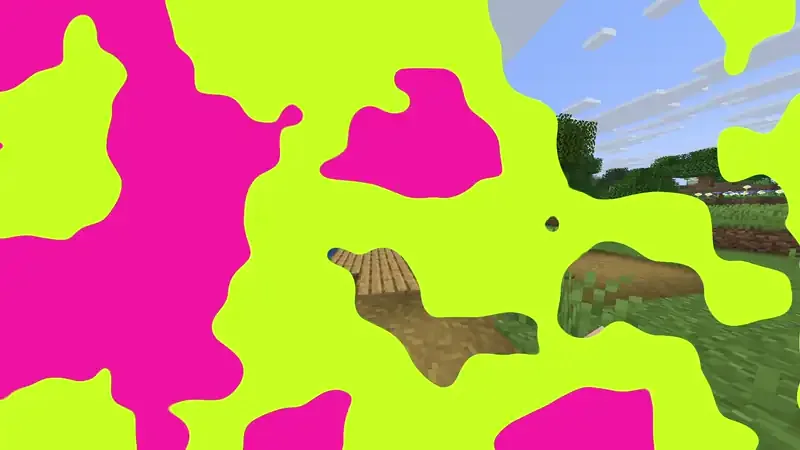
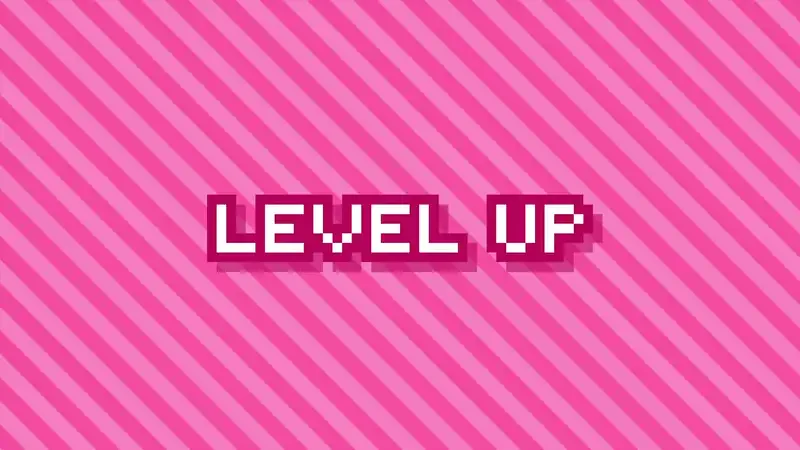
Your pack draws it, smoothly at the player's frame rate and sharp at any window size. The server only says when.
Studio designs three different takes, looks at each drawn, and tidies them up.
Wipes, irises, clocks, blinds, shapes, pixels, ink and fades.
Words in chunky capitals, or a picture you upload, shown while the screen is covered.
Up to four colours with moving stripes, checks, dots or noise.
Cut your own clip into an in, a looping hold and an out. WebM keeps transparency.
A plugin can cover the screen, do something, then uncover it.
From one sentence to your server, in four steps.
Describe it, pick a preset, or upload a video.
Change the wipe, layers, logo, timing and sounds in the editor.
Sync the pack, or publish it with Distribution.
Run /rp transition, or copy the plain /title commands.
Anything that changes underneath a player, without them seeing it happen.
Move a player between worlds behind a cover.
Your server's logo over a slanted dash of colour.
Hold the cover as long as the wait takes.
An intro cut from a clip you already have.
The Transition plays over a Minecraft screen, from one scene to another, exactly as the game draws it. Set the timing, how it comes in and goes out, layers, the edge line, the logo and its sounds, then drag along the timeline to look at any moment.
A Transition is drawn by your pack's text shader, so a plain title command can play it.
free plugin/rp transition, or the editor's Play in game button.
/titleCopy them for a command block, a datapack or any plugin.
APICover the screen, teleport, and release when you are ready.
DistributionPublish the pack once and RP Engine sends it to every player as they join.
A full-screen animation that covers a player's screen while your server changes something underneath, holds, then uncovers it. It is what streamers call a stinger.
No. The editor shows plain commands for each Transition, for a command block, a datapack or any plugin. RP Engine 0.2.64 or newer adds /rp transition and an API.
Yes. Your pack's text shader draws it, reading how far through a title's fade it is, so it plays at the player's full frame rate even though the server only works in ticks.
Yes. Upload an MP4 or a WebM and drag four marks to cut it into an in, a hold and an out. WebM keeps transparency.
Yes. Cover the screen, do the work, and release it when you are done, for as long as the wait takes.
A small speck where the title would be.
You do. Everything made on your account is yours and we retain no ownership.
Transitions are one of 21 kinds of asset Studio makes, all in one Resource Pack.
 Minecraft 3D Model Generator
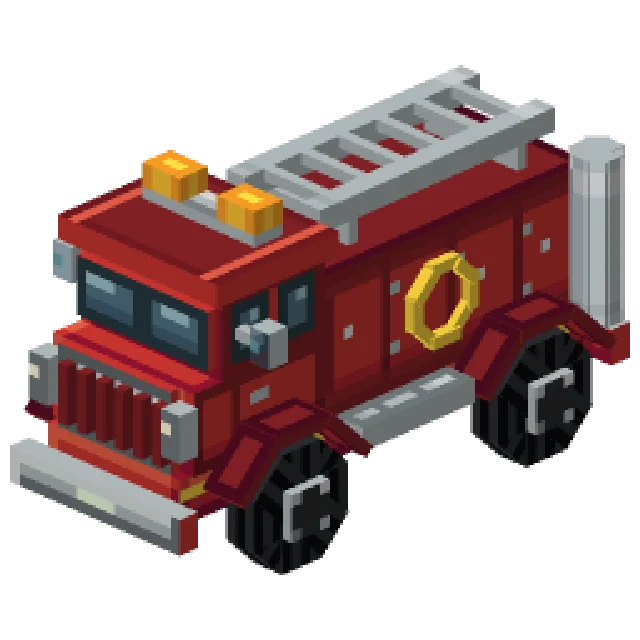 Minecraft Vehicle Generator
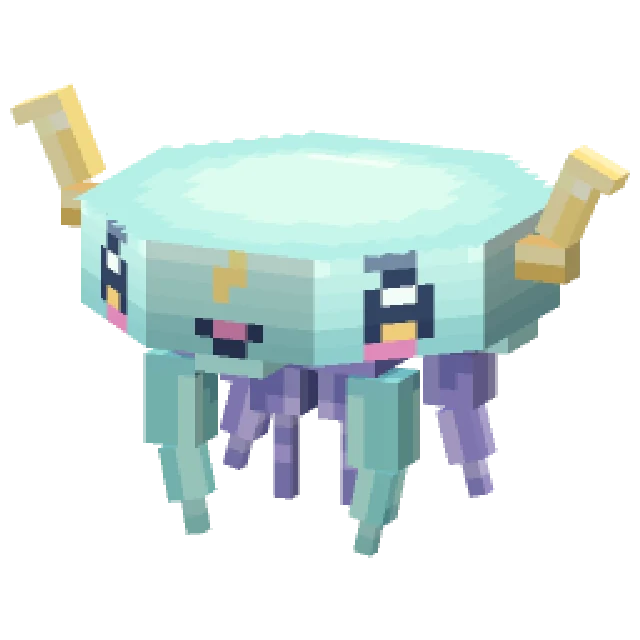 Minecraft Mob Generator
 Minecraft Sound Generator
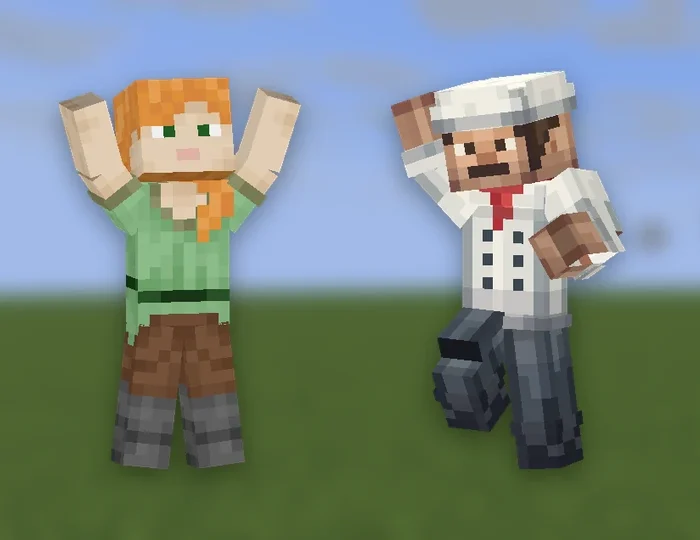 Minecraft Emote Generator
 Minecraft VFX Generator
 Minecraft Block Texture Generator
 Minecraft Item Generator
 Minecraft 3D Item Generator
 Minecraft Armor Generator
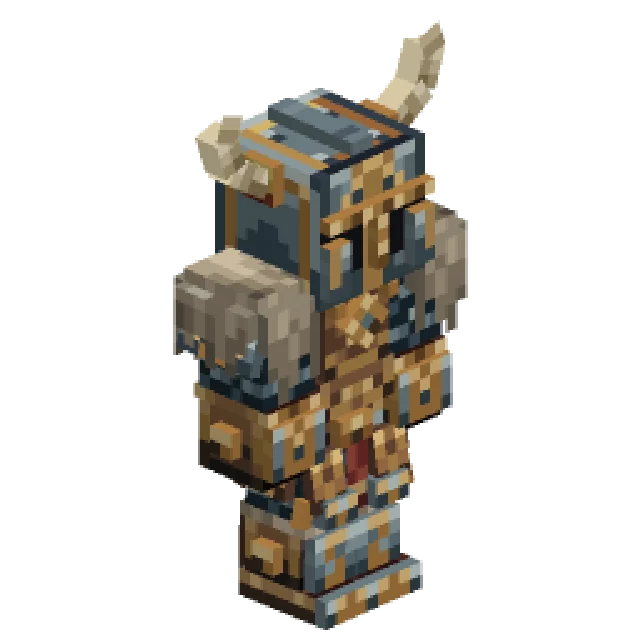 Minecraft 3D Armor Generator
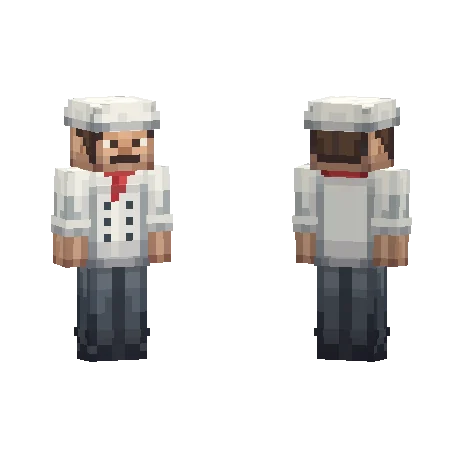 Minecraft Skin Generator
 Minecraft Icon Generator
 Minecraft Rank Tag Generator
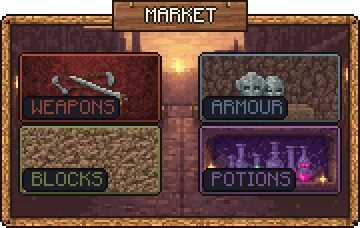 Minecraft GUI Generator
 Minecraft Custom GUI Generator
 Minecraft HUD Generator
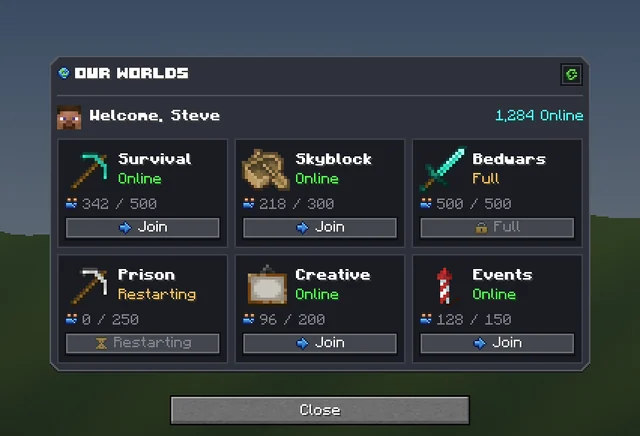 Minecraft Dialog Generator
 Minecraft Shader Generator
 Minecraft Text Effect Generator