Replace any vanilla sound
Name it after a vanilla event, such as entity.creeper.primed, and it plays everywhere the game would have played the old one.
Describe a noise and get several takes to choose from. Replace a noise the game already makes, or add a new one for your server to play.
Every Sound lands as Ogg Vorbis in mono, which is the only form Minecraft plays positionally, named after the event it belongs to and ready to ship in your pack.
Name it after a vanilla event, such as entity.creeper.primed, and it plays everywhere the game would have played the old one.
Name it custom.laser and it waits for a command or a plugin to play it. Nothing in the game triggers it on its own.
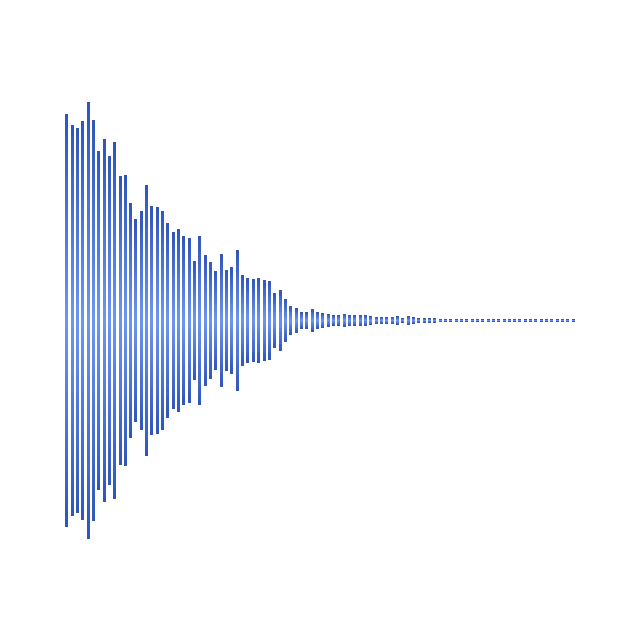
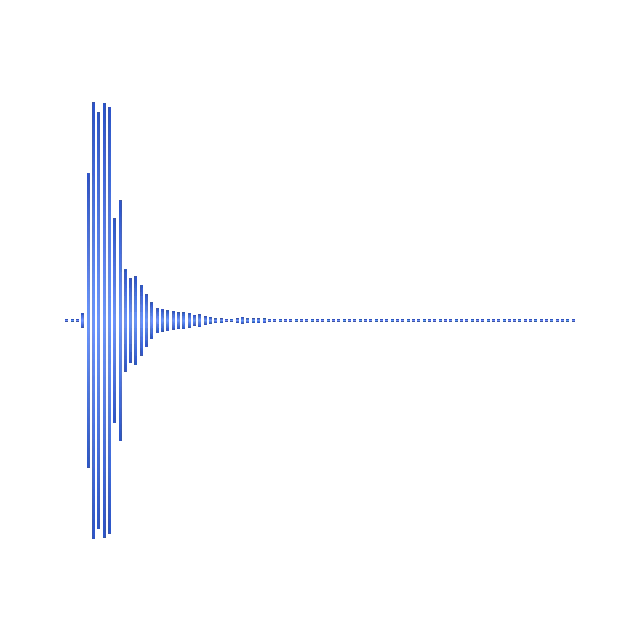
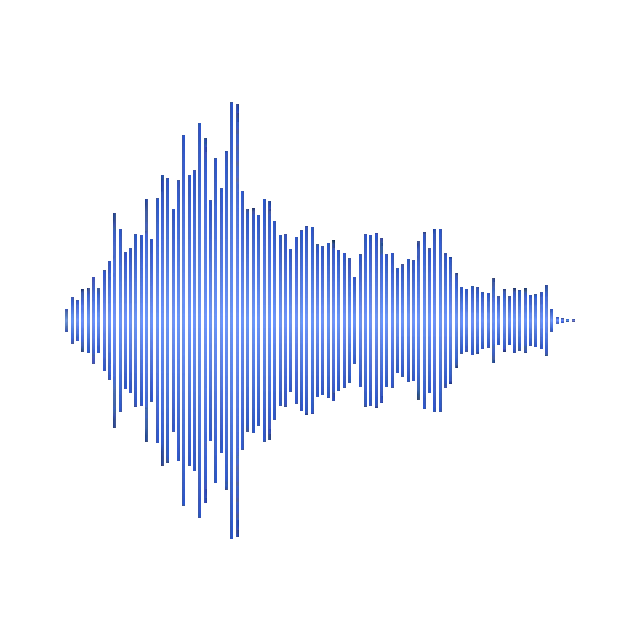
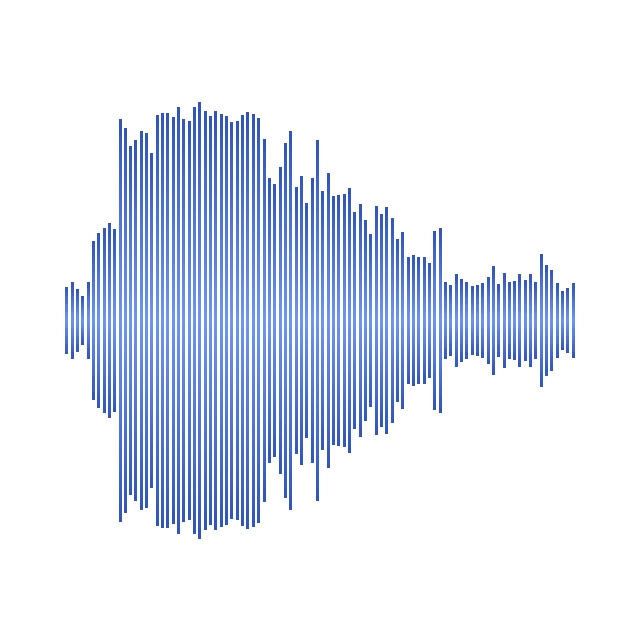
One prompt makes up to ten versions. Play each as a waveform and use the best. The rest stay for comparison until you delete them.
From half a second to thirty, or let the AI pick. Choose a one-shot, or a seamless loop for something that plays continuously.
Edit with AI takes "deeper" or "less echo" and adds the result as a new take, so the one you had stays in the list.
A mono file fades and pans with distance in game. A stereo one plays flat at full volume wherever the player stands.
From one sentence to your server, in four steps.
Describe the noise the way you would to somebody making it, and choose how many takes.
Play every take as a waveform and use the best one.
Name its event after a vanilla sound to replace it, or give it a new name for commands to play.
Export the pack, or Sync it and play the Sound in game with one click.
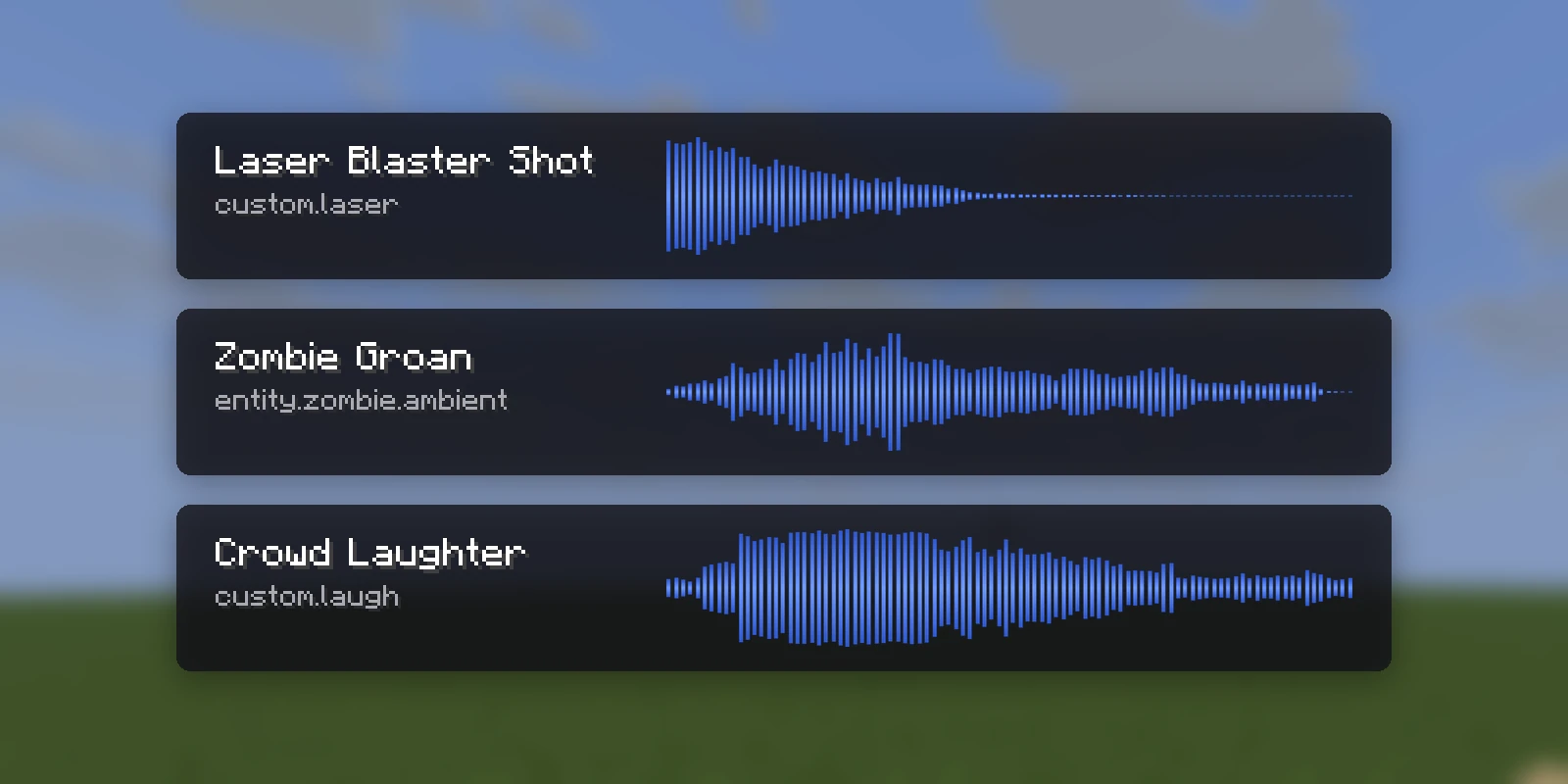
Real Sounds from the public gallery, each beside the exact prompt that made it. Open any of them to listen, and copy it into your own pack.
If you can describe it to somebody who has to make it, you can generate it.
Groans, hisses and footsteps that replace the vanilla ones.
Chests, trapdoors and iron doors dragging across stone.
Laser shots, sword swings and spell impacts for your plugins to play.
Campfires, lava and machinery as seamless loops.
Every take is on the Sound's page as a waveform you can play. Use this take picks the one the pack ships, Generate another take adds to the list, and any take can become a Sound of its own. The event name can change later without generating again.
One pack, every format, with your Sounds merged in under your event names.
.zipAn ordinary Resource Pack. It works with no plugin at all.
.mcpackYour audio, named exactly as you named each event.
contents/Playable with /iaplaysound. A replacement still replaces.
.zipYour pack as Nexo content, merged beside what your server has.
.zipYour pack as Oraxen content, merged beside what your server has.
.zipYour pack as a CraftEngine resource folder, ready to unzip.
free pluginPress Sync and the pack is on your server in seconds, while you build.
DistributionPublish the pack once and RP Engine sends it to every player as they join.
Yes. Name your Sound after the vanilla event, such as entity.creeper.primed or block.chest.open, and your audio plays wherever the game would have played the original.
Yes. Give it a new event name like custom.laser. A command or a plugin then plays it, for example /playsound minecraft:custom.laser player @p.
Ogg Vorbis in mono. Minecraft reads Ogg Vorbis only, and it only fades and pans a Sound with distance if it has one channel.
From 0.5 to 30 seconds. Leave the length blank and the AI picks one.
Yes. Choose Seamless loop for something that plays continuously, such as a campfire or a machine.
Yes. The .mcpack carries your audio and names each Sound as you named its event. Replacing a vanilla sound for Bedrock players needs RP Engine and Geyser on the server.
You do. Everything made on your account is yours and we retain no ownership.
Sounds are one of 21 kinds of asset Studio makes, all in one Resource Pack.
 Minecraft 3D Model Generator
 Minecraft Vehicle Generator
 Minecraft Mob Generator
 Minecraft Emote Generator
 Minecraft VFX Generator
 Minecraft Block Texture Generator
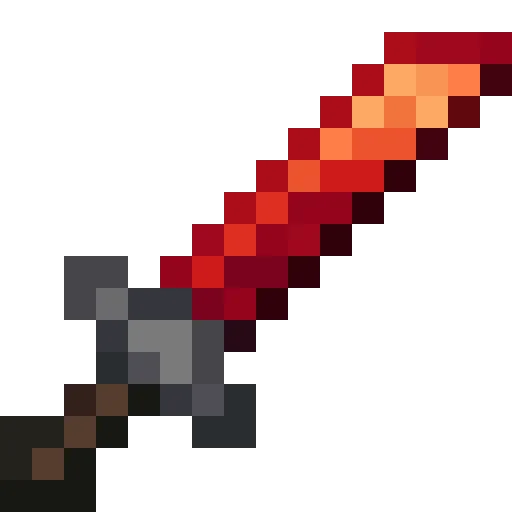 Minecraft Item Generator
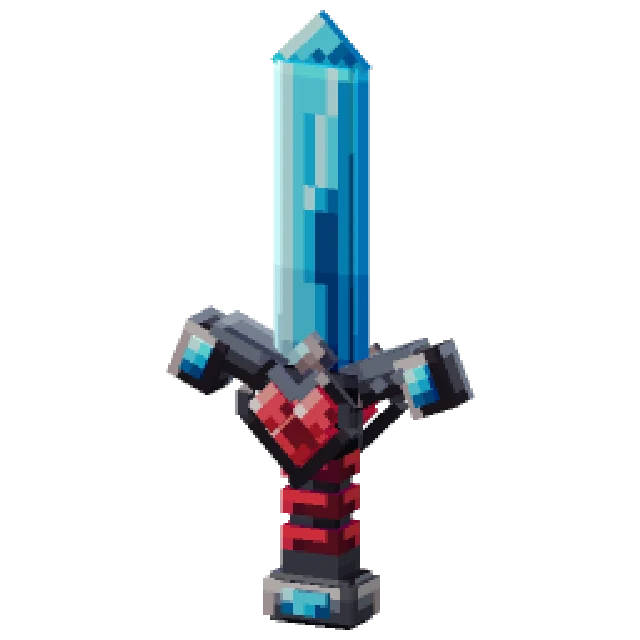 Minecraft 3D Item Generator
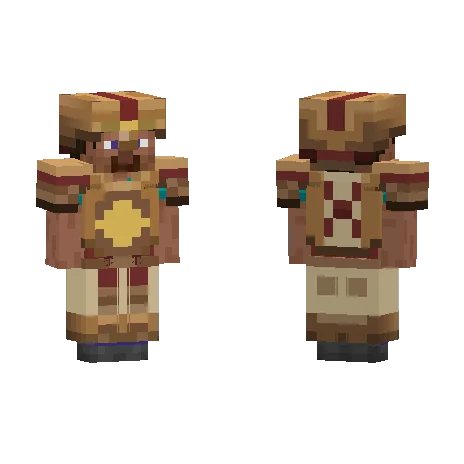 Minecraft Armor Generator
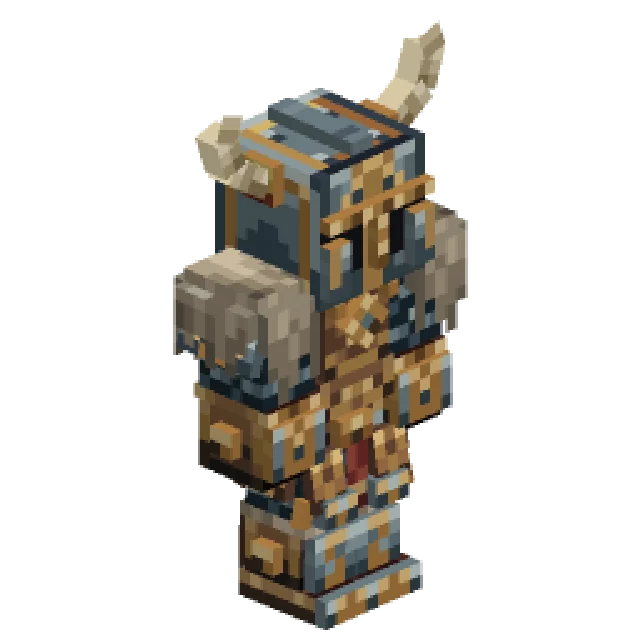 Minecraft 3D Armor Generator
 Minecraft Skin Generator
 Minecraft Icon Generator
 Minecraft Rank Tag Generator
 Minecraft GUI Generator
 Minecraft Custom GUI Generator
 Minecraft HUD Generator
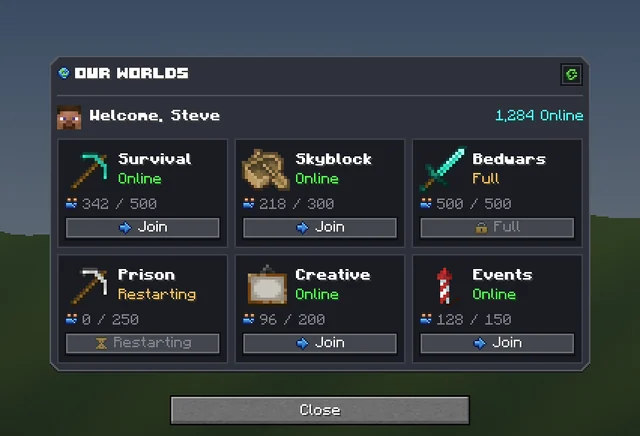 Minecraft Dialog Generator
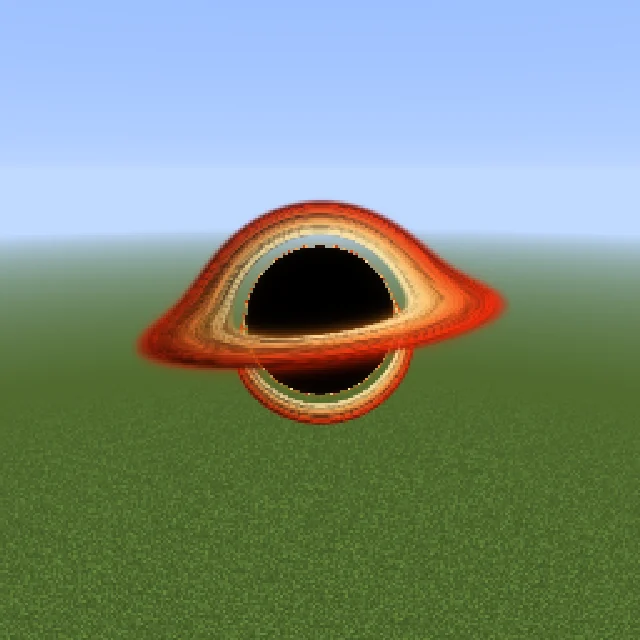 Minecraft Shader Generator
 Minecraft Text Effect Generator
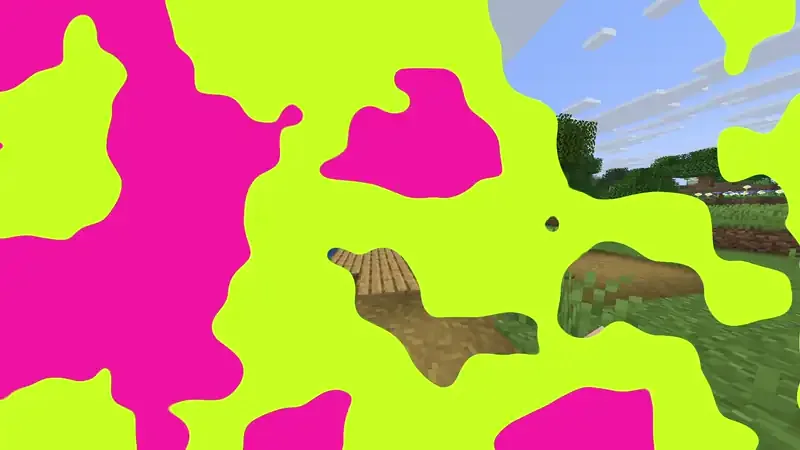 Minecraft Transition Generator