Seamless every time
Placed in a wall of itself, a generated Block shows no seams.
Describe a material and get a seamless 16x16 Block texture. Pick the block it replaces, finish it by hand, and see it in your world.
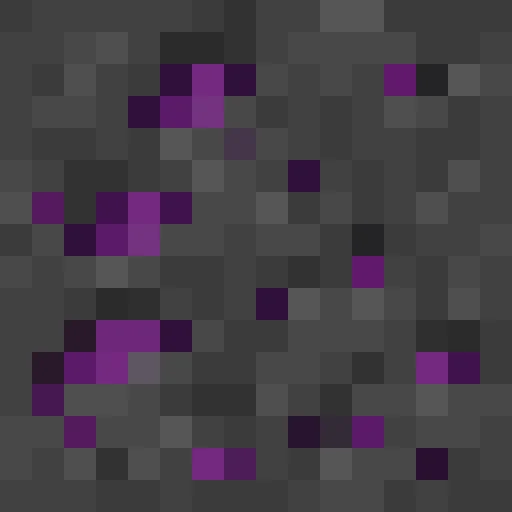
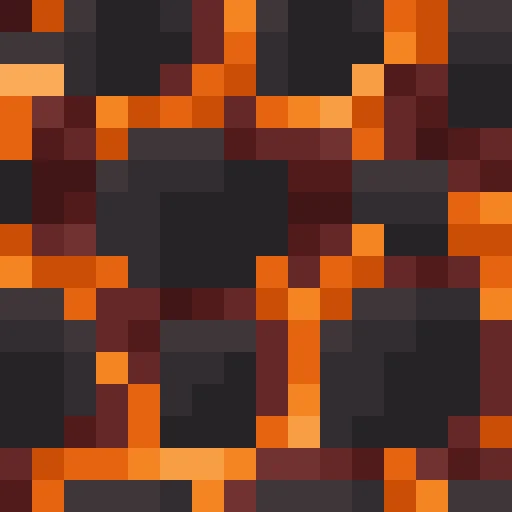
Every Block comes back at 16x16, vanilla's own resolution, so it sits naturally next to the rest of the game and shows no seams in a wall of itself.
Placed in a wall of itself, a generated Block shows no seams.
Every Block is drawn 4 times and Studio picks the best one to start you off.
The Faces card gives a Block its own top, bottom and sides. Click a face to generate it.
Stone, oak planks, diamond ore. Pick what it replaces and every copy in the world changes.
Edit with AI describes one change and keeps the rest of the texture.
Start from Blank or upload at 32x32, 64x64 or any square up to 256.
From one sentence to your server, in four steps.
Pick the vanilla block to replace and describe the material.
Studio draws it 4 times and starts you on the best one.
Finish it in the pixel editor, or give each face its own texture.
Sync it to see every copy change in your world, or export a Resource Pack.
Real Blocks from the public gallery, each beside the exact prompt that made it. Open any of them and copy it into your own pack.
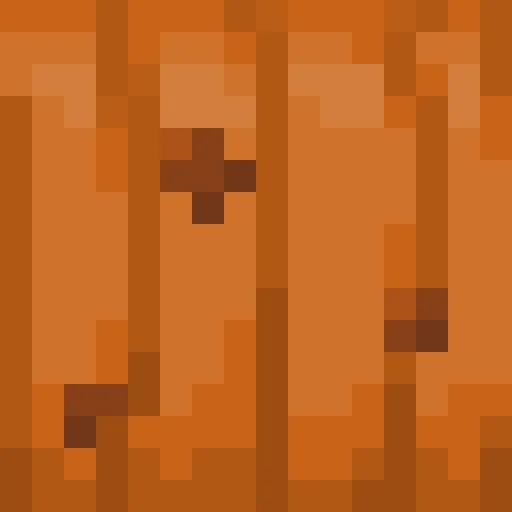
"deep orange pumpkin skin with bold vertical ribs and a few dark blemishes"
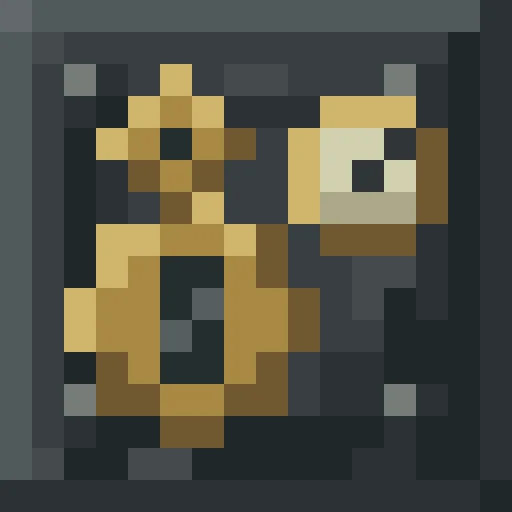
"Steampunk machine casing: dark riveted iron plates with brass gears and a small pressure gauge, oily soot in the seams"

"Packed blue glacier ice with deep cracks and trapped air bubbles"
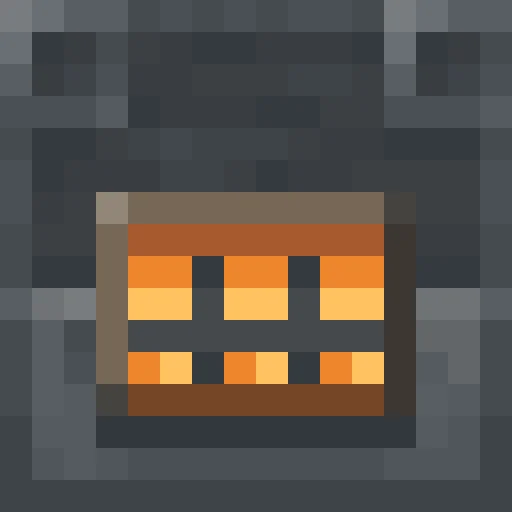
"Front of a blast furnace machine, heavy dark steel with a glowing orange grate and heat-stained edges"
A Block replaces how a block already in the game looks, so every copy in the world changes at once.
Stone, dirt, ores, ice and magma, reworn for your world.
Planks, bricks, wool and concrete in your server's palette.
Furnaces and server racks with a different texture on the front.
Pumpkins, chocolate and candy for seasonal events.
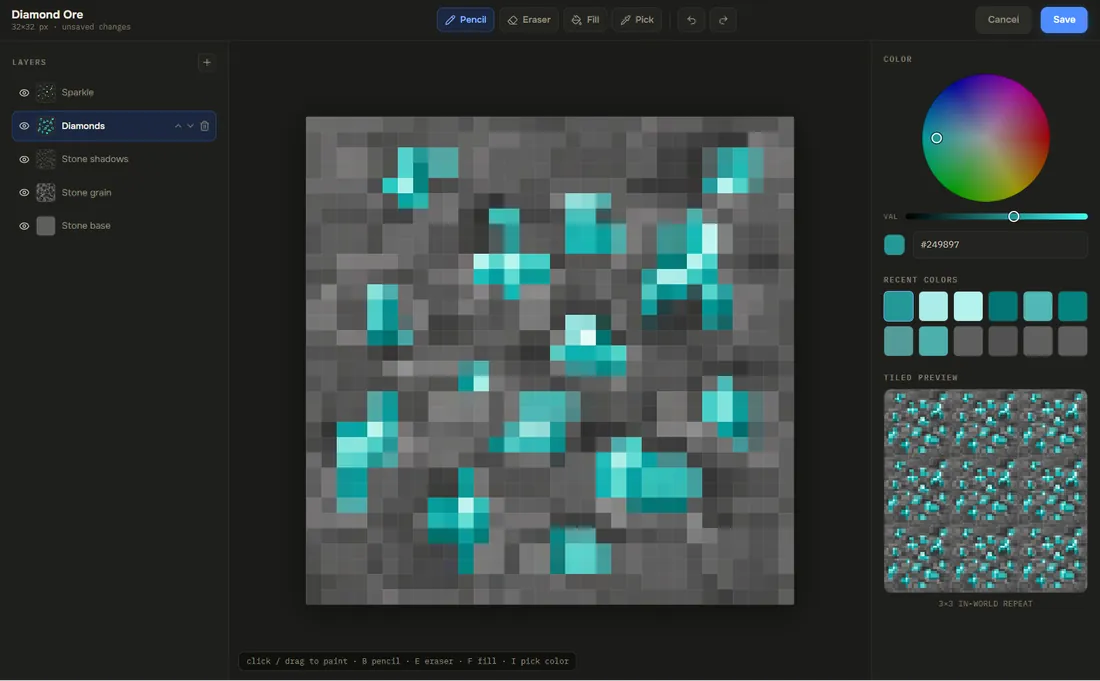
Every Block opens in the pixel editor: pencil, fill, line, shapes and text, with layers, mirror painting and a tiled preview. Keep the AI's draft on the bottom layer and paint your fixes above it. The block editor paints straight onto the cube in 3D.
One pack, every format. A Block replaces the vanilla file, so it needs no other setup.
.zipAn ordinary Resource Pack. It works with no plugin at all.
.mcpackBlock reskins carry over, renamed where Bedrock calls it something else.
contents/Ready-made ItemsAdder content with the config written for you.
.zipYour pack as Nexo content, merged beside what your server has.
.zipYour pack as Oraxen content, merged beside what your server has.
.zipYour pack as a CraftEngine resource folder, ready to unzip.
free pluginPress Sync and the pack is on your server in seconds, while you build.
DistributionPublish the pack once and RP Engine sends it to every player as they join.
Yes. Every generated Block tiles, so a wall of it shows no seams.
A generated Block is 16x16, vanilla's own resolution. For an HD texture, start from Blank at 32x32, 64x64 or any square size up to 256, or upload one.
Yes. On a full-cube block, the Faces card gives each face its own texture. Blocks that vanilla textures in parts, like logs, show their own parts such as Top and Sides.
A Resource Pack can only change how existing blocks look. For something with its own shape, generate a 3D Model.
On a server running RP Engine, our free plugin, Sync sends the pack straight to you and every copy of that block changes at once. Without a plugin, export the .zip and add it like any Resource Pack.
Yes. Block reskins carry over to the .mcpack. Per-face blocks carry only their base texture.
You do. Everything made on your account is yours and we retain no ownership.
Blocks are one of 21 kinds of asset Studio makes, all in one Resource Pack.
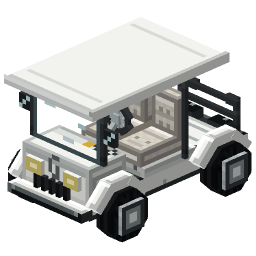 Minecraft 3D Model Generator
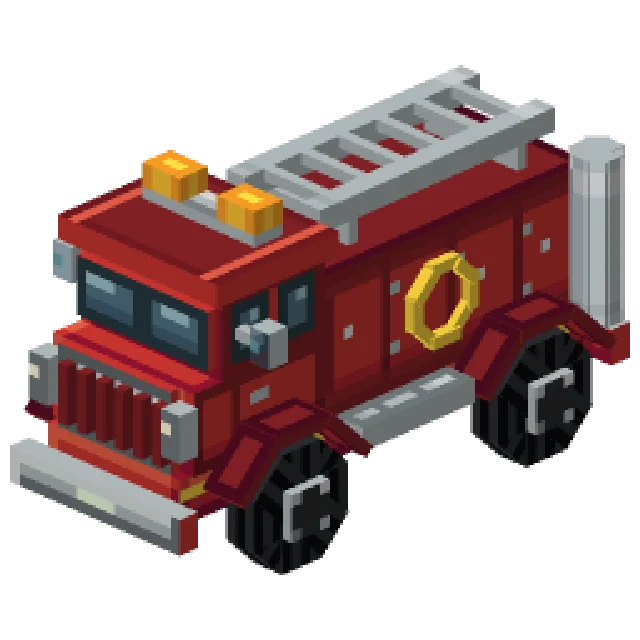 Minecraft Vehicle Generator
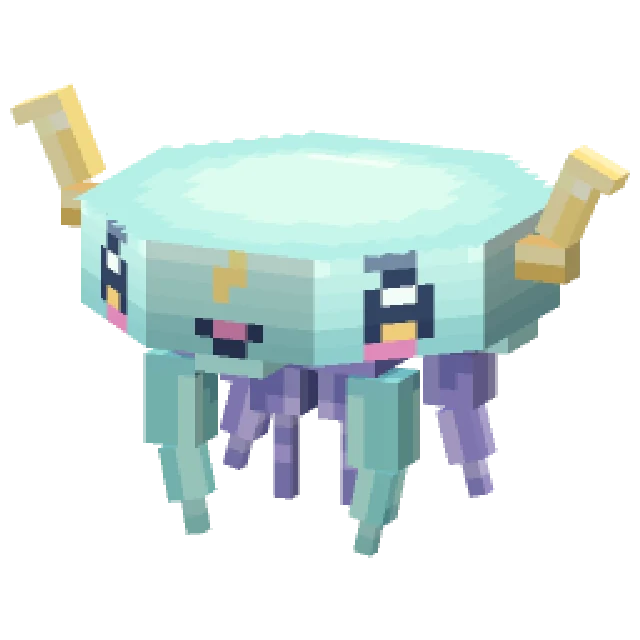 Minecraft Mob Generator
 Minecraft Sound Generator
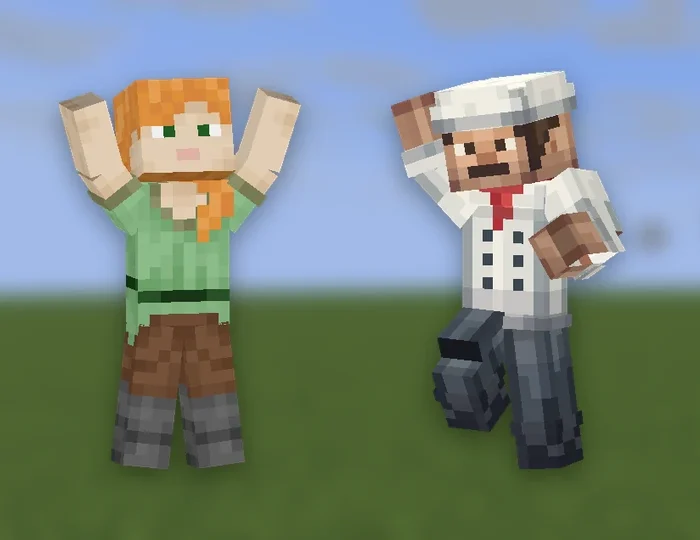 Minecraft Emote Generator
 Minecraft VFX Generator
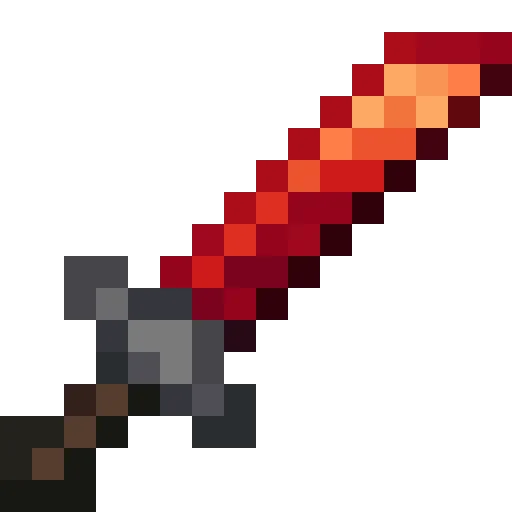 Minecraft Item Generator
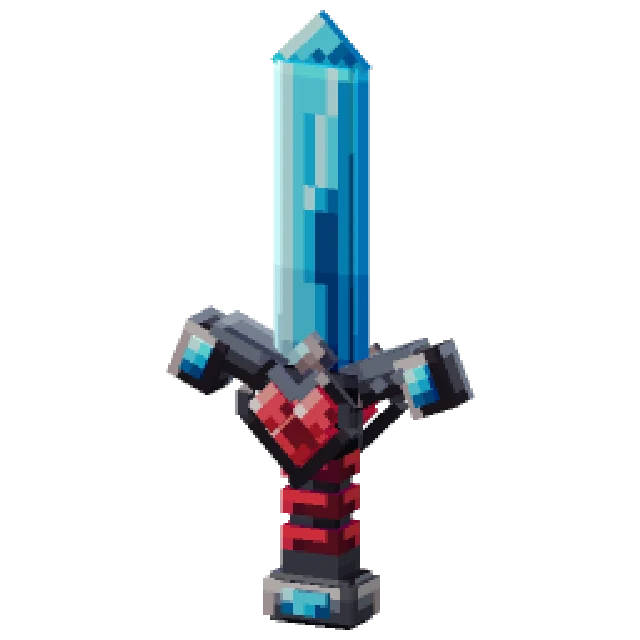 Minecraft 3D Item Generator
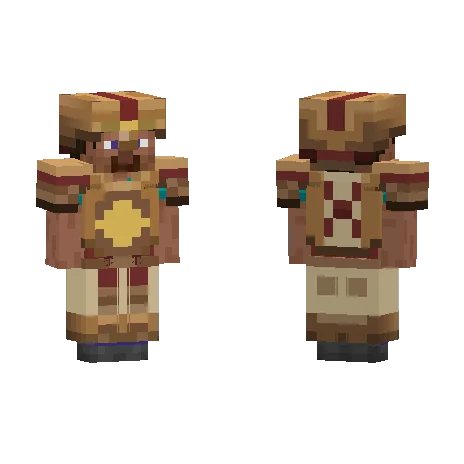 Minecraft Armor Generator
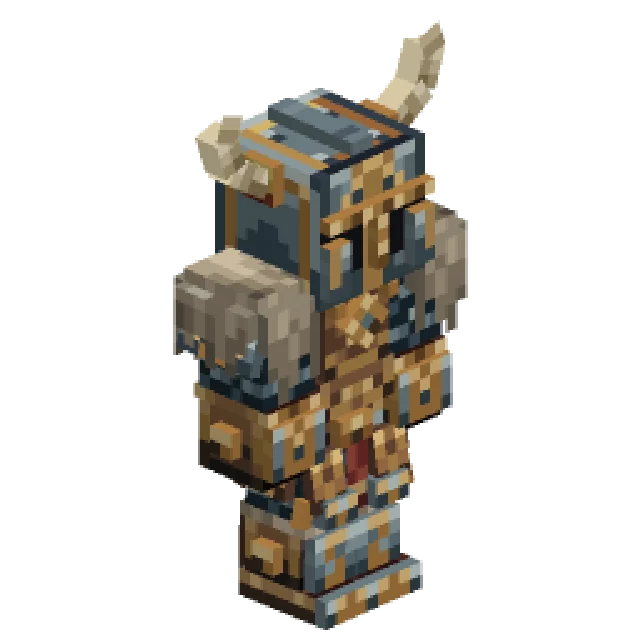 Minecraft 3D Armor Generator
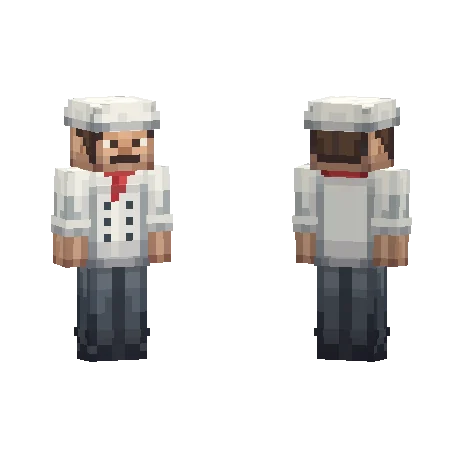 Minecraft Skin Generator
 Minecraft Icon Generator
 Minecraft Rank Tag Generator
 Minecraft GUI Generator
 Minecraft Custom GUI Generator
 Minecraft HUD Generator
 Minecraft Dialog Generator
 Minecraft Shader Generator
 Minecraft Text Effect Generator
 Minecraft Transition Generator