Every container screen
Chests from 1 to 6 rows, furnaces, anvils, hoppers, crafting tables and more.
Describe a shop, a warp menu or an auction house and get a finished screen, lined up with the real slots. Every piece stays an editable layer.
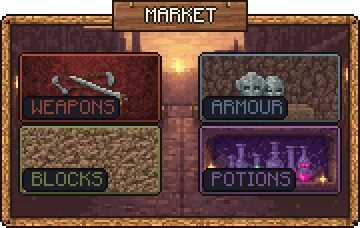
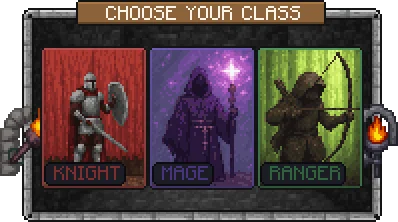
Describe the whole screen and the AI picks the size, title, sections, buttons and layout. Everything lands as separate layers you can keep editing.
Chests from 1 to 6 rows, furnaces, anvils, hoppers, crafting tables and more.
Name no style for Minecraft's grey window. Name a theme and it repaints the screen.
An overlay shows on screens a plugin opens with its title. Ordinary chests stay ordinary.
Restyle the player's own inventory, and the pause screen's buttons.
Your art can be bigger than the window: a banner, a frame, hanging chains.
Upload a .ttf and set words in it. No player needs the font.
From one sentence to your server, in four steps.
Describe the whole screen, or pick the screen to reskin and lay it out yourself.
Move, restyle or repaint any layer in the GUI editor.
Sync and press Open in-game to see it against real slots.
Export a Resource Pack or your plugin's format, with its title string.
Real GUIs from the public gallery, each beside the exact prompt that made it. Open any of them and copy it into your own pack.
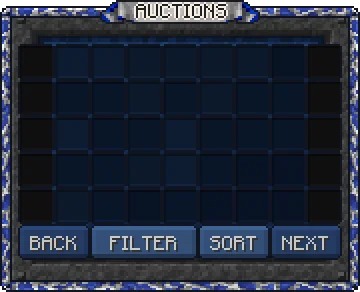
"6 rows. An auction house browser. Grid of listing slots, a filter row along the bottom, deep blue and silver, banner title reading AUCTIONS."
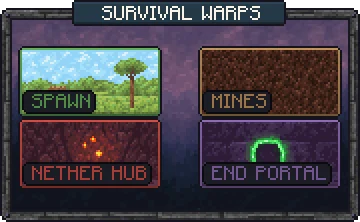
"4 rows. A warp menu for a survival server. Cards for spawn, mines, nether hub, end portal, each with its own biome colour, dark stone frame."
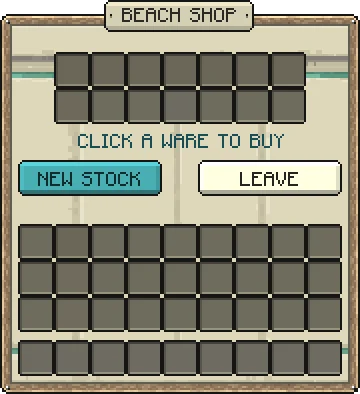
"A seaside beach shop. Bleached driftwood frame with rope trim, pale sand and turquoise palette, shell and coral accents, hanging driftwood sign reading BEACH SHOP."
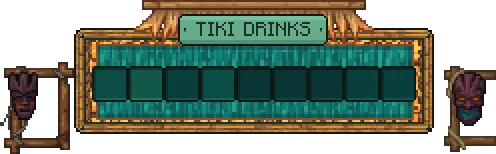
"A tiki bar drinks menu. Bamboo frame with woven palm thatch along the top, sunset orange and deep teal, carved tiki mask at each end, single row of drink slots."
Anything a chest can be. The buttons you draw are pictures over slots, and a plugin decides what each click does.
Market hubs with a card for each category.
Spawn, mines and portals, each in its own colour.
Banks, trades and auction houses.
Three big cards for a knight, a mage and a ranger.
The GUI editor shows the vanilla window frame and a guide box on every slot, so you can line a panel up with the grid. Add buttons, text, icons, QR codes, scroll bars, tabs and player heads, or paint over the vanilla art by hand.
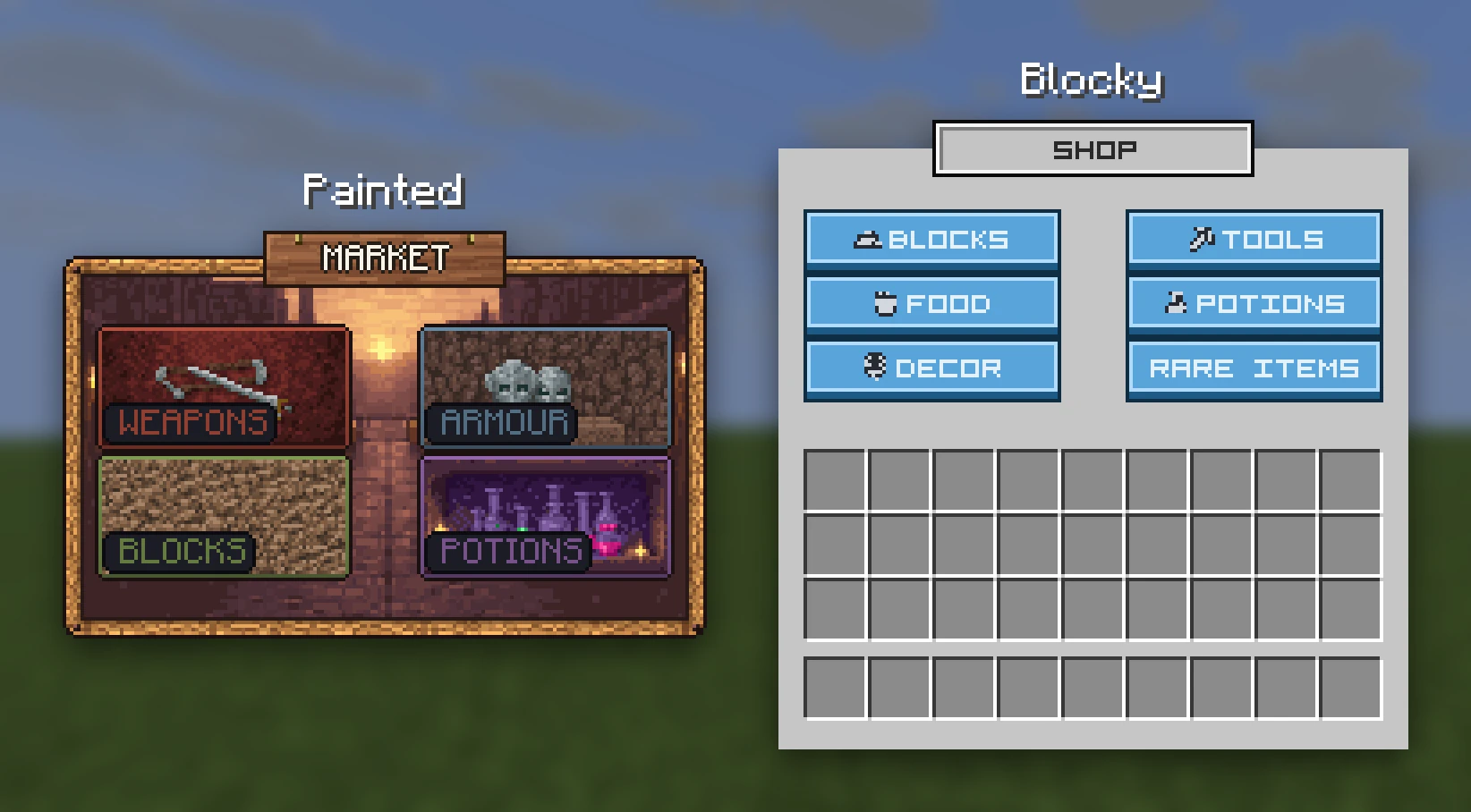
One pack, every format, with the ready-made title string for each menu in the README. GUIs are Java only.
.zipAn ordinary Resource Pack. It works with no plugin at all.
free pluginPress Open in-game, or run /rp screen.
contents/A font_image, with its title string in the README.
.zipA glyph, with its title string in the README.
.zipA glyph, with its title string in the README.
.zipAn image, with its title string in the README.
A Resource Pack cannot move a slot, add one, resize the window or change what a click does. That is server code. Design around the slots the screen already has.
No. An overlay is only drawn on screens a plugin opens with the GUI's special title, which Studio gives you. Ordinary chests stay ordinary.
With RP Engine, our free plugin, press Open in-game or run /rp screen. From your own plugin, open an inventory with the title from the GUI's page.
Yes. There is an export for each, and for CraftEngine. The README gives each menu's ready-made title string.
Yes. The Player Inventory and the Escape Menu show for every player with the pack, with no command needed.
Menus with real buttons and text fields are Dialogs. Screens you write in HTML and CSS are Custom GUIs.
You do. Everything made on your account is yours and we retain no ownership.
GUIs are one of 21 kinds of asset Studio makes, all in one Resource Pack.
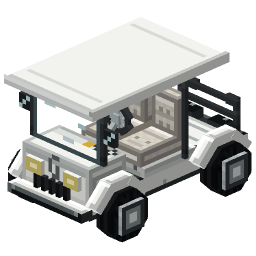 Minecraft 3D Model Generator
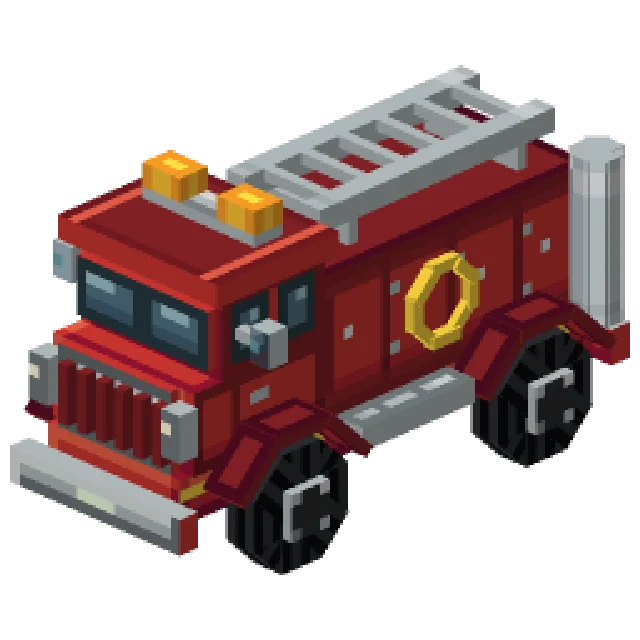 Minecraft Vehicle Generator
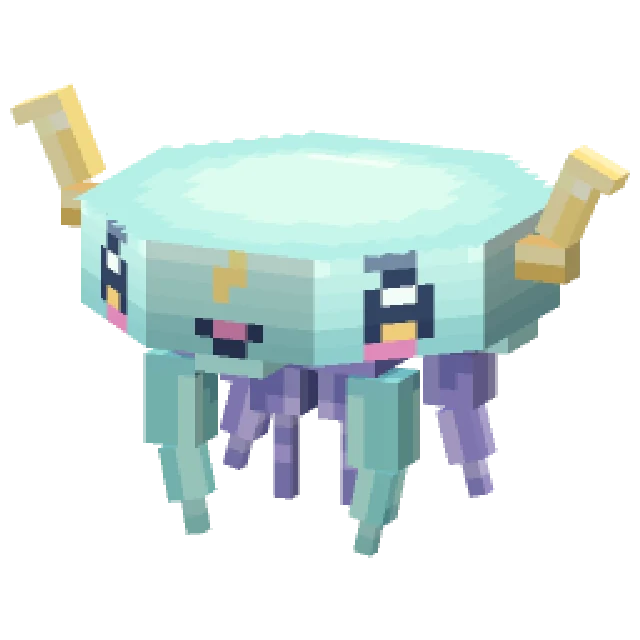 Minecraft Mob Generator
 Minecraft Sound Generator
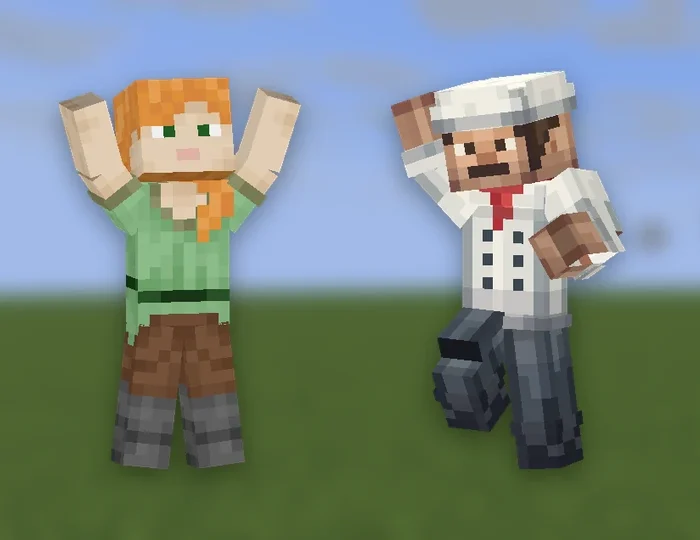 Minecraft Emote Generator
 Minecraft VFX Generator
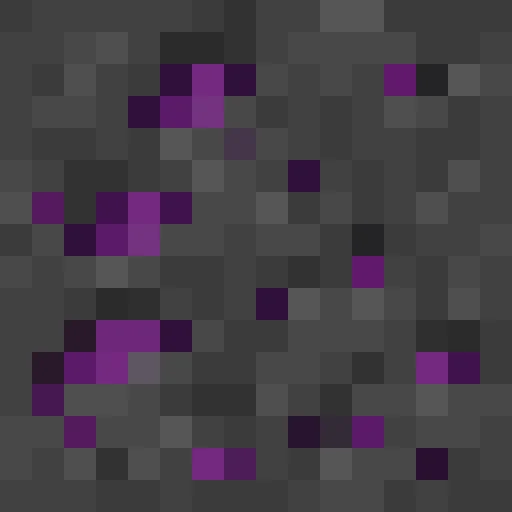 Minecraft Block Texture Generator
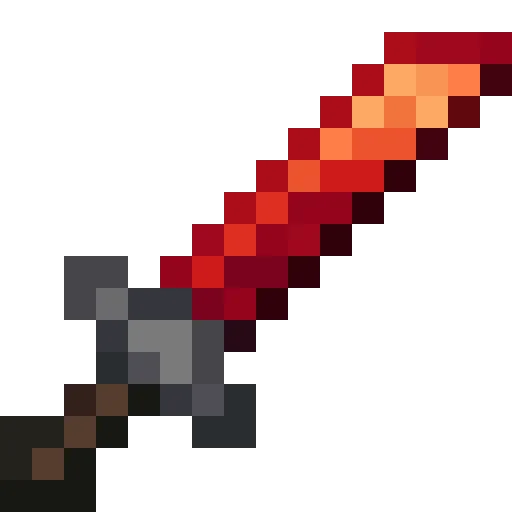 Minecraft Item Generator
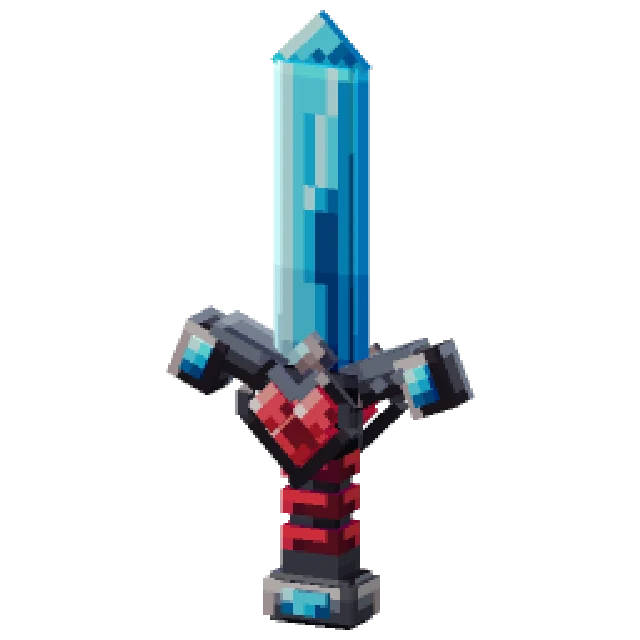 Minecraft 3D Item Generator
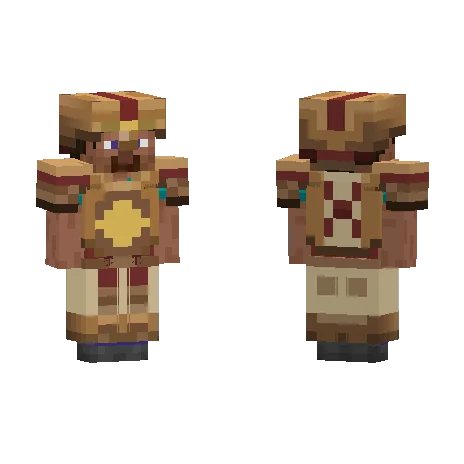 Minecraft Armor Generator
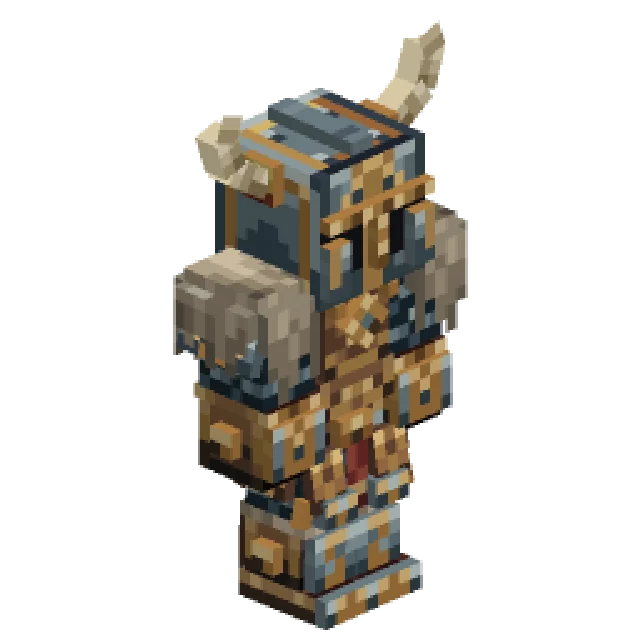 Minecraft 3D Armor Generator
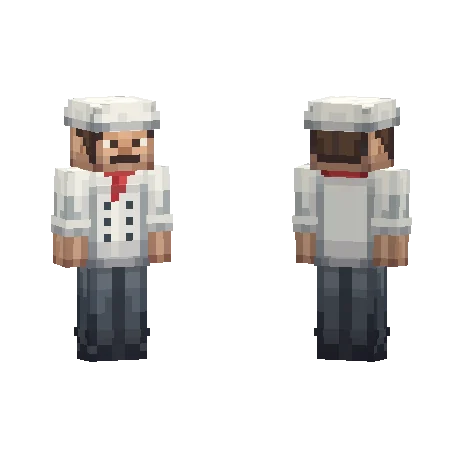 Minecraft Skin Generator
 Minecraft Icon Generator
 Minecraft Rank Tag Generator
 Minecraft Custom GUI Generator
 Minecraft HUD Generator
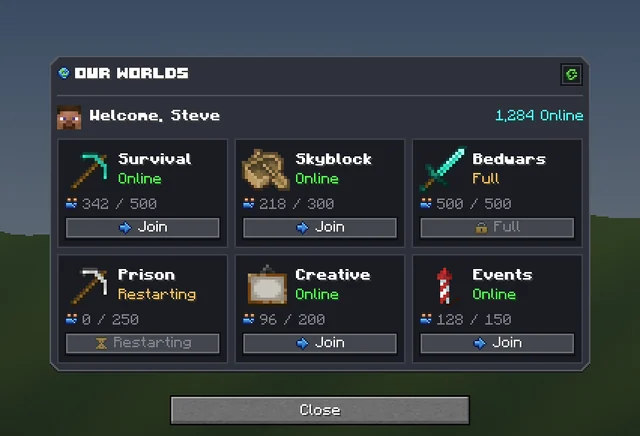 Minecraft Dialog Generator
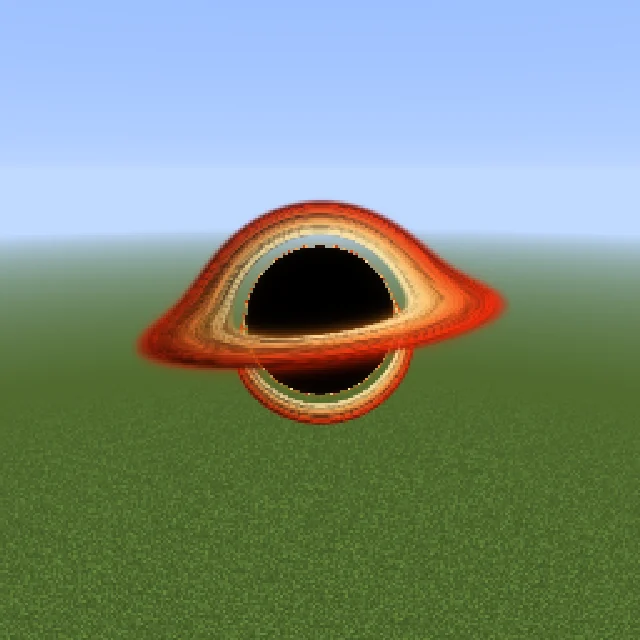 Minecraft Shader Generator
 Minecraft Text Effect Generator
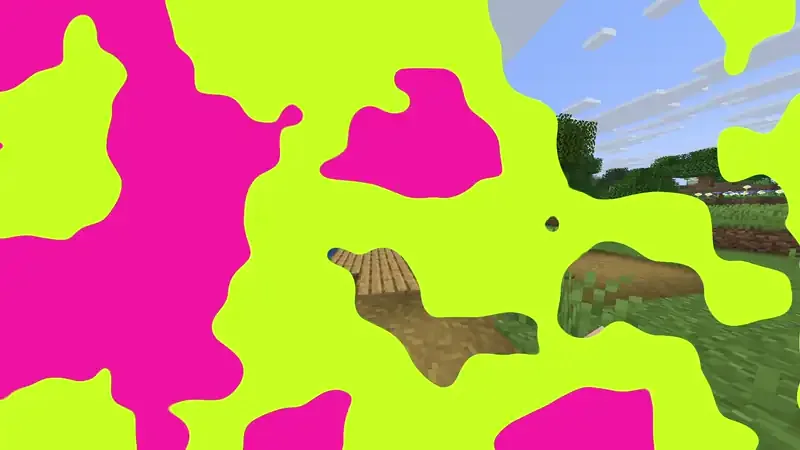 Minecraft Transition Generator