Real block-model geometry
Cubes, bones, pivots and per-face UVs, inside Minecraft's model box, so it works in an ordinary Resource Pack.
Describe furniture, a vehicle or a mob and get a textured Minecraft 3D Model. Edit it like Blockbench, animate it, and export it.
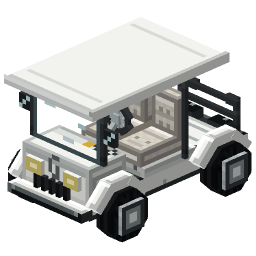
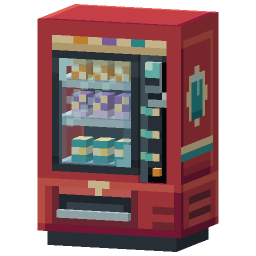
Every 3D Model comes back built, textured and grouped into bones, in one pack beside the rest of your server's art, with an editor to change any part of it.
Cubes, bones, pivots and per-face UVs, inside Minecraft's model box, so it works in an ordinary Resource Pack.
A few big cubes with the detail painted on in the game's own pixel style, not hundreds of tiny cubes or a smooth render.
Grouped into named bones with pivots at the joints, so a wheel turns on its axle. Keyframe it, or let Animate with AI write the motion.
Describe it in a sentence, or add a reference picture. Then change it with another sentence: "make the roof red", "add a chimney".
Export any model as a .bbmodel, or upload your own .bbmodel and keep its cubes, bones, animations and textures.
Sync the pack to your server while you build, give yourself the model, and place it in the world with RP Engine, our free plugin.
From one sentence to your server, in four steps.
Describe the object in a sentence, or add a reference picture. Studio builds it cube by cube and paints it.
Open it in the model editor to move cubes, paint faces in 3D and set how it looks in a hand or an item frame.
Keyframe its bones yourself, or let Animate with AI write the motion.
Export a Resource Pack, a .bbmodel or your plugin's format, or press Sync to see it on your server.
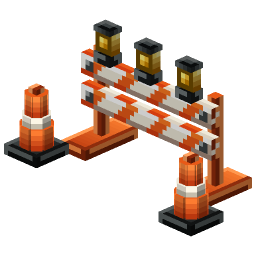
Real 3D Models from the public gallery, each beside the exact prompt that made it. Open any of them and copy it into your own pack.
Anything built from cubes. A 3D Model can stay a decoration, or become something players drive or fight.
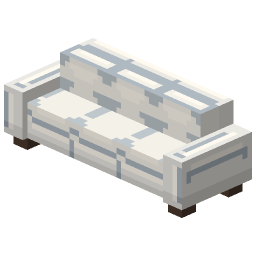
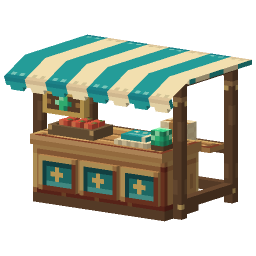
Sofas, market stalls, vending machines, lamps and signs. Players place them with a right-click and punch them to pick them up.
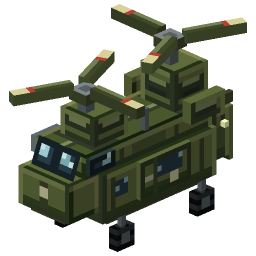
Convert a model into a Vehicle and choose its seats, handling and sounds: go-karts, boats, helicopters. Drivable with RP Engine.
Generate a Mob from words, or convert a model you have, then set how it behaves, fights and what it drops.
Set how it looks in a hand, on a head, on the ground and in an item frame, with a player beside it to judge the size.
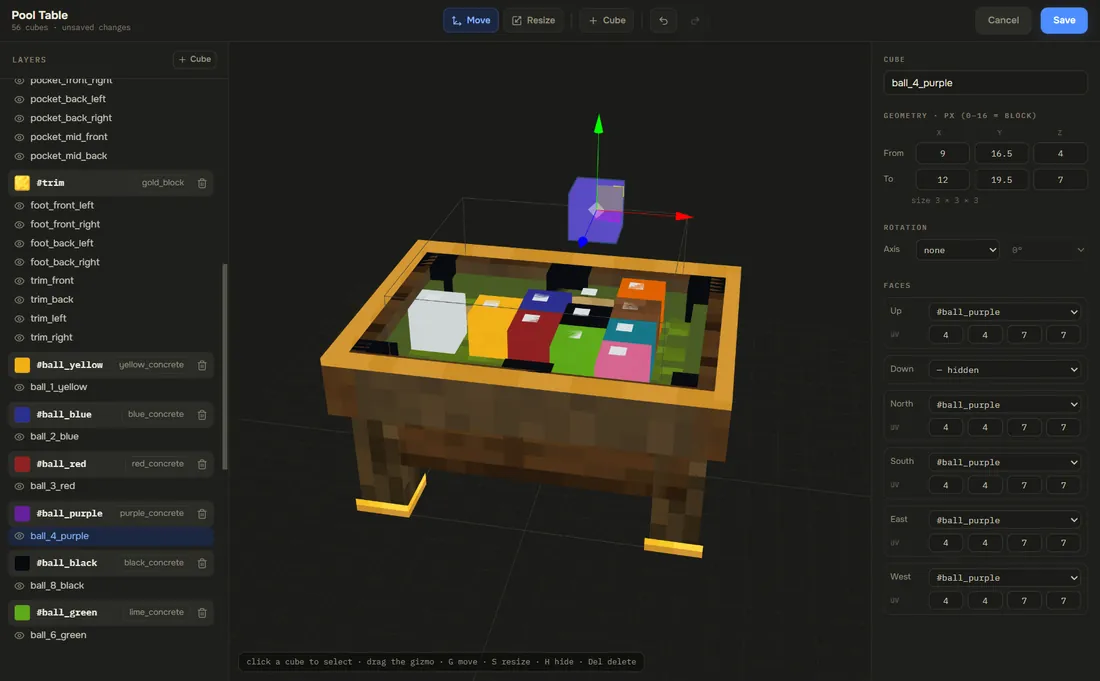
Every 3D Model opens in the model editor: cubes and bones on the left, the build in the middle, each cube's size, rotation and texture on the right. Paint straight onto it in 3D, set its display slots, and keyframe its animations, with no download and no plugin.
One pack, every format. Each plugin export is your content in that plugin's own format, with the config written and a README listing every item.
.zipAn ordinary Resource Pack. It works with no plugin at all.
.mcpackThe same pack converted for Bedrock, with animations kept.
.bbmodelOne Blockbench file per model, for Model Engine or BetterModel.
contents/Ready-made ItemsAdder content with items.yml written for you.
.zipYour models and items as Nexo content.
.zipYour models and items as Oraxen content.
.zipYour models and items as CraftEngine content.
free pluginSync live, place, animate, drive and fight, from our own plugin.
Anything built from cubes: furniture and decoration, props, signs, food, vehicles, machines, mobs and bosses. Generated models look like Minecraft, a few big cubes with the detail painted on, rather than a smoothed mesh.
Yes. The Model Engine export gives you every 3D Model as a Blockbench .bbmodel with its textures packed inside. It works the other way too: upload a .bbmodel and it keeps its cubes, bones, animations and textures.
Yes. Every generated 3D Model comes back painted, and Paint mode lets you paint straight onto it in 3D afterwards, or open the texture in the full pixel editor.
Yes. Models arrive grouped into bones with pivots at the joints. Add keyframes in the editor, or describe the motion and Animate with AI writes keyframes you can edit. RP Engine plays them in game, and the Bedrock and Model Engine exports keep them.
Yes. There is an export for each of them, and for CraftEngine and BetterModel too. Each is built from the same pack as the Java .zip and comes with a README listing every item id.
With RP Engine, our free server plugin, yes: give yourself the model, right-click a block to place it, and punch it to pick it back up. In an ordinary Resource Pack it is an item model, drawn on a piece of paper.
Yes. Convert a 3D Model into a Vehicle and choose its seats, handling and sounds, or into a Mob and choose how it behaves and fights. Both need RP Engine on the server.
A few minutes. The AI plans the object, builds it cube by cube, paints it and checks its own work, and you can close the tab while it runs.
You do. Everything made on your account is yours and we retain no ownership.
3D Models are one of 21 kinds of asset Studio makes, all in one Resource Pack.
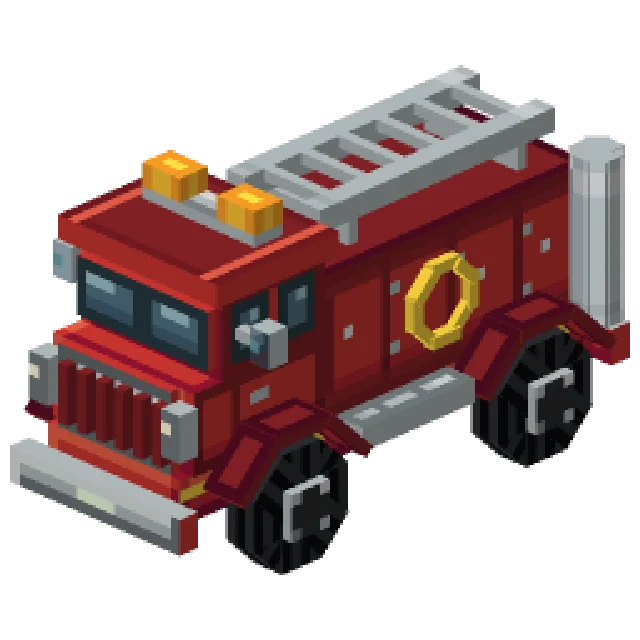 Minecraft Vehicle Generator
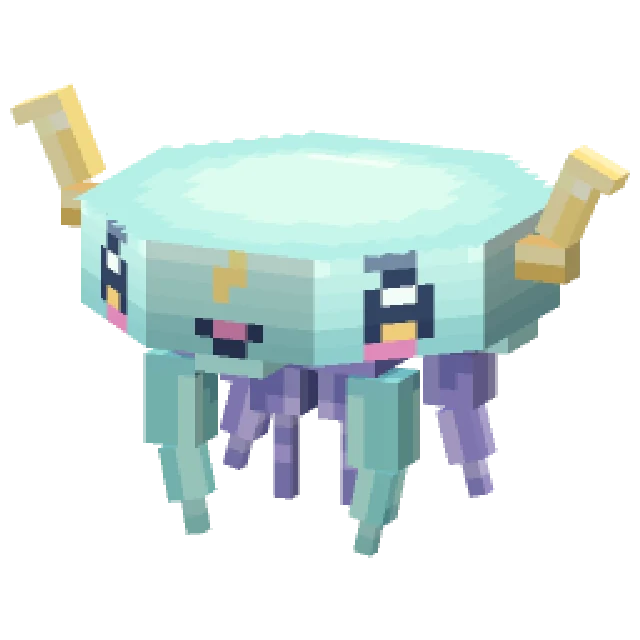 Minecraft Mob Generator
 Minecraft Sound Generator
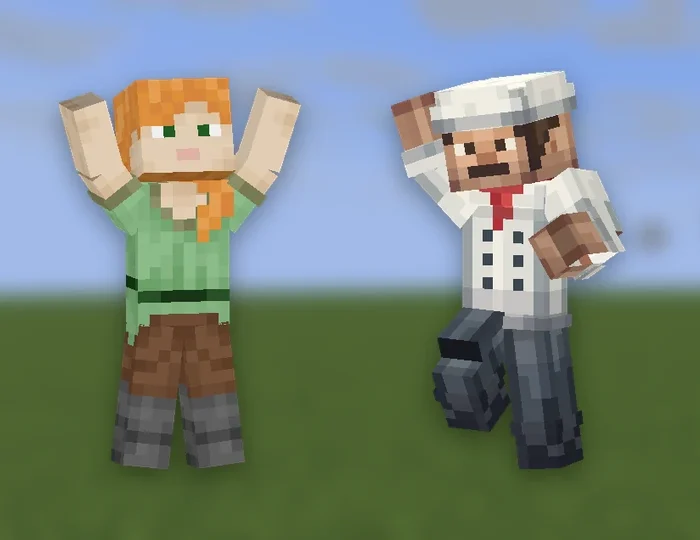 Minecraft Emote Generator
 Minecraft VFX Generator
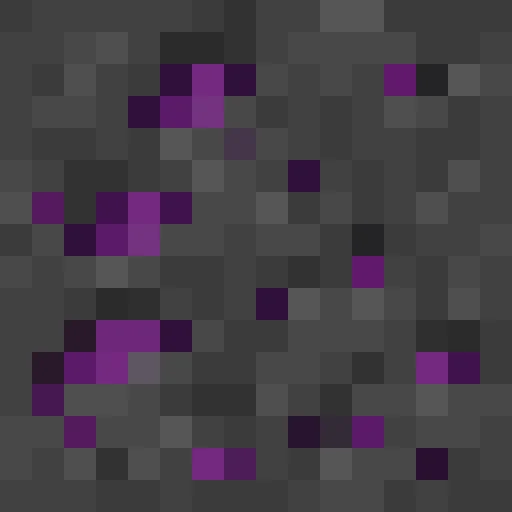 Minecraft Block Texture Generator
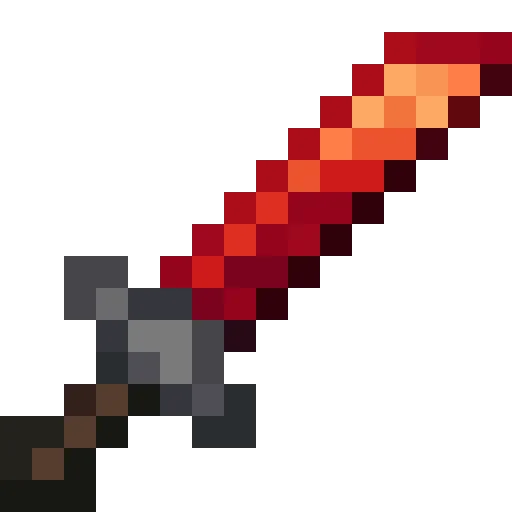 Minecraft Item Generator
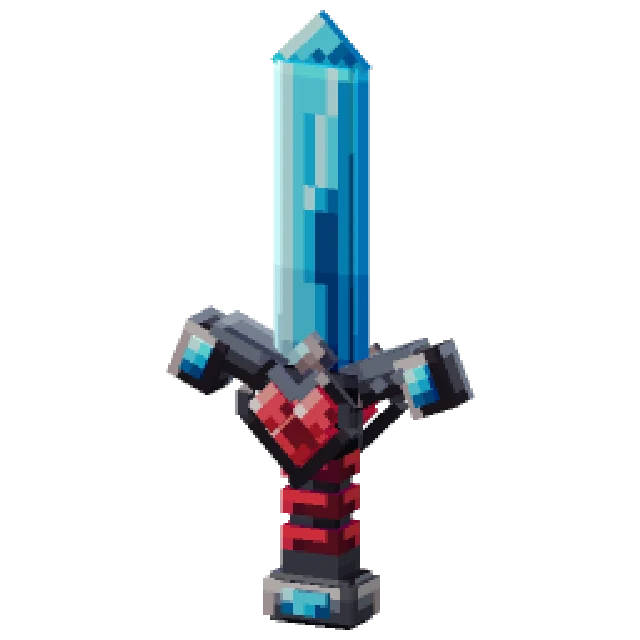 Minecraft 3D Item Generator
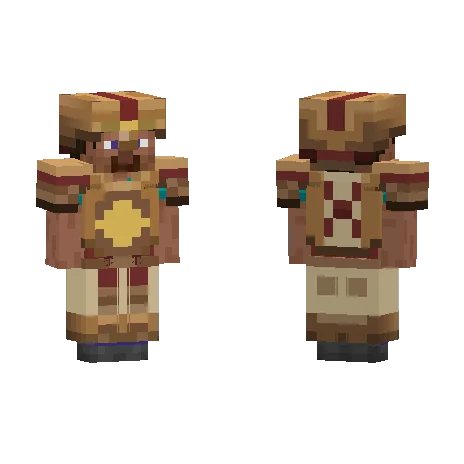 Minecraft Armor Generator
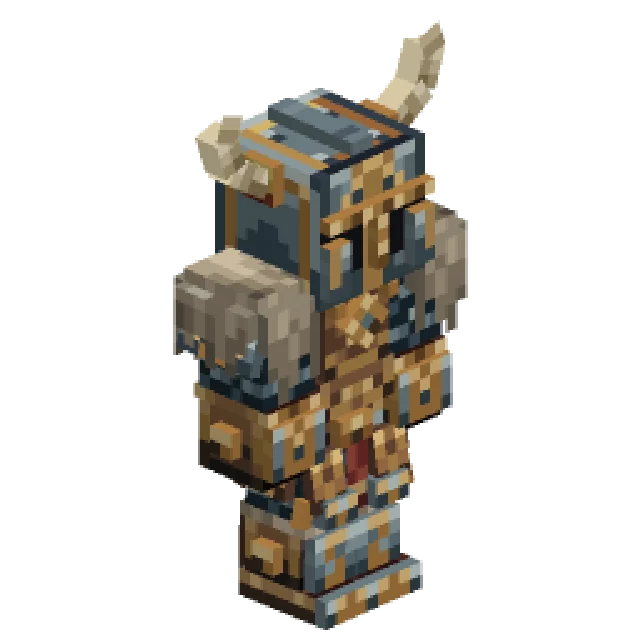 Minecraft 3D Armor Generator
 Minecraft Skin Generator
 Minecraft Icon Generator
 Minecraft Rank Tag Generator
 Minecraft GUI Generator
 Minecraft Custom GUI Generator
 Minecraft HUD Generator
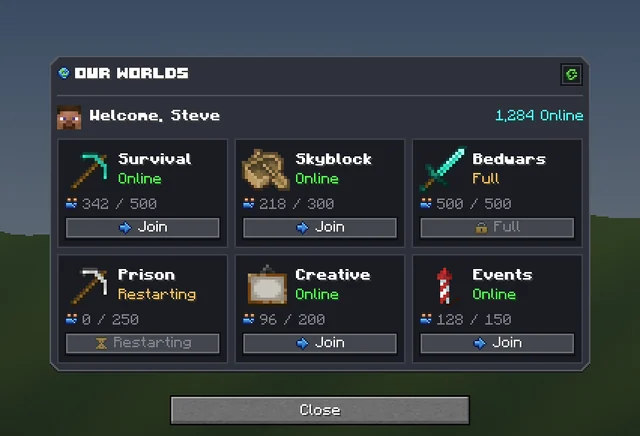 Minecraft Dialog Generator
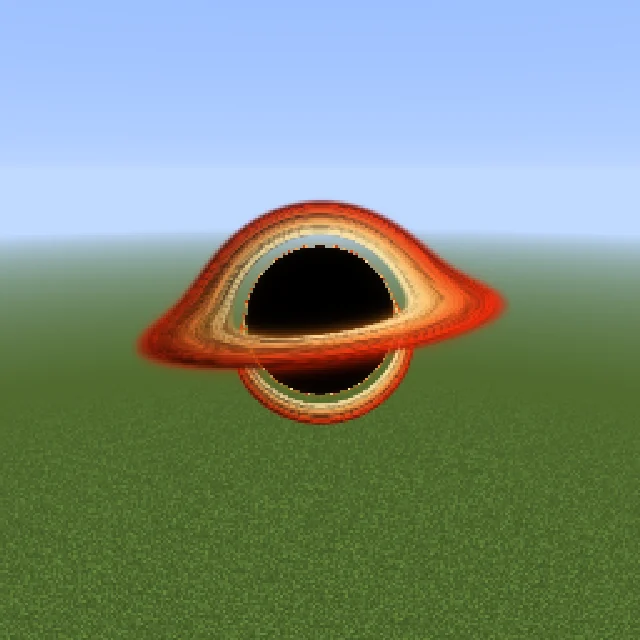 Minecraft Shader Generator
 Minecraft Text Effect Generator
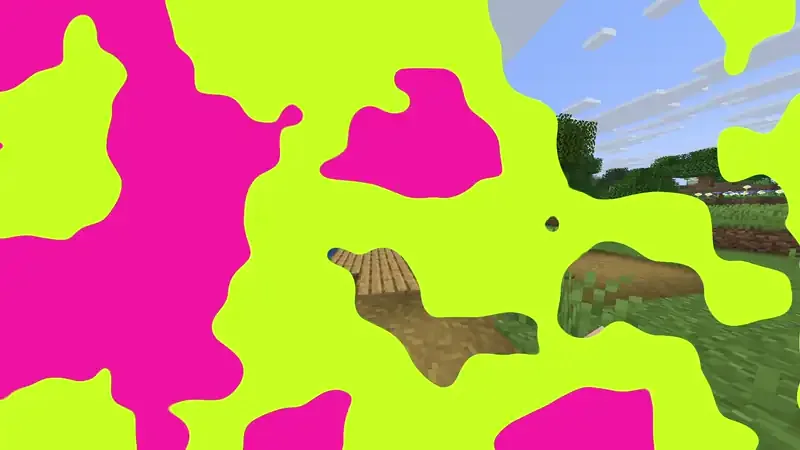 Minecraft Transition Generator