Any layout
Anything HTML and CSS can lay out, with a mouse pointer like on a computer.
Describe a menu and watch it get written in HTML and CSS. Players see it full screen with a mouse pointer, or on a wall of maps, with no mods.

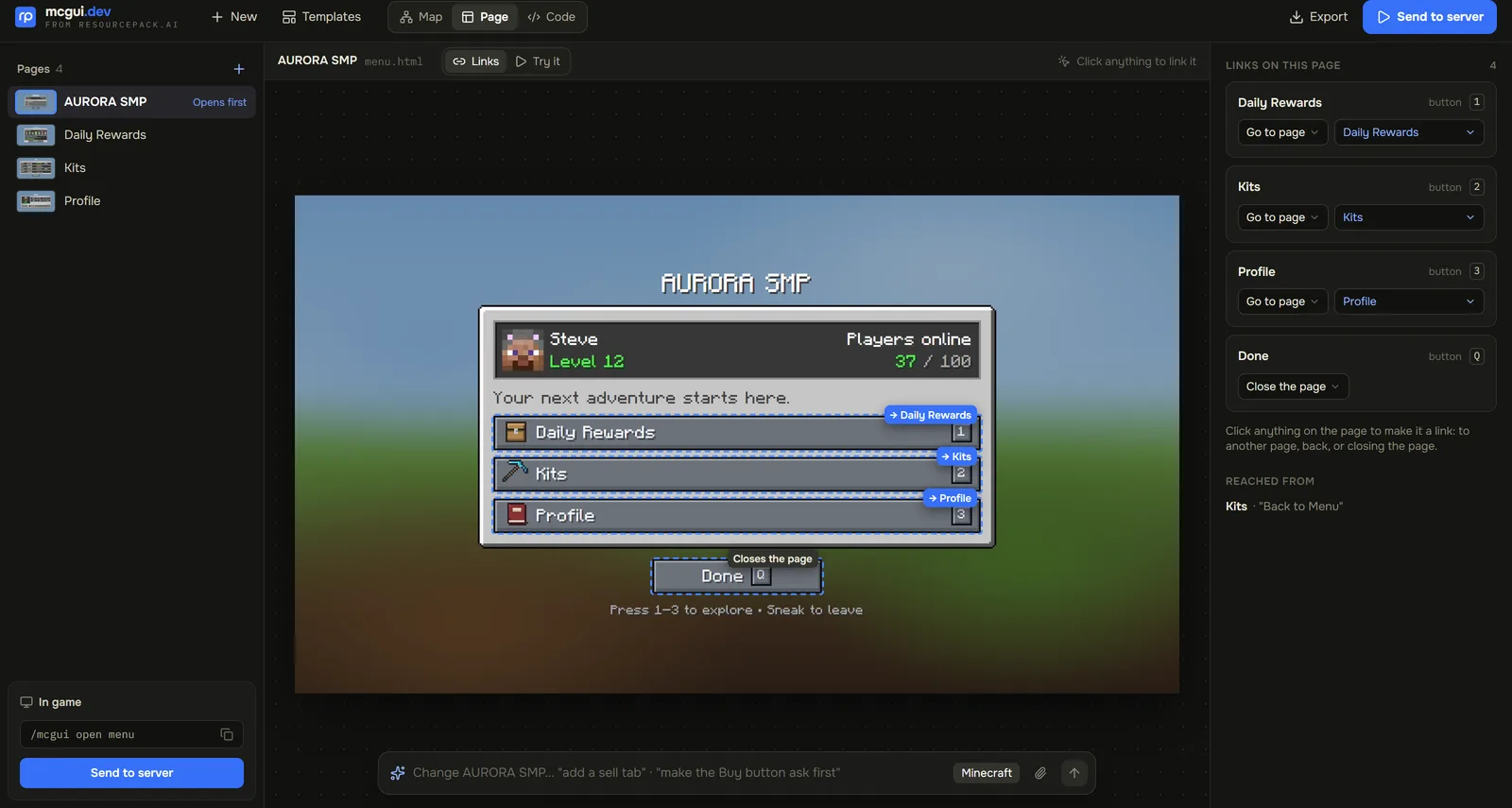
A Custom GUI isn't tied to a vanilla screen, so the layout is yours: a server menu, a shop with tabs, a leaderboard, a rules board.
Anything HTML and CSS can lay out, with a mouse pointer like on a computer.
Fullscreen with a pointer, or a wall of maps players walk up to and click.
It runs on vanilla clients. MC GUI makes the resource pack its pages need.
The first page appears as the AI writes it. Type a change into the bar under the preview.
See every page and its links, click any part to make it a link, or edit the HTML.
Send to server gives you /mcgui import. Sending again replaces the last import.
From one sentence to your server, in four steps.
Describe the menu and watch the first page get written.
Click through it in the preview, and type changes into the AI bar.
Press Send to server to get an import code.
Run /mcgui import with it on a server with MC GUI, then /mcgui open.
Start from words, a blank page, or a template.
Your level, who's online, and buttons for Kits, Rewards and Warps.
A storefront with tabs and any layout you like.
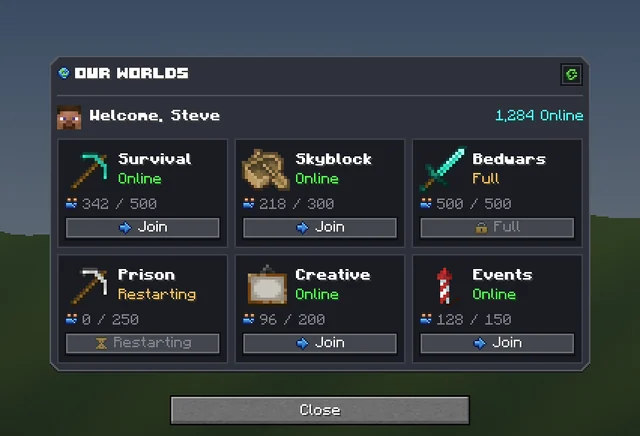
Game modes with player counts and status.
Boards players walk up to in the lobby.
The editor shows the page as a player will see it, and you can click through it like the game. Type a change into the AI bar, or switch along the top: Map shows every page and how buttons link them, Page makes any part a link, and Code is the HTML and CSS itself.
A Custom GUI isn't part of an exported Resource Pack. MC GUI builds the pack its pages need on the server.
pluginSend to server, then /mcgui import and /mcgui open.
.zipExport the pages for plugins/MCGUI/pages/.
editorThe same editor on its own site.
A set of web pages, written in HTML and CSS, that the MC GUI server plugin shows in game: full screen with a mouse pointer, or on a wall of maps players click.
No. MC GUI works on vanilla clients and makes the resource pack its pages need.
A chest GUI is a vanilla window with new art, holding real items. A Custom GUI can be any layout HTML and CSS can make, but it does not hold real items.
No. Describe it, and type changes into the AI bar. The Map and Page views change links without touching the code, and Code is there if you want it.
Press Send to server to get a command like /mcgui import abcd1234. Run it on a server with MC GUI, then /mcgui open <page>.
You do. Everything made on your account is yours and we retain no ownership.
Custom GUIs are one of 21 kinds of asset Studio makes, all in one Resource Pack.
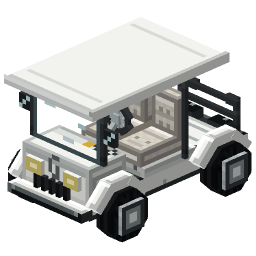 Minecraft 3D Model Generator
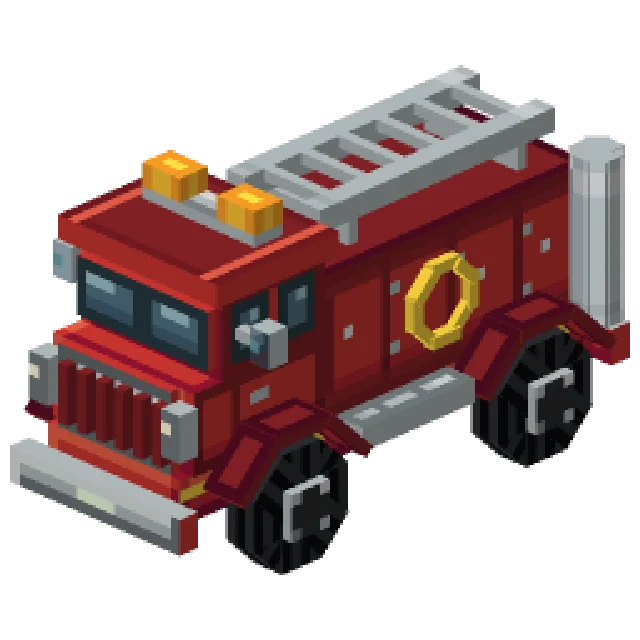 Minecraft Vehicle Generator
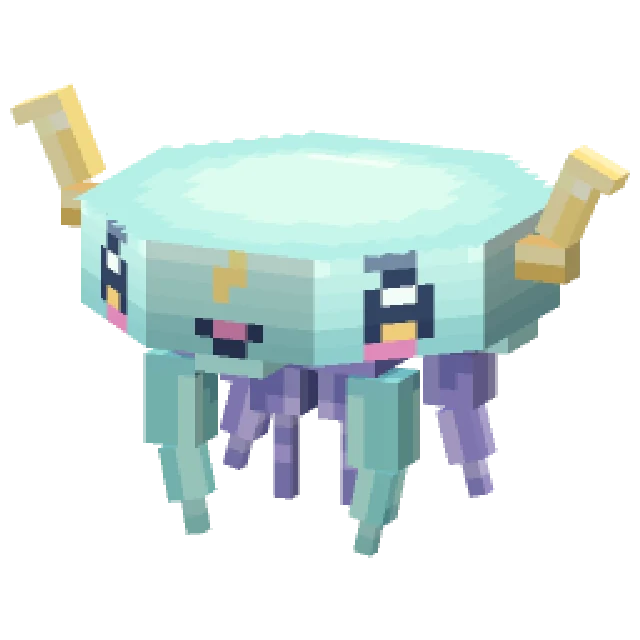 Minecraft Mob Generator
 Minecraft Sound Generator
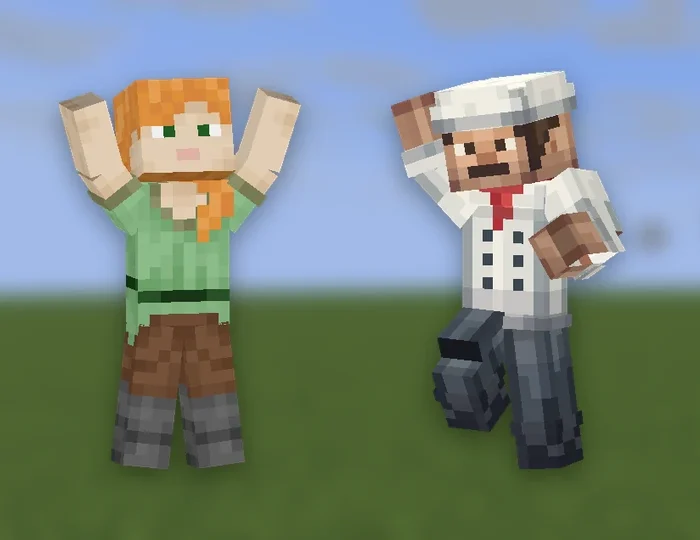 Minecraft Emote Generator
 Minecraft VFX Generator
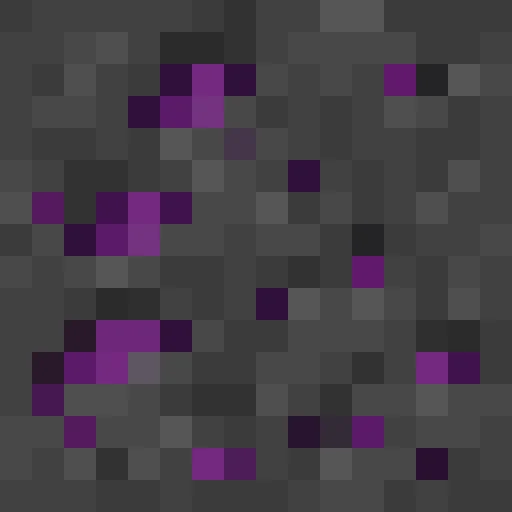 Minecraft Block Texture Generator
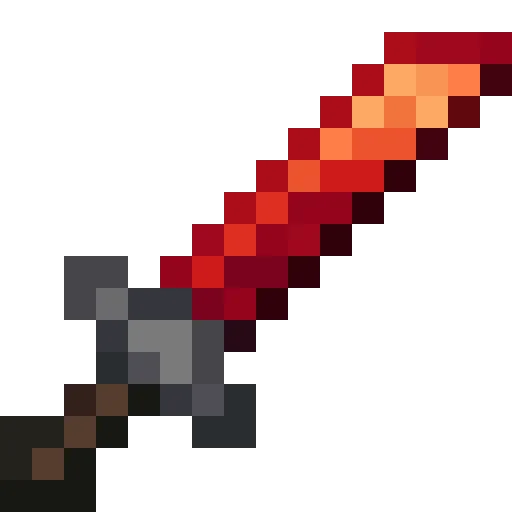 Minecraft Item Generator
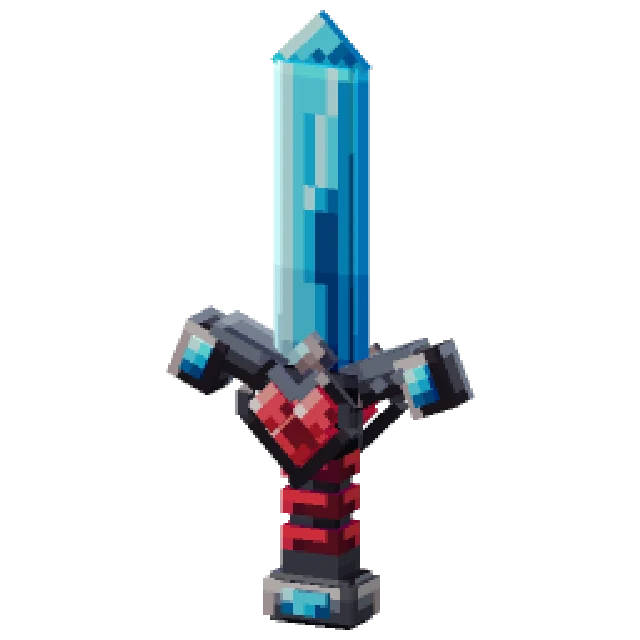 Minecraft 3D Item Generator
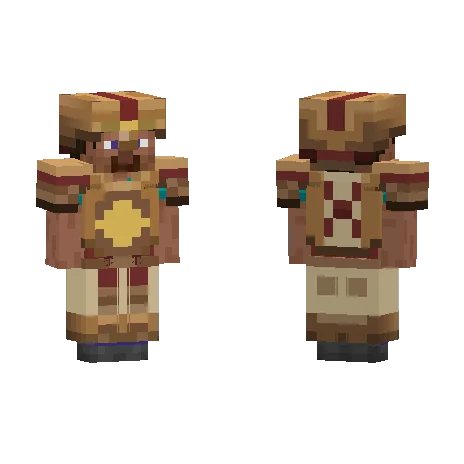 Minecraft Armor Generator
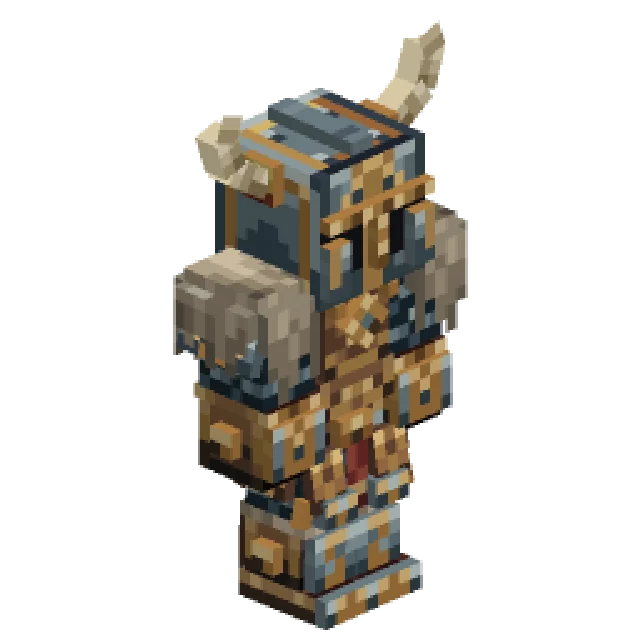 Minecraft 3D Armor Generator
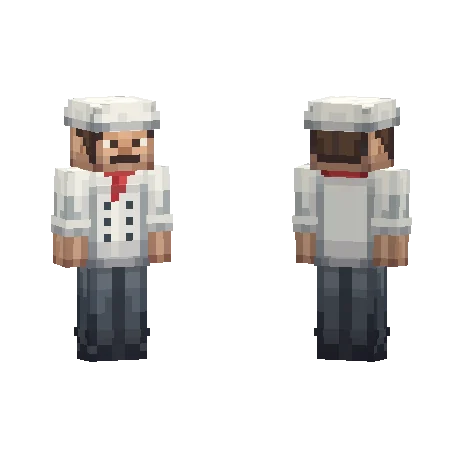 Minecraft Skin Generator
 Minecraft Icon Generator
 Minecraft Rank Tag Generator
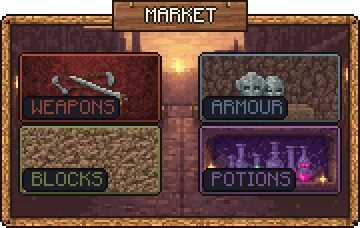 Minecraft GUI Generator
 Minecraft HUD Generator
 Minecraft Dialog Generator
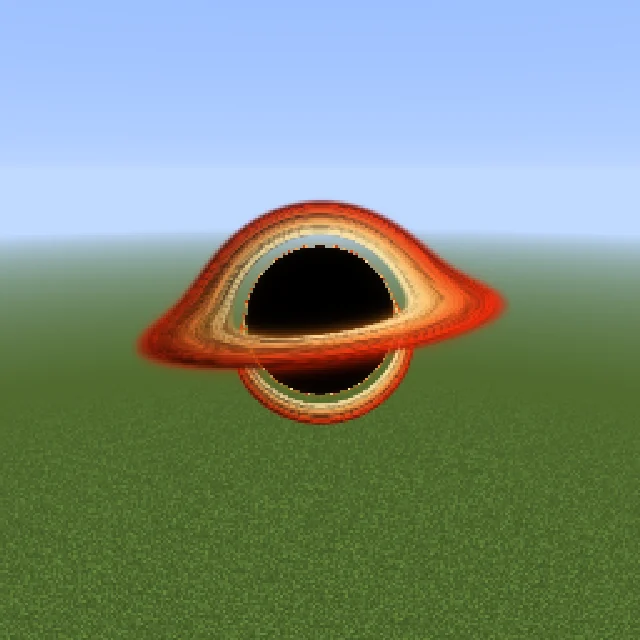 Minecraft Shader Generator
 Minecraft Text Effect Generator
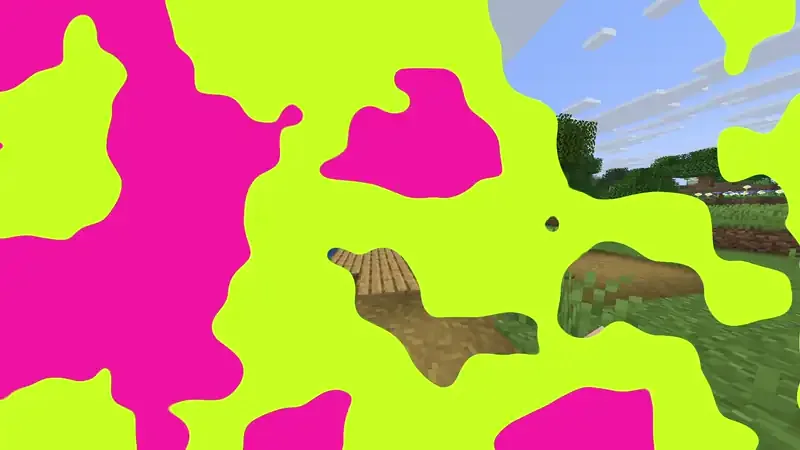 Minecraft Transition Generator