Every part
Hearts, hunger, armor, air, hotbar, experience bar, boss bar and crosshair.
Describe a theme and get every piece of the HUD in one style: hearts, hunger, armor, air, the hotbar, the XP bar, the boss bar and the crosshair.
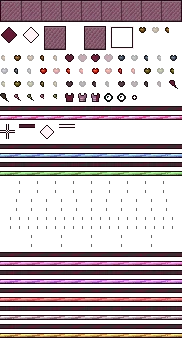
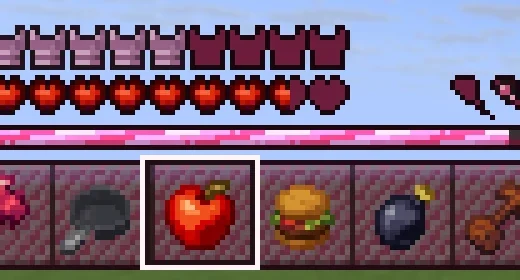
One drawing of each icon becomes every state of it. Hearts come out full, half and empty, poisoned, withered, frozen, absorbing and hardcore, with and without the damage flash.
Hearts, hunger, armor, air, hotbar, experience bar, boss bar and crosshair.
Each state of an icon is worked out from one drawing.
"Banana hunger" puts a banana where the drumstick goes.
Untick any part to leave it vanilla.
A HUD leaves as the vanilla files it replaces.
"Make the hearts blue" keeps everything you didn't ask about.
From one sentence to your server, in four steps.
Describe a theme and untick any parts you want left vanilla.
Change the hotbar, selection, bar and crosshair styles in Design mode.
Fix any sprite by hand in Paint mode.
Export a Resource Pack, or Sync and look at your screen.
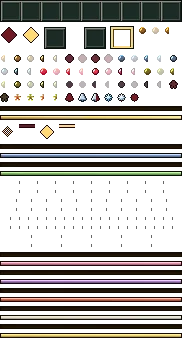
Real HUDs from the public gallery, shown as their sprite sheets, each beside the exact prompt that made it. Open either and copy it into your own pack.
A HUD changes what vanilla's pieces look like. For new pieces like a thirst meter, build a Shader.
Candy cane hotbars and hearts as glass baubles.
Rusted iron and dried blood for a hardcore server.
Ice-blue bars and snowflake air bubbles.
Hunger drawn as whatever your server eats.
Design mode has tiles for each hotbar, selection, bar and crosshair style, with colour wells and a click-to-paint grid for every icon. Paint mode puts every sprite on one sheet. Preview shows your HUD over a day, cave or Nether backdrop.
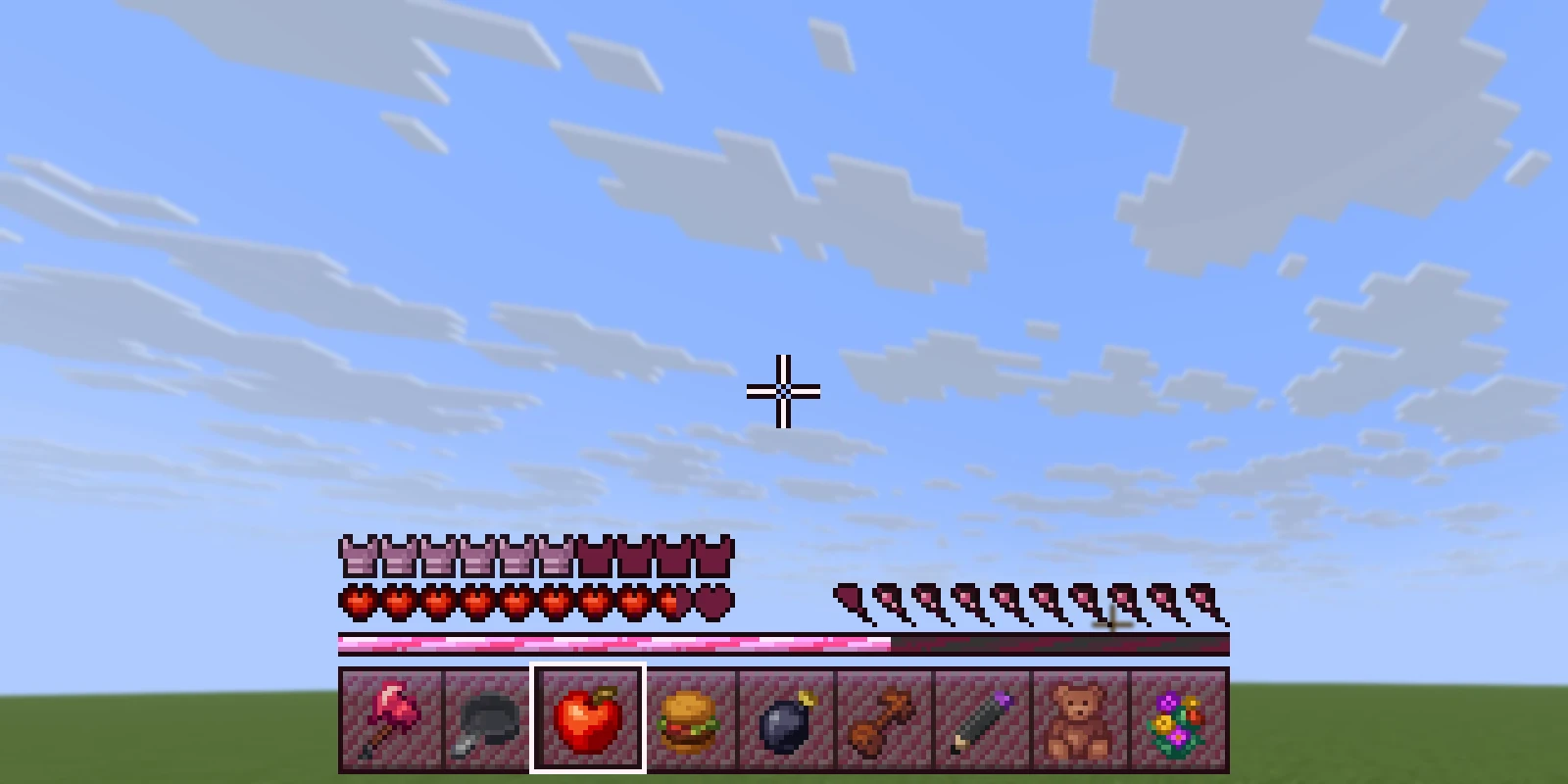
A HUD replaces vanilla files, so no plugin is involved. The HUD is Java only.
.zipAn ordinary Resource Pack. It works with no plugin at all.
free pluginPress Sync and the pack is on your server in seconds, while you build.
DistributionPublish the pack once and RP Engine sends it to every player as they join.
Hearts, hunger, armor, air, the hotbar, the experience bar, the boss bar and the crosshair, each only if ticked.
No. It leaves as the vanilla files it replaces. On a server running RP Engine, Sync sends it to you in seconds.
A HUD can only change vanilla's pieces. For new ones, build a 2D Shader: your own HUD element placed anywhere on screen, with live values.
Yes. Untick them under Parts to redraw. The Blank door starts from vanilla's own art.
No. The HUD is Java only. The rest of your pack converts as normal.
You do. Everything made on your account is yours and we retain no ownership.
HUDs are one of 21 kinds of asset Studio makes, all in one Resource Pack.
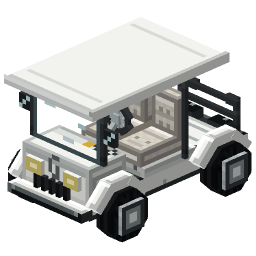 Minecraft 3D Model Generator
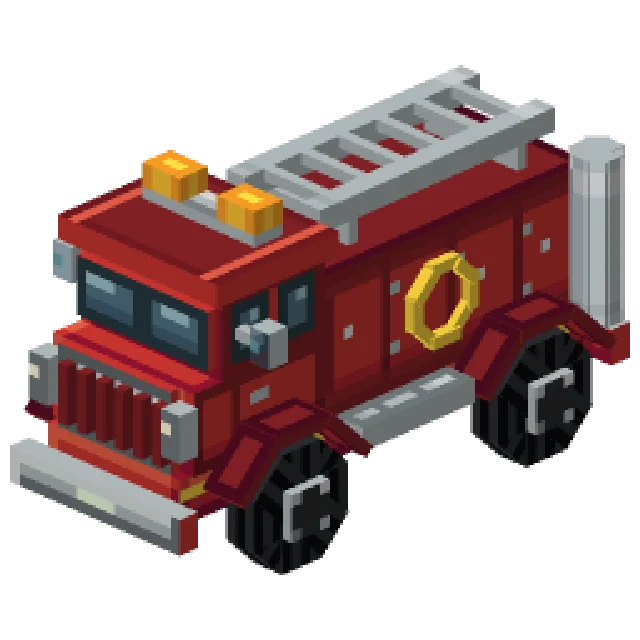 Minecraft Vehicle Generator
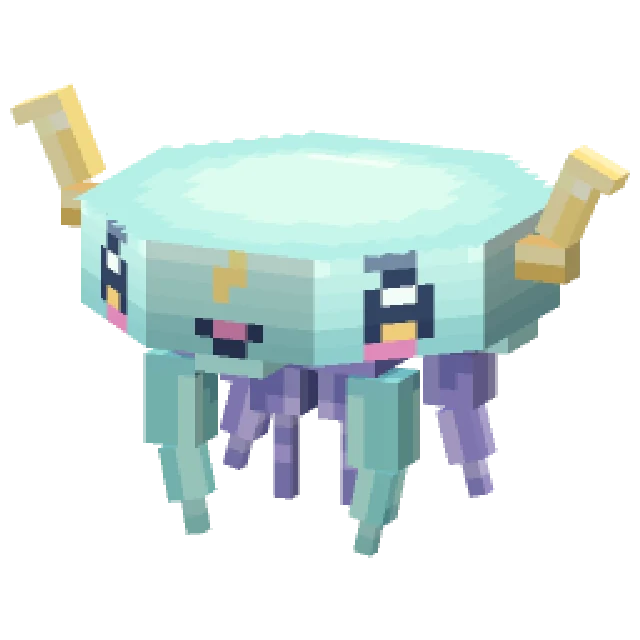 Minecraft Mob Generator
 Minecraft Sound Generator
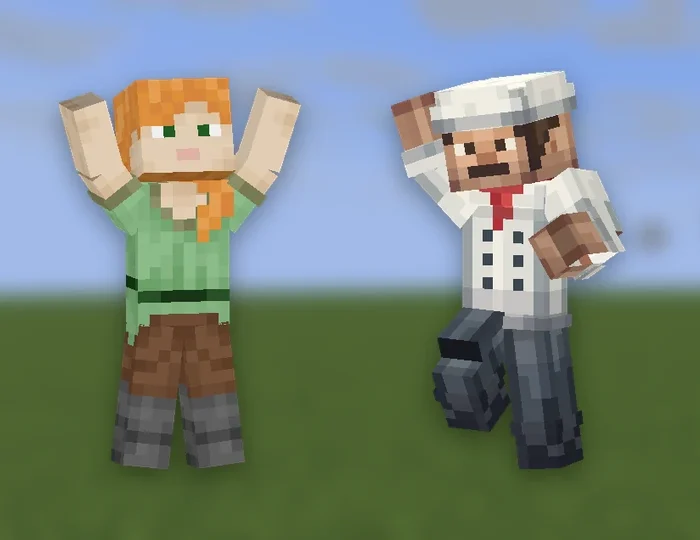 Minecraft Emote Generator
 Minecraft VFX Generator
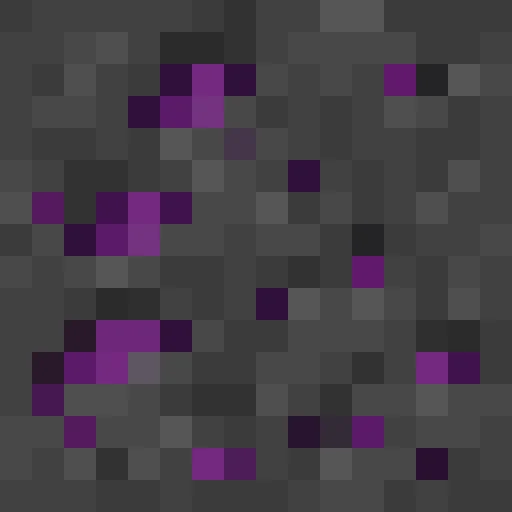 Minecraft Block Texture Generator
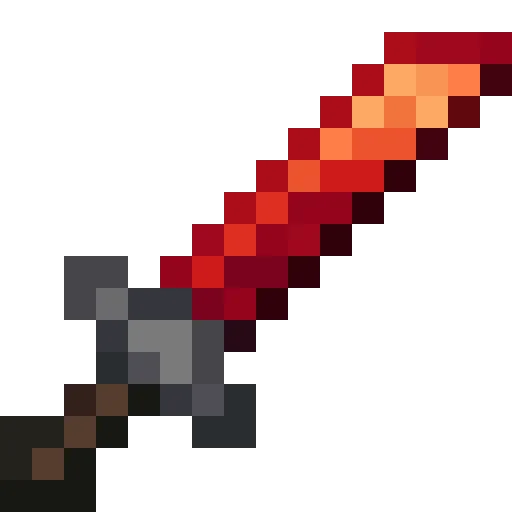 Minecraft Item Generator
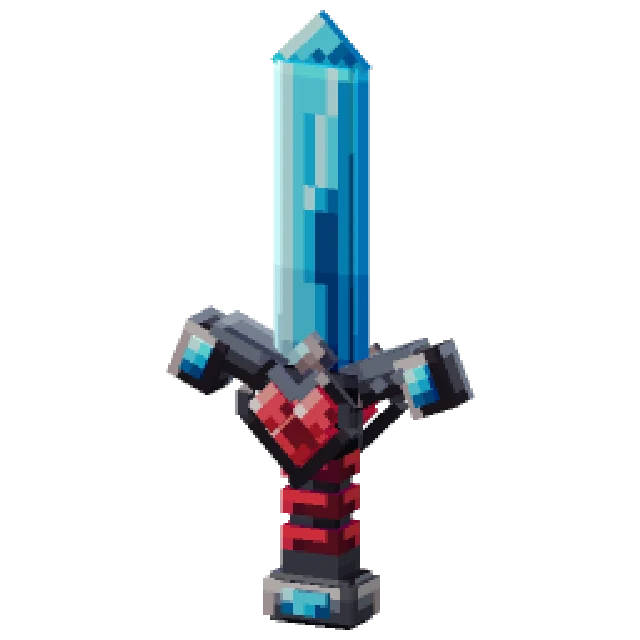 Minecraft 3D Item Generator
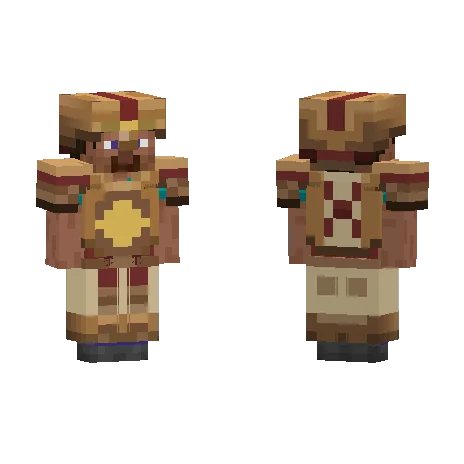 Minecraft Armor Generator
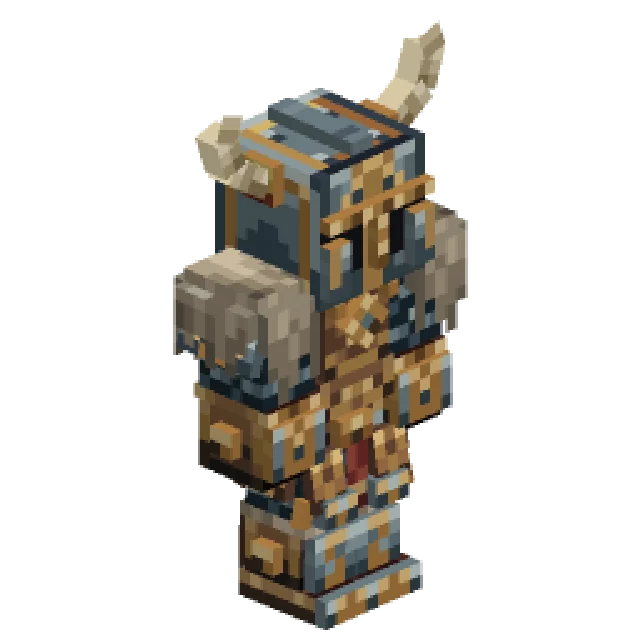 Minecraft 3D Armor Generator
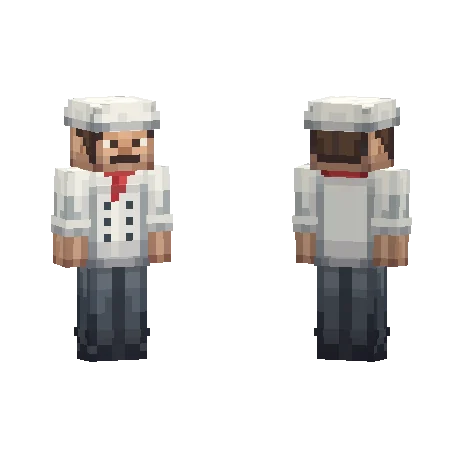 Minecraft Skin Generator
 Minecraft Icon Generator
 Minecraft Rank Tag Generator
 Minecraft GUI Generator
 Minecraft Custom GUI Generator
 Minecraft Dialog Generator
 Minecraft Shader Generator
 Minecraft Text Effect Generator
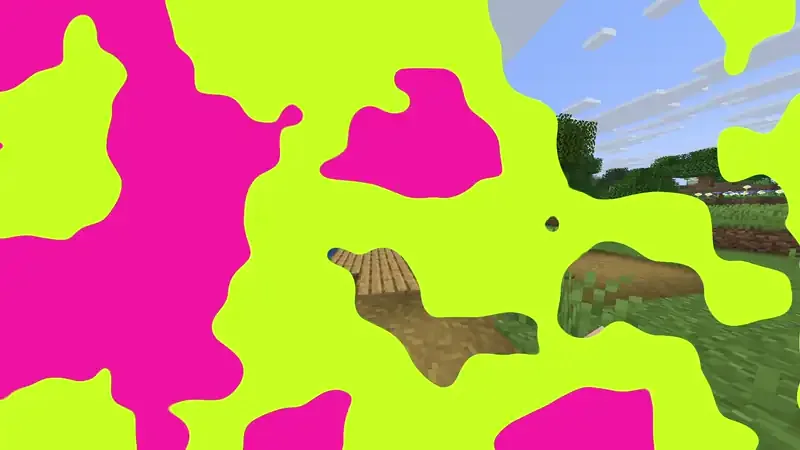 Minecraft Transition Generator