3D objects in the world
Smooth and round from every side, and able to move.
Describe a black hole, a portal or a fireball and get an object no block model can be, drawn by the player's graphics card from your Resource Pack.
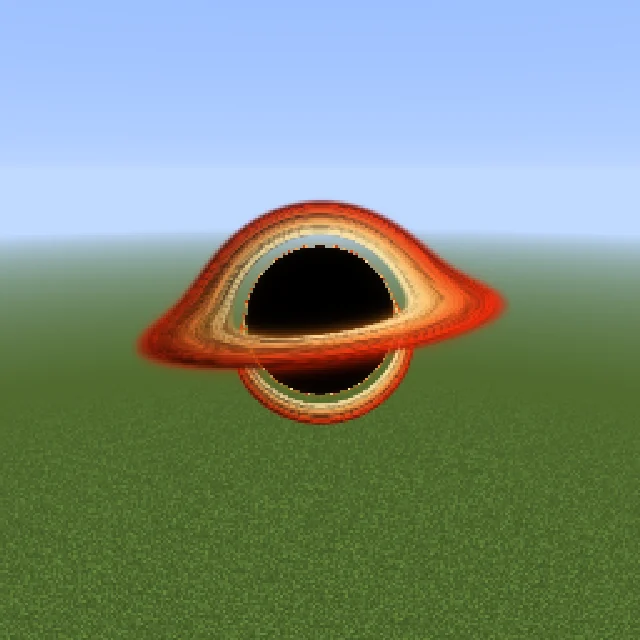
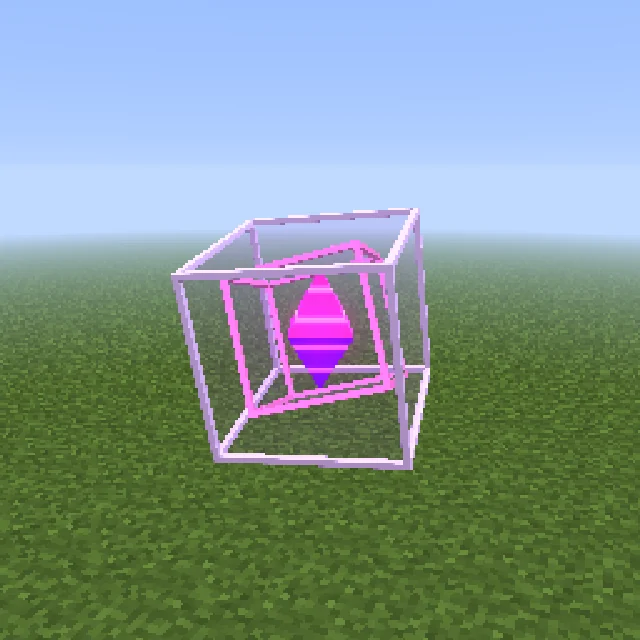
A Shader is part of your pack that the player's graphics card draws, instead of a flat picture. No mod, no shader pack to install.
Smooth and round from every side, and able to move.
No plugin needed. It works on any server or in single player.
A health bar in the corner, a nameplate, a badge beside the hotbar, placed anywhere.
Labels and bars show {health}, {level} or your plugin's own values.
"Make the glow bluer" or "spin it slower" keeps the old look until it's done.
Each object says if it is light, moderate or heavy to draw.
From one sentence to your server, in four steps.
Choose 3D and describe an object, or 2D for a piece of HUD.
Orbit the running object on its page and judge its size against blocks.
Say what to change: bluer, slower, bigger.
Copy the /summon command and run it with your pack applied.
Real Shaders from the public gallery, each beside the exact prompt that made it. Open any of them to see it running live.
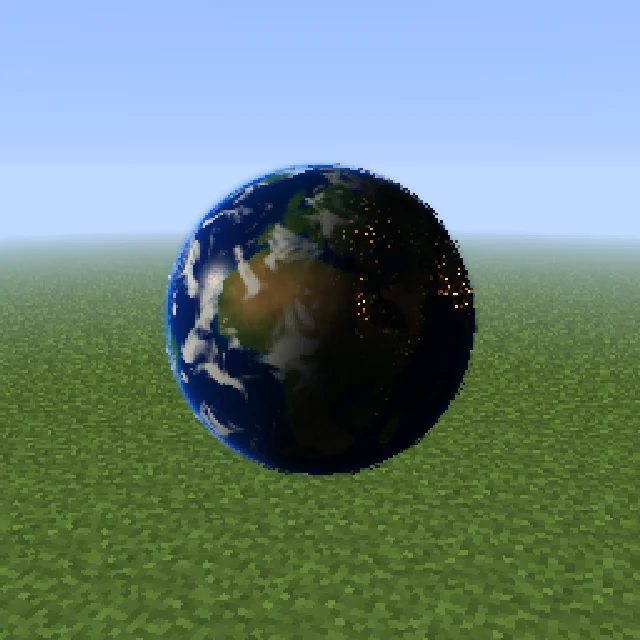
"a small rotating Earth with drifting clouds, oceans that catch the sun and glowing city lights on the night side"
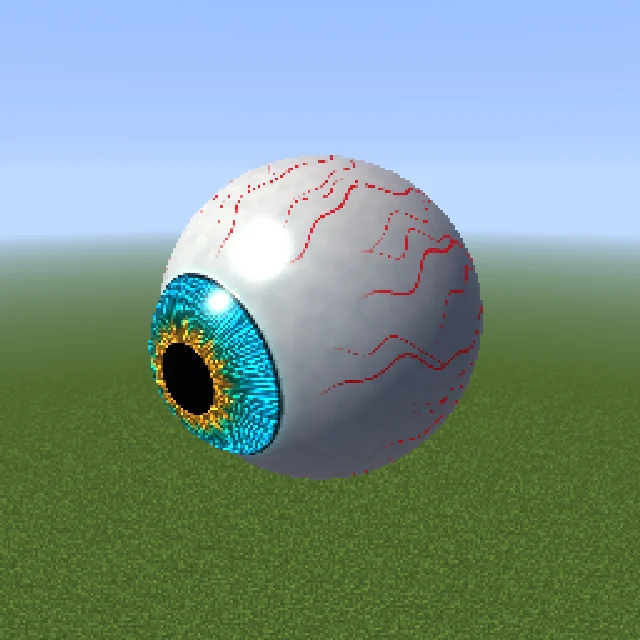
"a giant floating eyeball that slowly looks around, with a glowing iris and veins"
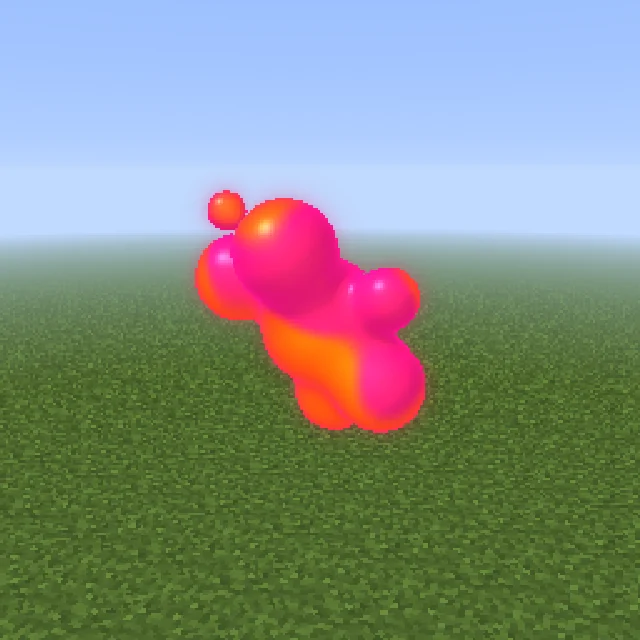
"a floating ball of lava lamp blobs that merge and split, glowing orange and pink"
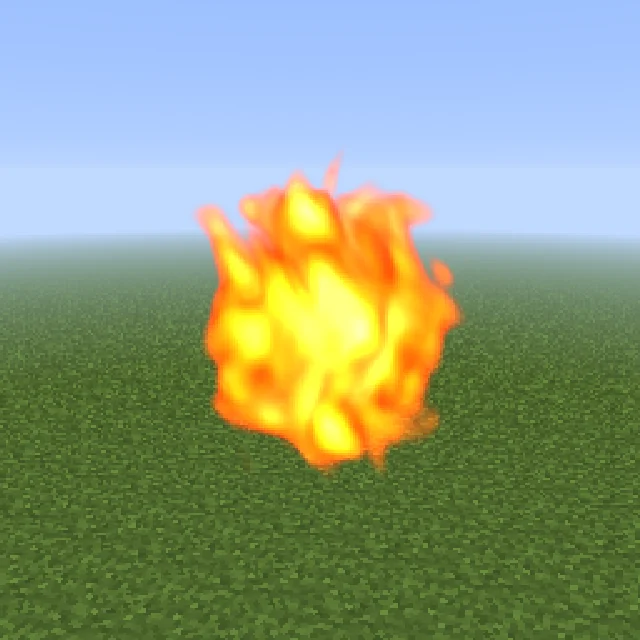
"a roaring ball of fire"
Glow, smoke, energy, glass and motion work best. One centred object works better than a whole scene.
Black holes, ringed planets and a small rotating Earth.
Portals, crystals and swirling orbs.
Fireballs, plasma orbs and lava lamps.
Your own bars, nameplates and full-screen overlays.
A 3D object's page shows it running live: drag to orbit, scroll to zoom, and judge its size against block-sized floor squares. 2D Shaders open in an editor laid out like the GUI editor, with labels, heads, progress bars, pictures, paint and shapes.

A 3D object needs nothing but the pack. A 2D object needs RP Engine to put it on each player's screen.
.zipSummon a 3D object with a plain /summon. No plugin at all.
free pluginShows 2D objects with live values, and moves and resizes 3D ones.
DistributionPublish the pack once and RP Engine sends it to every player as they join.
No. These are Shaders inside a Resource Pack, drawn by the game itself. There is no mod to install.
On a 3D object's page, set the size and copy the /summon command. It works on any server or in single player with the pack applied. Remove it with /kill.
2D objects work on Minecraft 1.19.4 to 26.3. Bending the world behind an object needs a 26.2 pack and Improved Transparency turned on.
Yes. A 2D Shader is a piece of HUD you design, with live values, and your own plugin can publish any value. It needs RP Engine on the server.
Each object's page says whether it is light, moderate or heavy to draw. Several heavy ones on screen at once can cost frame rate on a slow machine.
No. Shaders are not in the Bedrock or ItemsAdder exports.
You do. Everything made on your account is yours and we retain no ownership.
Shaders are one of 21 kinds of asset Studio makes, all in one Resource Pack.
 Minecraft 3D Model Generator
 Minecraft Vehicle Generator
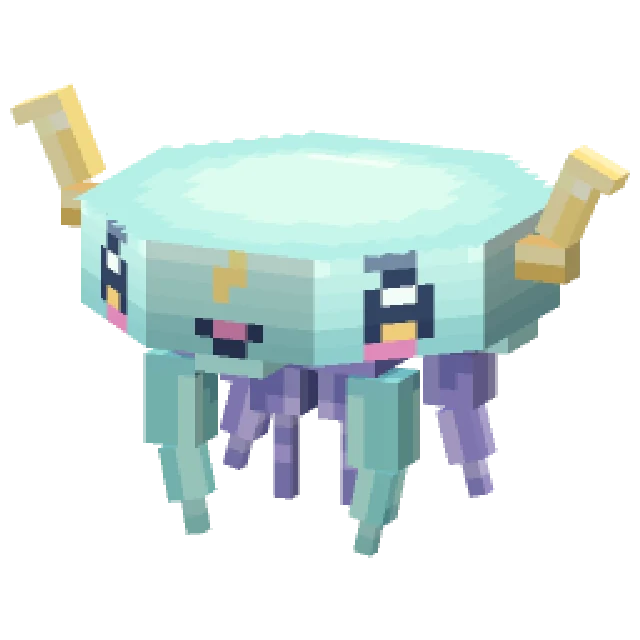 Minecraft Mob Generator
 Minecraft Sound Generator
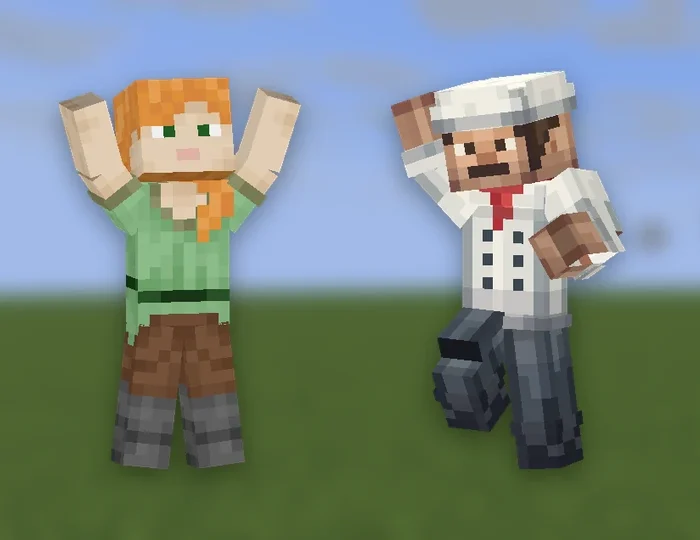 Minecraft Emote Generator
 Minecraft VFX Generator
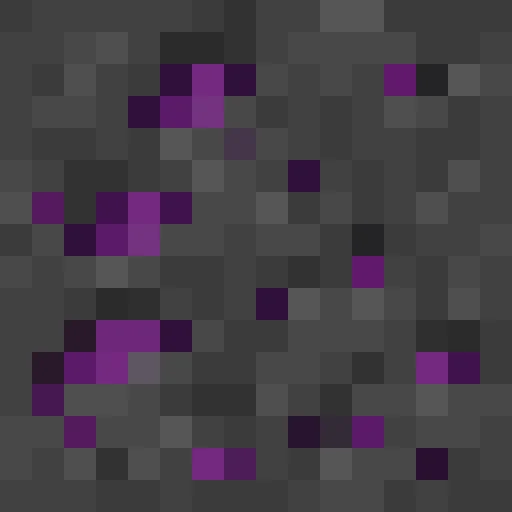 Minecraft Block Texture Generator
 Minecraft Item Generator
 Minecraft 3D Item Generator
 Minecraft Armor Generator
 Minecraft 3D Armor Generator
 Minecraft Skin Generator
 Minecraft Icon Generator
 Minecraft Rank Tag Generator
 Minecraft GUI Generator
 Minecraft Custom GUI Generator
 Minecraft HUD Generator
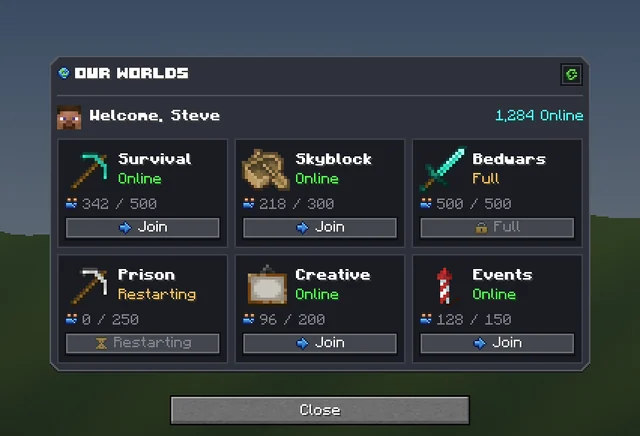 Minecraft Dialog Generator
 Minecraft Text Effect Generator
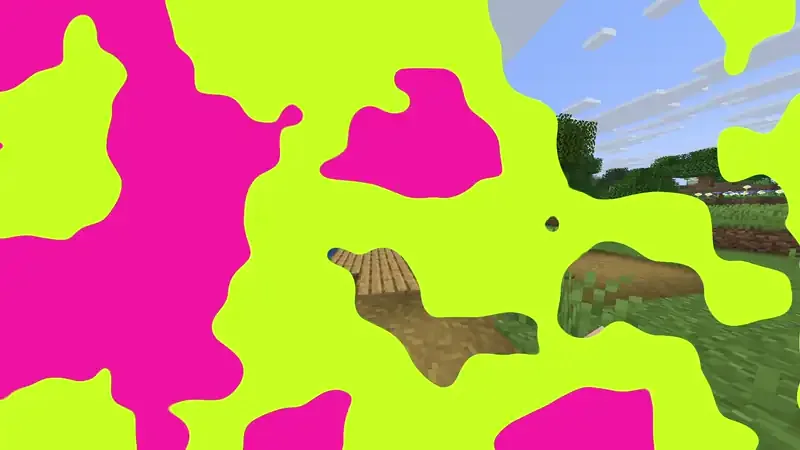 Minecraft Transition Generator