Works anywhere text does
Chat, signs, books, item names, scoreboards and holograms.
Describe a coin, a badge or an emoji and get a pixel-art Icon you can put anywhere Minecraft draws text. No plugin needed.


An Icon is a small picture tied to a text character. Put that character in chat, on a sign, in a book or an item name, and your picture appears in its place.
Chat, signs, books, item names, scoreboards and holograms.
8 fits inside one line of text. 32 is a big emoji. 64 and 128 are for GUIs and HUDs.
Every Icon is drawn 4 times and Studio picks the best one to start you off.
Studio picks a private character no real text uses, or you can replace an existing one.
Icons add to the default font, so everything else reads as normal.
On a server running RP Engine, players can type Icons by name.
From one sentence to your server, in four steps.
Describe it and pick a size: 8 sits inside a line of text, 32 is a big emoji.
Studio draws it 4 times and starts you on the best one.
Get the silhouette right in the pixel editor.
Copy its character from the page and paste it into chat, a sign or an item name.
Real Icons from the public gallery, each beside the exact prompt that made it. Open any of them and copy it into your own pack.

"Small chibi chicken icon, shown front-facing with a round white body, tiny yellow beak, red comb, simple black dot eyes, and two small yellow feet. Use bold dark brown pixel outlines, a cute expressive face, and clear high-contrast colors readable at 8 to 16 pixels."

"a pair of blue and white fantasy wings with a dark center, stylized and symmetrical"
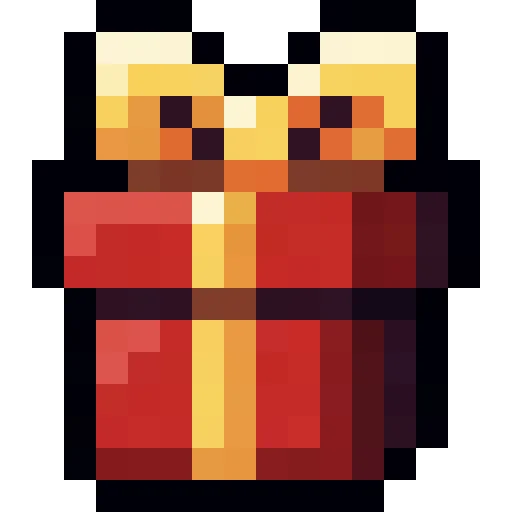
"a red wrapped present with a gold bow"

"cherry food"
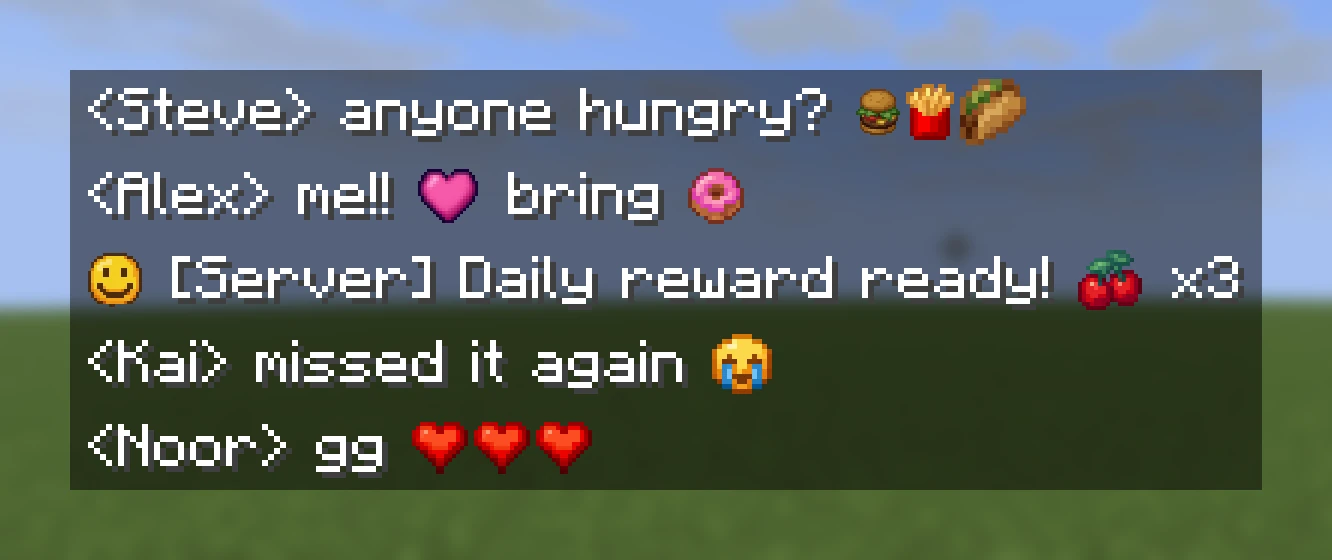
It's how servers show custom emoji and little symbols inside messages.
Food, faces and reactions for chat.
A coin beside every price.
Little marks for ranks, teams and events.
64 and 128 pixel Icons for GUIs and HUDs.
Icons open in the same pixel editor as Blocks and Items. Small pixel art is unforgiving, so check it at real size. On a synced server, Send in-game puts it in your chat beside real text.
One pack, every format, with your Icons as that plugin's own images or glyphs.
.zipAn ordinary Resource Pack. It works with no plugin at all.
.mcpackThe same character shows the same picture, one line tall.
contents/A font_image, used with its ItemsAdder placeholder.
.zipA glyph that keeps its character, typed :icon: in chat.
.zipA glyph that keeps its character, typed :icon: in chat.
.zipAn image, and chat emoji typed :icon:.
free pluginPress Sync and the pack is on your server in seconds, while you build.
DistributionPublish the pack once and RP Engine sends it to every player as they join.
Anywhere Minecraft draws text: chat, signs, books, item names, scoreboards and holograms. It works the moment a player has the pack.
No. An Icon is a character in the pack's font. Copy it from the Icon's page and paste it anywhere text appears.
8 pixels fits inside one line of text. 16 and 32 overlap the lines around them, like a large emoji. 64 and 128 are for GUIs, HUDs and screens.
A private character shows as a blank box anywhere without your pack. That is expected.
Yes. Generate any small picture and paste its character into chat. On a server running RP Engine, players can type them by name too.
You do. Everything made on your account is yours and we retain no ownership.
Icons are one of 21 kinds of asset Studio makes, all in one Resource Pack.
 Minecraft 3D Model Generator
 Minecraft Vehicle Generator
 Minecraft Mob Generator
 Minecraft Sound Generator
 Minecraft Emote Generator
 Minecraft VFX Generator
 Minecraft Block Texture Generator
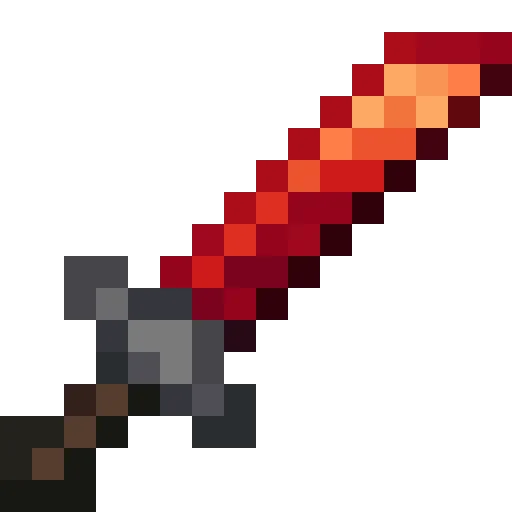 Minecraft Item Generator
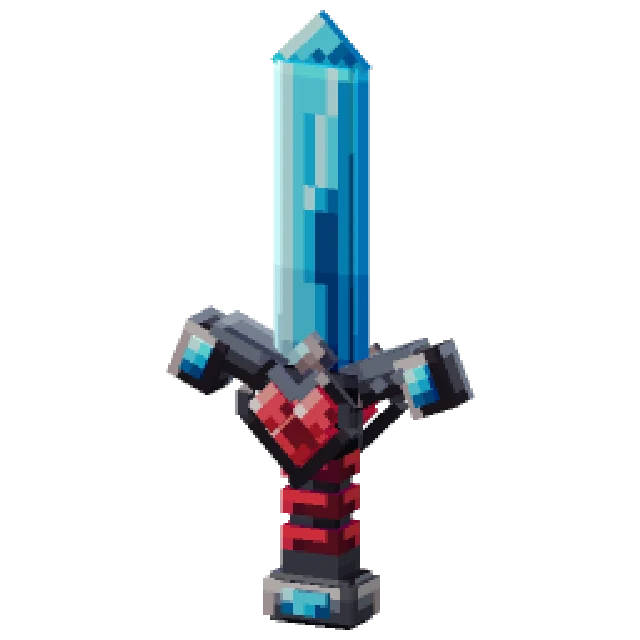 Minecraft 3D Item Generator
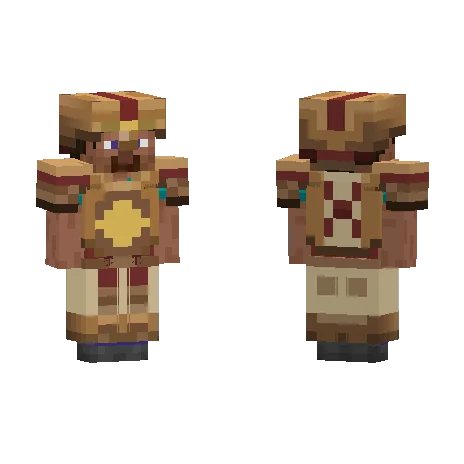 Minecraft Armor Generator
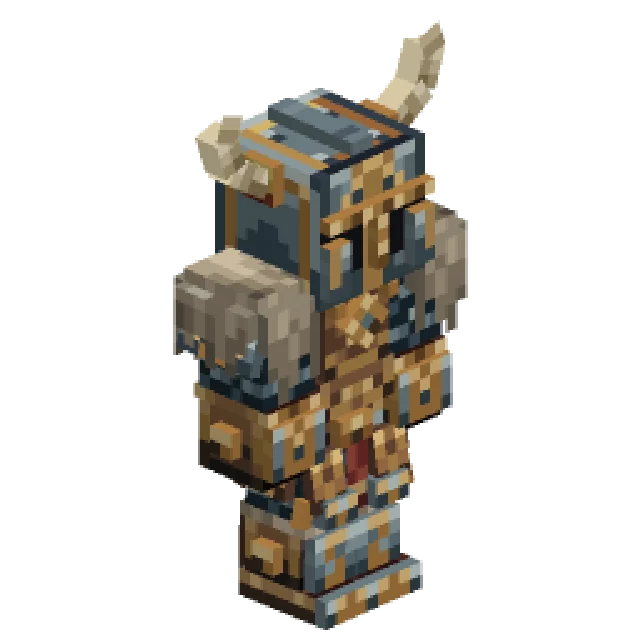 Minecraft 3D Armor Generator
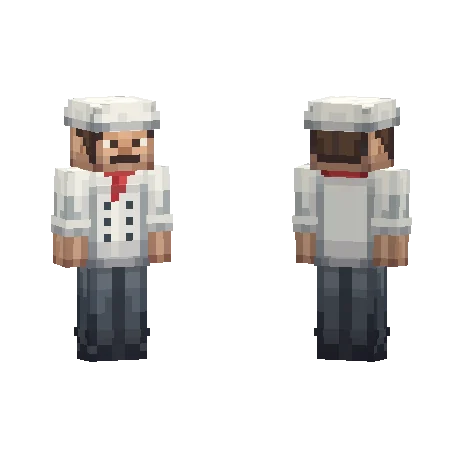 Minecraft Skin Generator
 Minecraft Rank Tag Generator
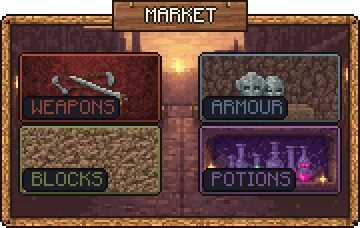 Minecraft GUI Generator
 Minecraft Custom GUI Generator
 Minecraft HUD Generator
 Minecraft Dialog Generator
 Minecraft Shader Generator
 Minecraft Text Effect Generator
 Minecraft Transition Generator