Designed like an app
Sidebars, cards, switches, sliders, dropdowns and item slots.
Describe a shop, a settings menu or a rules page and get a screen designed like an app, with sidebars, cards, switches, item slots and pages.
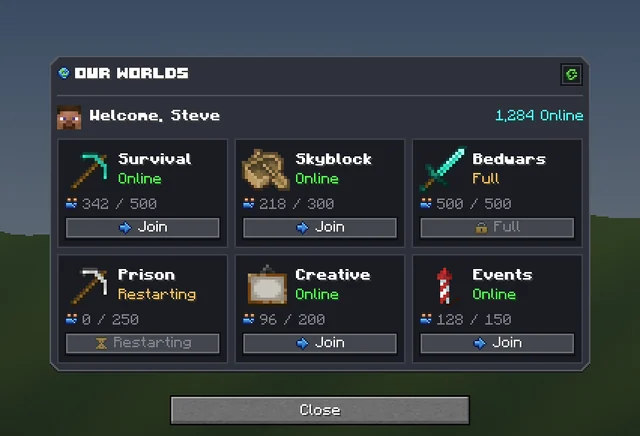
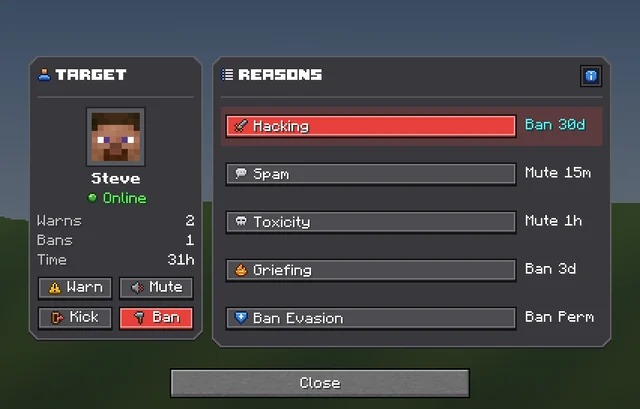
Minecraft's own dialog screens, added in 1.21.6, with real buttons that run commands. They can scroll, and they look like part of the game.
Sidebars, cards, switches, sliders, dropdowns and item slots.
Their name, balance and inventory, placed by the plugin as it opens.
Long dialogs scroll, and pages turn from a sidebar.
Show items in slots, and even let a player rearrange their inventory.
On a server running RP Engine, Sync sends pictures and Dialogs in seconds.
Shops, quest boards, hubs, crates, battle passes and more.
From one sentence to your server, in four steps.
Describe the screen, or start from a template.
Retype words, move pieces, and give each button a command.
Press Sync to send the pack to a server running RP Engine.
Run /rp dialog with its id, or let players open it themselves.
Real Dialogs from the public gallery, each beside the exact prompt that made it. Open any of them and copy it into your own pack.
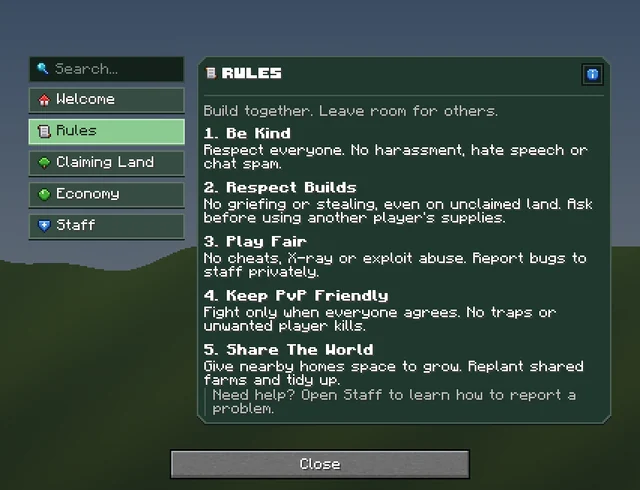
"A rules and getting started guide for a friendly survival server. Contents down the left (Welcome, Rules, Claiming Land, Economy, Staff), showing the Rules page with numbered rules. Calm forest green, clean and readable."
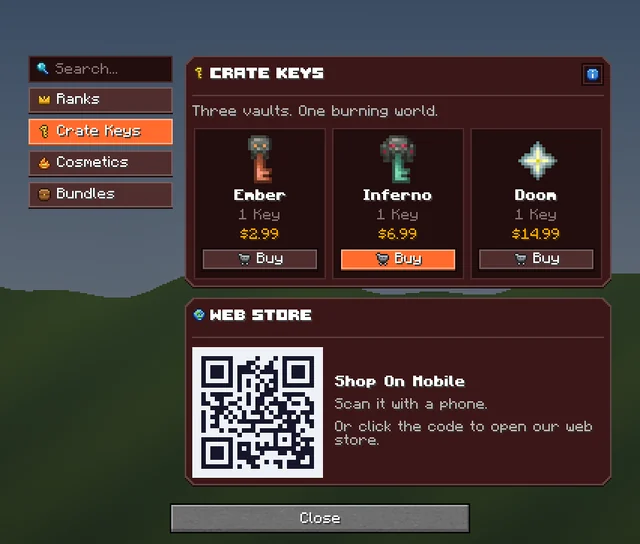
"A server store for a hardcore Nether survival server. Categories on the left (Ranks, Crate Keys, Cosmetics, Bundles). Show the Crate Keys page with three keys, prices, and a buy button each. Molten, dangerous, premium."
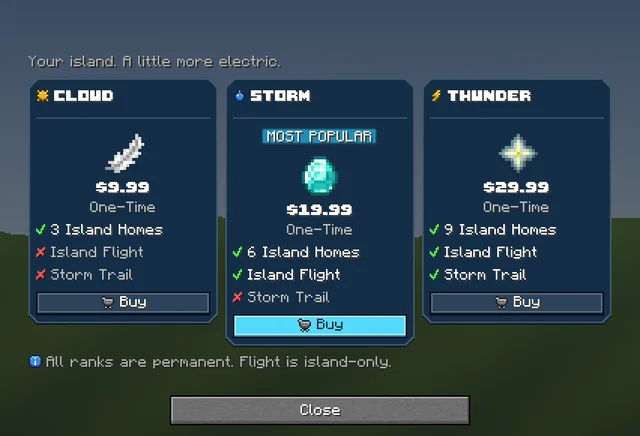
"Compare three ranks side by side for a skyblock server: Cloud, Storm and Thunder. Each column has its price, a short perk list with ticks and crosses, and a Buy button, with the middle one marked Most Popular. Sky blue and electric."
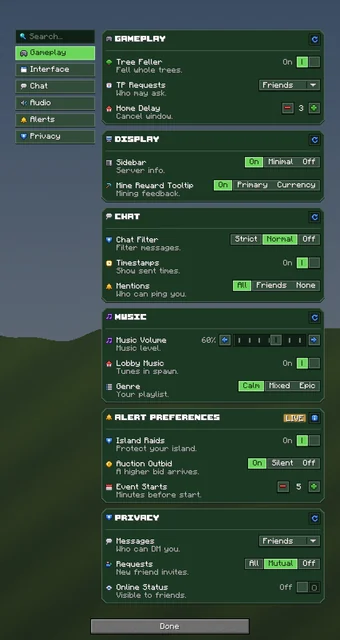
"Every server setting on one page for a survival SMP: Gameplay, Interface, Chat, Audio, Notifications and Privacy cards. Pages down the left with a search box. Forest green. Make it LONG so it scrolls: five or six themed cards stacked down the right, each with a heading, a reset button, a divider and three setting rows (icon, name, grey description, control on the right: switches, segmented controls, sliders with arrows, dropdowns, steppers). Rich and polished."
Any menu a server opens on a player.
Ranks, crate keys and cosmetics with a buy button each.
Switches and sliders that remember each player's choice.
Welcome screens, rules and getting-started pages.
Punishment panels and admin consoles.
Double-click words to retype them, drag pieces to move them, and give each button something to do under When clicked. Then press Sync, and it opens on your server without a restart.
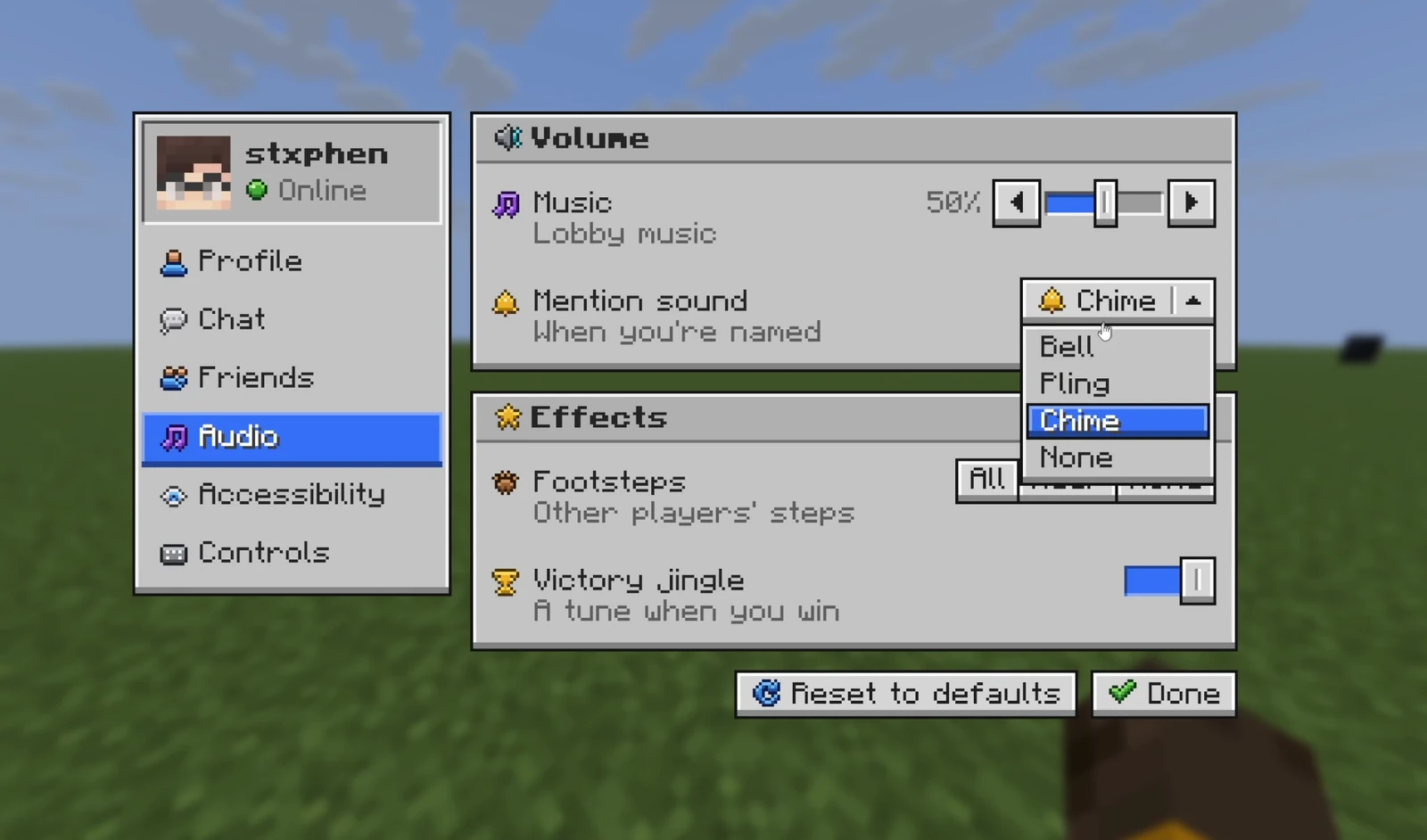
Dialogs need Minecraft 1.21.6 or newer. The pictures are in your pack, so players need that too.
free pluginSync, then /rp dialog. It fills in what is different per player.
free pluginOpens it and fills in each player's values.
.zipYour Dialogs as a vanilla datapack, opened with /dialog show.
.zipAn ordinary Resource Pack. It works with no plugin at all.
contents/Ready-made ItemsAdder content with the config written for you.
.zipYour pack as Nexo content, merged beside what your server has.
.zipYour pack as Oraxen content, merged beside what your server has.
.zipYour pack as a CraftEngine resource folder, ready to unzip.
A menu screen a server opens on a player: a shop, a settings menu, a warp list or a guide. Its buttons run commands and it can scroll. Dialog screens were added in Minecraft 1.21.6.
Minecraft 1.21.6 or newer, on the server and the client. On older versions, use a GUI.
RP Engine or Dialog Engine, our free plugins, open a Dialog and fill in each player's values. A plain datapack also works, but placeholders and per-player parts do not.
Run /rp dialog studio:<id> in game, with the id from the editor's settings panel. On a datapack, use /dialog show.
A GUI reskins a chest window and holds items you can drag. A Dialog is the game's own menu of buttons and text boxes, where nothing can be dragged in or out.
The AI designs the screen and leaves the actions to you. Give each button something to do under When clicked.
You do. Everything made on your account is yours and we retain no ownership.
Dialogs are one of 21 kinds of asset Studio makes, all in one Resource Pack.
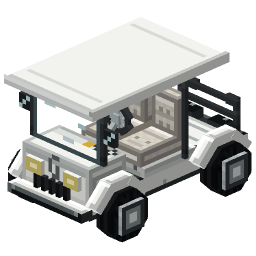 Minecraft 3D Model Generator
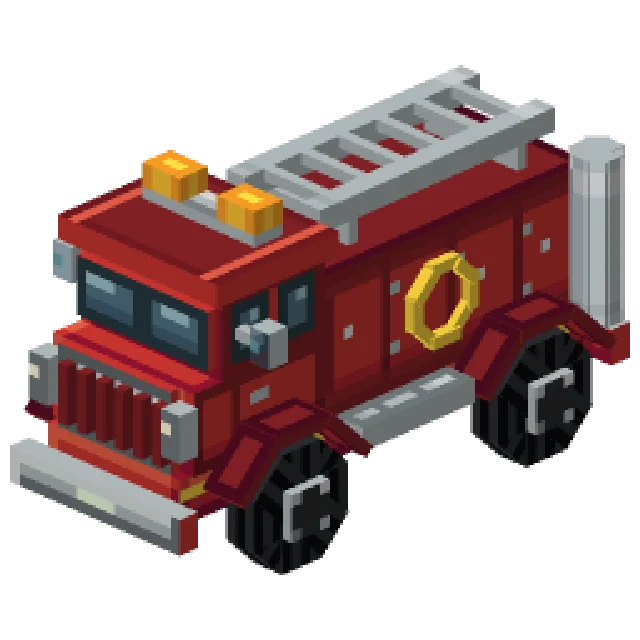 Minecraft Vehicle Generator
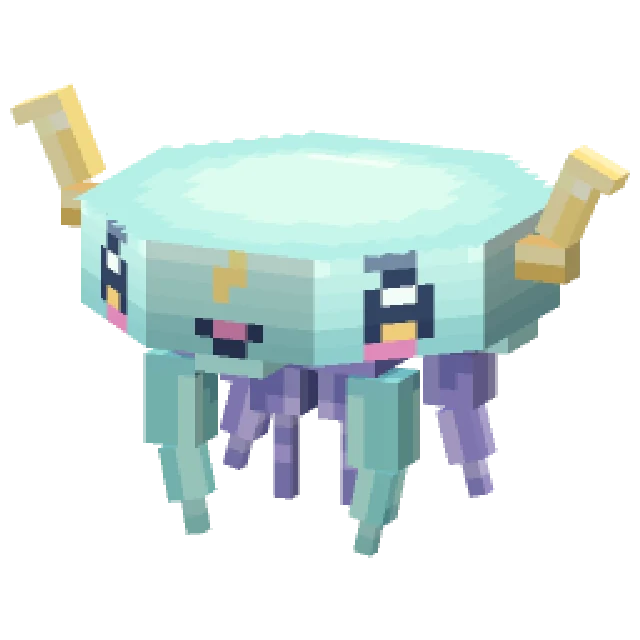 Minecraft Mob Generator
 Minecraft Sound Generator
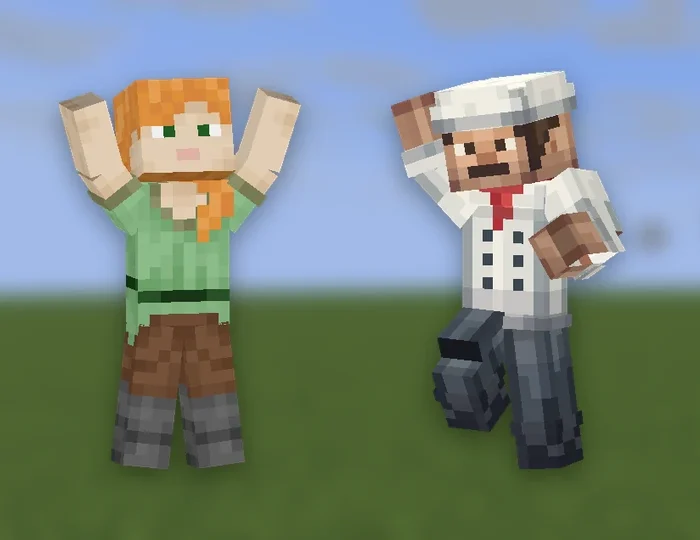 Minecraft Emote Generator
 Minecraft VFX Generator
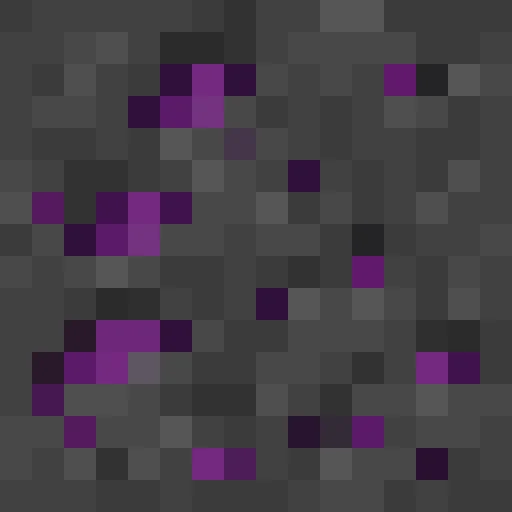 Minecraft Block Texture Generator
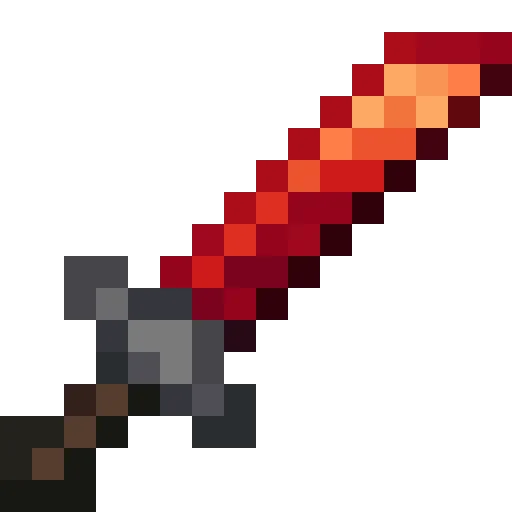 Minecraft Item Generator
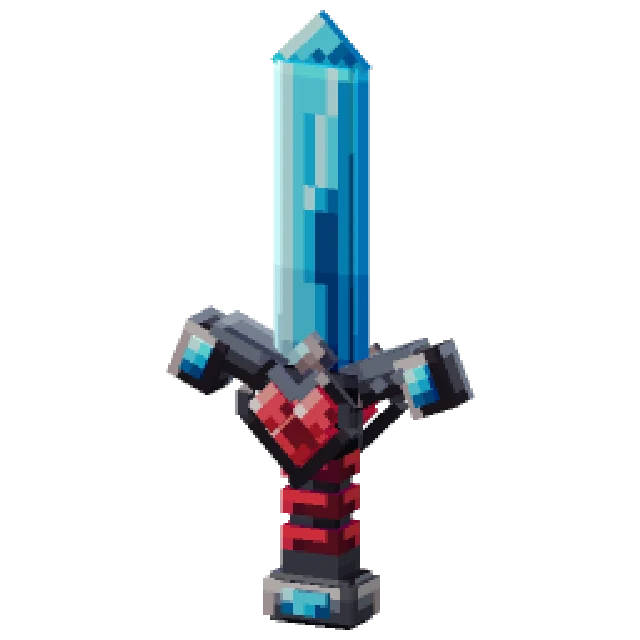 Minecraft 3D Item Generator
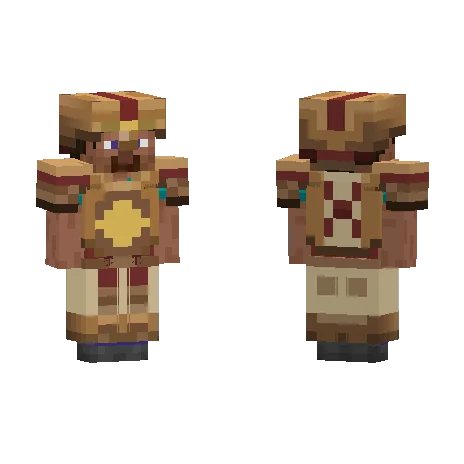 Minecraft Armor Generator
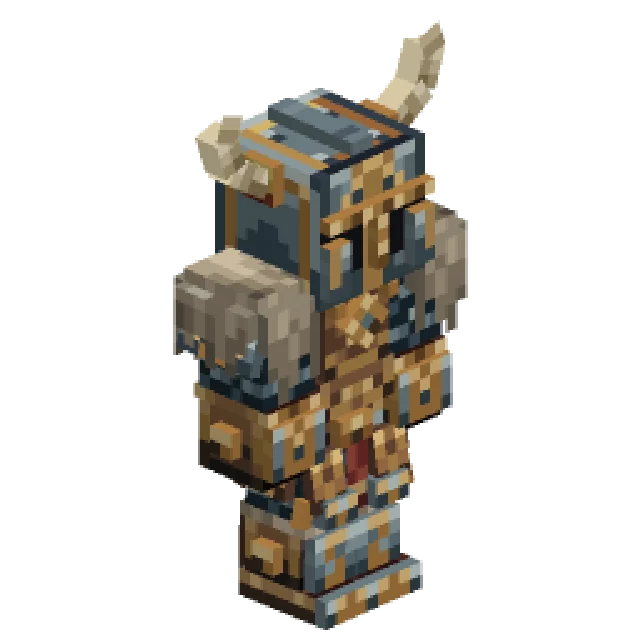 Minecraft 3D Armor Generator
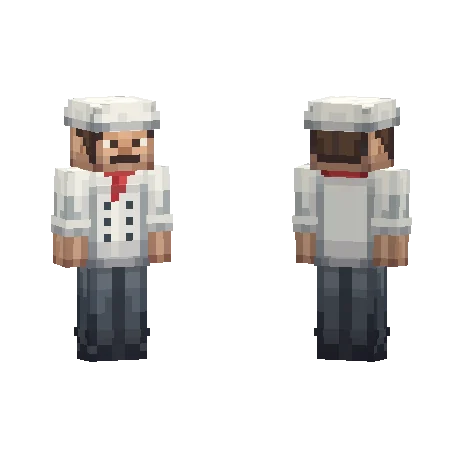 Minecraft Skin Generator
 Minecraft Icon Generator
 Minecraft Rank Tag Generator
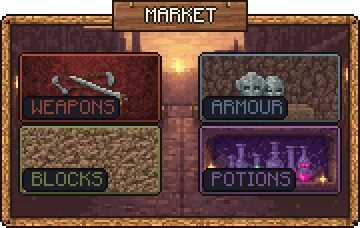 Minecraft GUI Generator
 Minecraft Custom GUI Generator
 Minecraft HUD Generator
 Minecraft Shader Generator
 Minecraft Text Effect Generator
 Minecraft Transition Generator