Anywhere flat text is drawn
Chat, item names and lore, titles, scoreboards and menus.
Describe a look and any text in its colour wears it: letters that bob on a wave, burn, shine or fill with water. No plugin needed.
A Text Effect is a colour. Each effect gets its own exact text colour, and any text in that colour wears the effect for every player who has your pack.
Chat, item names and lore, titles, scoreboards and menus.
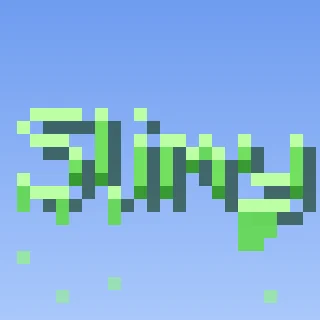
Rainbow, Legendary, Slime, Jelly, Typewriter, Dissolve and more, ready at once.
"Molten gold", "frozen solid", "glitching".
It lives in your pack. Bold and italic keep working.
A /tellraw command, a MiniMessage tag, or an RP Engine tag.
Edit with AI works on its page, playing live on sample text.
From one sentence to your server, in four steps.
Describe a look, or pick one of the 32 presets.
Its page plays it live on a line of sample text.
Copy its colour as a command, a MiniMessage tag or an RP Engine tag.
Any text in that colour wears the effect for players with your pack.
Real Text Effects from the public gallery. Where the creator shared the prompt it is quoted exactly. Open any of them to see it play.
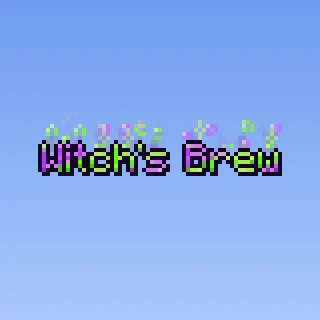
"Design a Halloween text effect inspired by witch magic and potions. The letters should shimmer in neon green and purple, with bubbling magical energy, rising toxic smoke, and sparkling rune-like particles. The animation should feel arcane, playful, and mysterious."
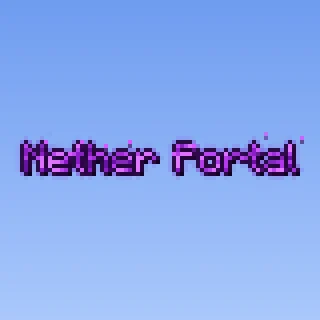
"nether portal text effect"
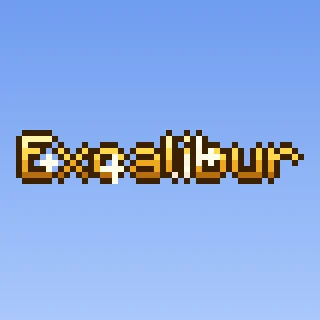
Legendary Text Effect
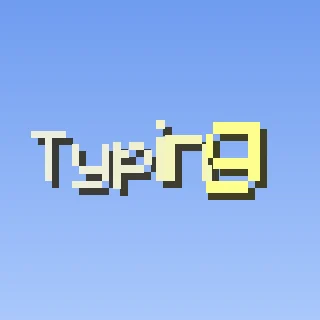
Typewriter Text Effect
Anywhere your server has words worth noticing.
Legendary gold on the rarest sword on the server.
A boss's name burning across the screen.
Rainbow words for a rank that paid for them.
A shimmering header on a shop or dialog.
The page plays the effect live on a line of sample text. Under Use it, copy its colour for a command, MiniMessage or RP Engine, and Show in chat sends you a sample line on the server your pack is synced to.
Each effect is one exact colour. Copy it however your server writes text.
/tellrawA ready-made command that prints sample text.
<#hex>For Paper and most chat and item plugins.
<fx:…>For item names, messages and chat on our free plugin.
.zipAn ordinary Resource Pack. It works with no plugin at all.
Each one gets its own exact text colour. Any text in that colour wears the effect for every player who has your pack.
No. It is in your Resource Pack. RP Engine adds a tag for naming effects, but a /tellraw or a MiniMessage colour works without it.
Chat, item names and lore, titles, scoreboards and menus. Signs, name tags and text displays in the world keep the plain colour.
Yes. The page gives you a <#hex> tag for Paper and most chat and item plugins.
32 per pack, shared with 2D and 3D Shaders.
Very nearly white text.
You do. Everything made on your account is yours and we retain no ownership.
Text Effects are one of 21 kinds of asset Studio makes, all in one Resource Pack.
 Minecraft 3D Model Generator
 Minecraft Vehicle Generator
 Minecraft Mob Generator
 Minecraft Sound Generator
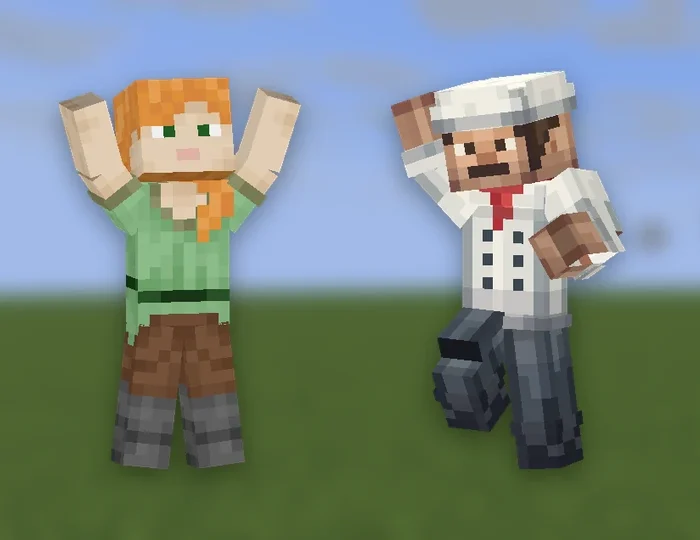 Minecraft Emote Generator
 Minecraft VFX Generator
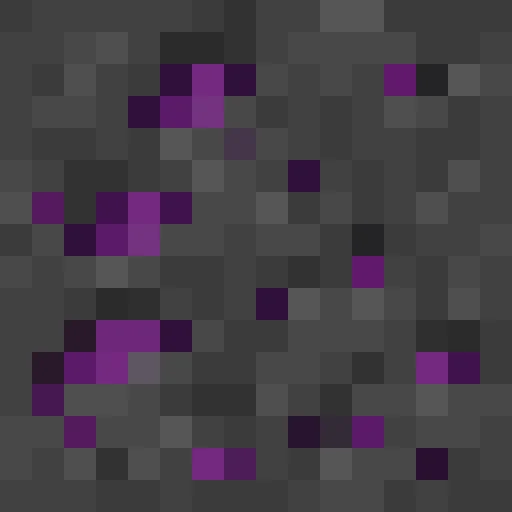 Minecraft Block Texture Generator
 Minecraft Item Generator
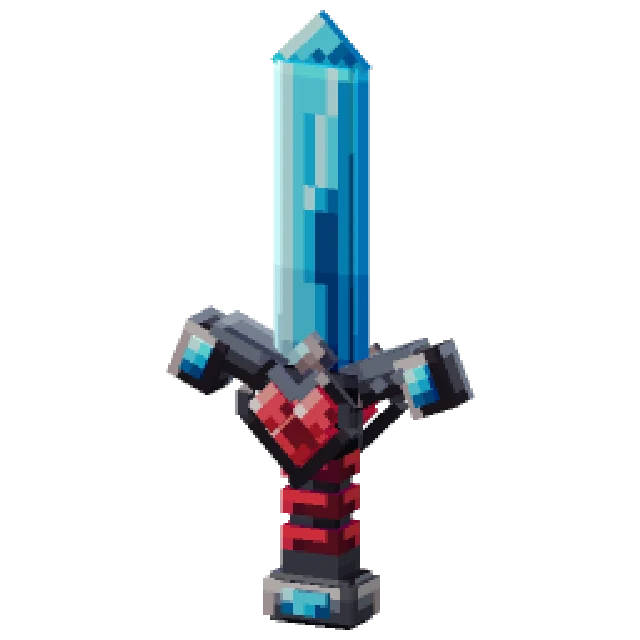 Minecraft 3D Item Generator
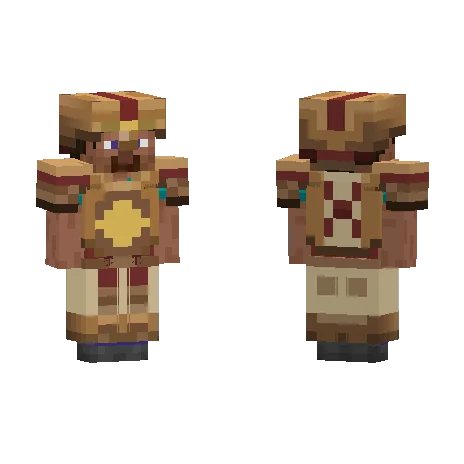 Minecraft Armor Generator
 Minecraft 3D Armor Generator
 Minecraft Skin Generator
 Minecraft Icon Generator
 Minecraft Rank Tag Generator
 Minecraft GUI Generator
 Minecraft Custom GUI Generator
 Minecraft HUD Generator
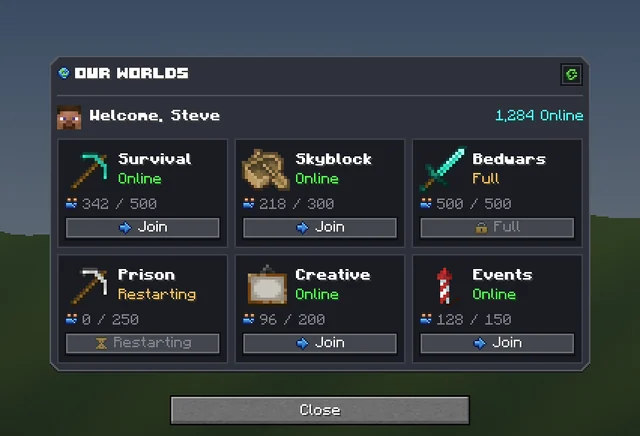 Minecraft Dialog Generator
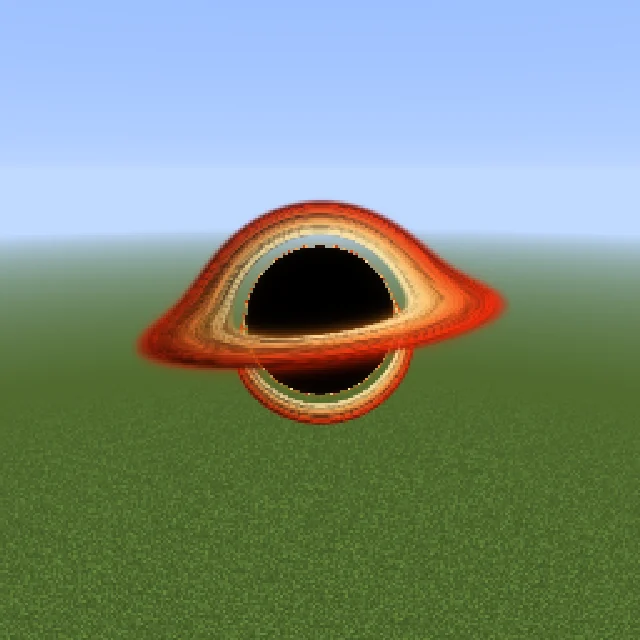 Minecraft Shader Generator
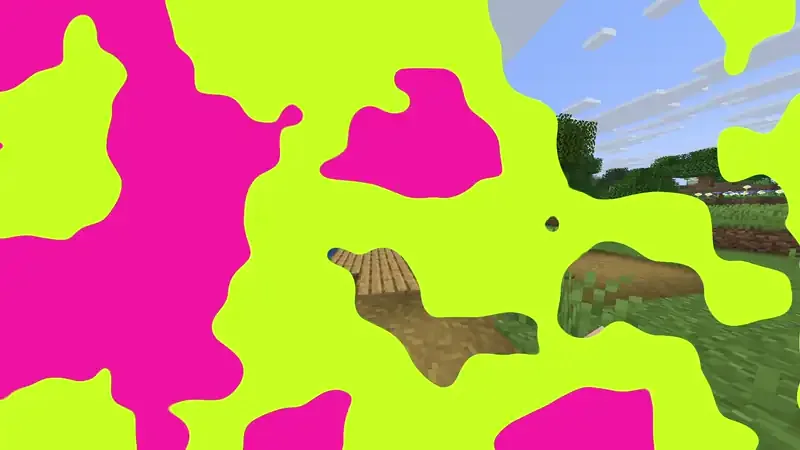 Minecraft Transition Generator