From a sentence
Describe the motion, not the character: "a little victory dance, fists pumping, then a spin".
Describe a motion and every player on your server can play it with /emote, in their own skin. Dances, waves, handshakes and whole new ways to walk.
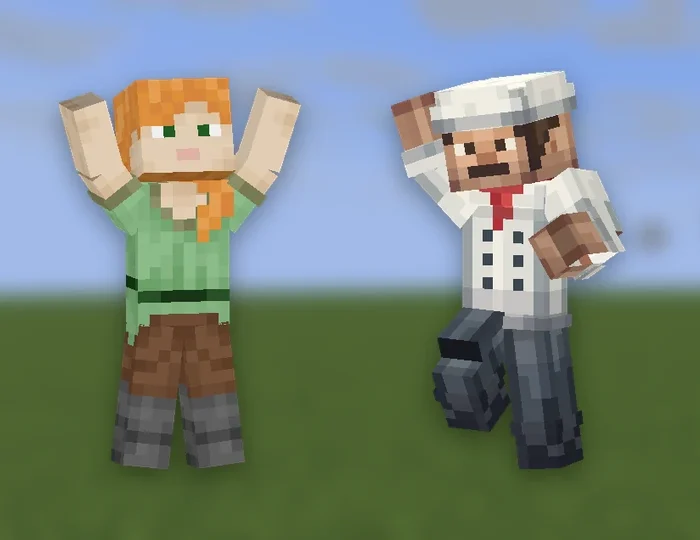
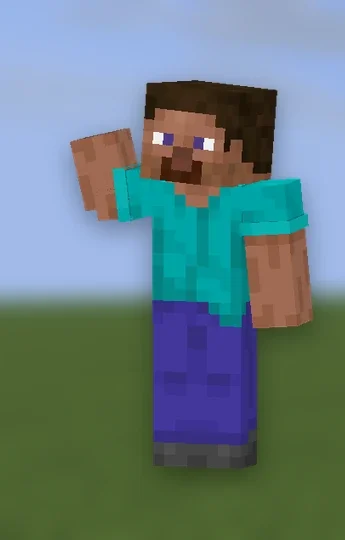
Describe the movement and the AI animates a real player rig, with forearms and shins so elbows and knees bend. Make it once and everybody on your server can play it.
Describe the motion, not the character: "a little victory dance, fists pumping, then a spin".
A handshake, a hug, a group dance. Every invited player is asked first and can refuse.
Up to four of your pack's 3D Models: a chair to sit on, a sword to swing, attached to a bone or left standing.
Play once holds the last frame. Loop repeats until the player moves or runs /emote stop.
Bones down the left, a timeline along the bottom, rotation, position and scale, up to 30 seconds.
Dress the viewport with a backdrop and a floor, and export the Emote as a video to show off.
From one sentence to your server, in four steps.
Describe the movement, add any props or other players, and choose once or loop.
Fix any pose on the keyframe timeline, previewed in your own skin.
Press Sync to send the pack to a server running RP Engine.
Type /emote and its name. It plays in each player's own skin.
An Emote can be played once, or worn so it replaces how a player moves.
Waves, cheers, salutes and points, for chatting in the lobby.
Victory dances and group routines that loop until somebody moves.
Handshakes, hugs and bench presses with up to five players.
A heavy stomp or a zombie shuffle worn while walking, sprinting and crouching.
Every Emote opens on a standard player rig with a keyframe timeline, previewed in your own Minecraft skin. Add 3D Models and other players from the shelf above the stage. Changes save on their own, and no plugin or download is needed to edit.
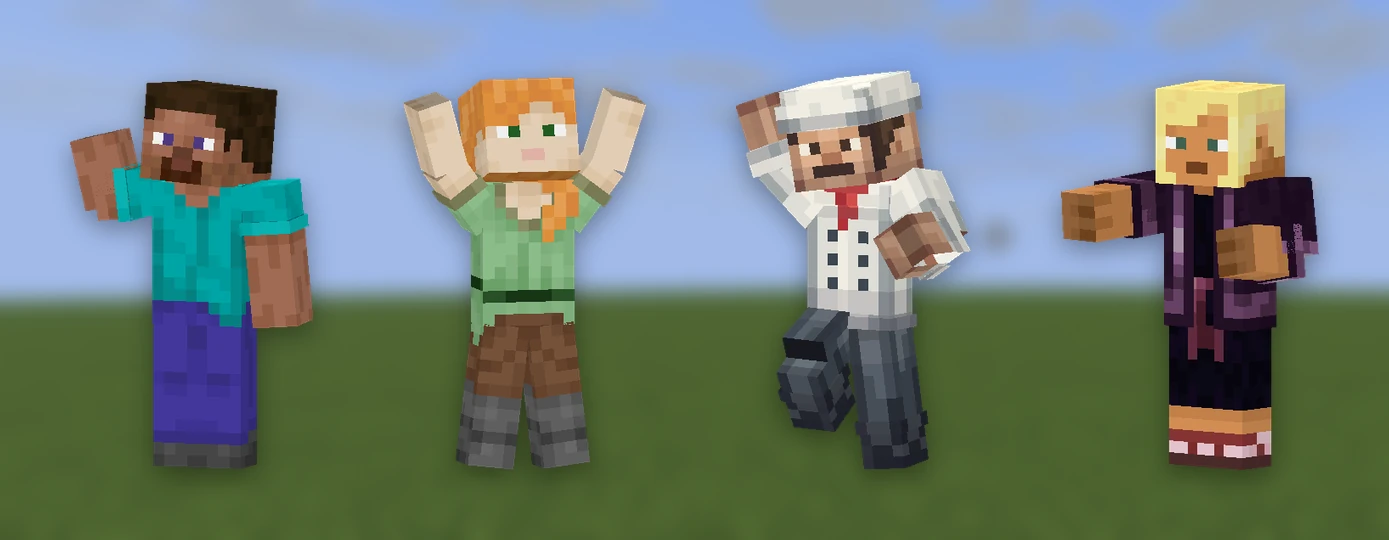
A plain Resource Pack cannot play an Emote, so RP Engine does it. It builds a copy from each player's own skin automatically.
free pluginPress Sync, then /emote <name>, or /emote and Tab to list them.
DistributionPublish the pack once and RP Engine sends it to every player as they join.
MP4 · WebMRender any Emote to a video for your trailer or your Discord.
They type /emote and its name, or /emote and press Tab to list them. It plays in their own skin.
RP Engine, our free plugin. A plain Resource Pack cannot play Emotes, and they are not in a Bedrock .mcpack.
Yes. An Emote can have up to five people, like a handshake or a hug. The command takes their names in order, and every invited player is asked first.
Yes. Add up to four of your pack's 3D Models. Attach one to a bone, like a sword in the right hand, or leave it standing, like a chair. Add them before generating so the AI can animate around them.
Yes. A movement group holds one Emote each for standing still, walking, sprinting, crouching and jumping. A player puts it on with /emote and keeps playing normally.
Up to 30 seconds, playing once or on a loop.
You do. Everything made on your account is yours and we retain no ownership.
Emotes are one of 21 kinds of asset Studio makes, all in one Resource Pack.
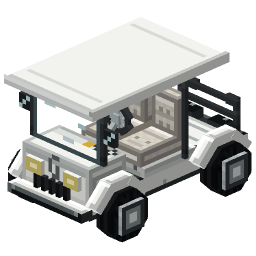 Minecraft 3D Model Generator
 Minecraft Vehicle Generator
 Minecraft Mob Generator
 Minecraft Sound Generator
 Minecraft VFX Generator
 Minecraft Block Texture Generator
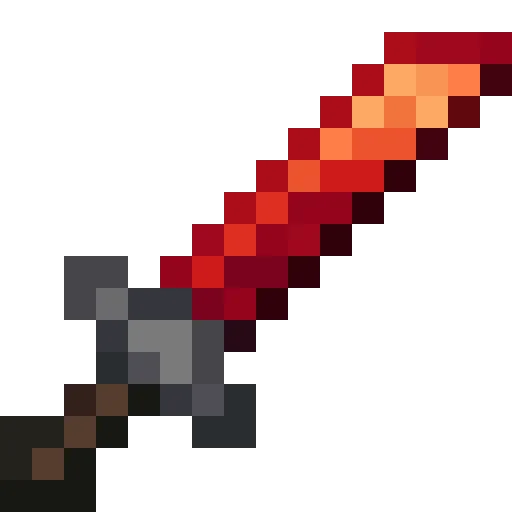 Minecraft Item Generator
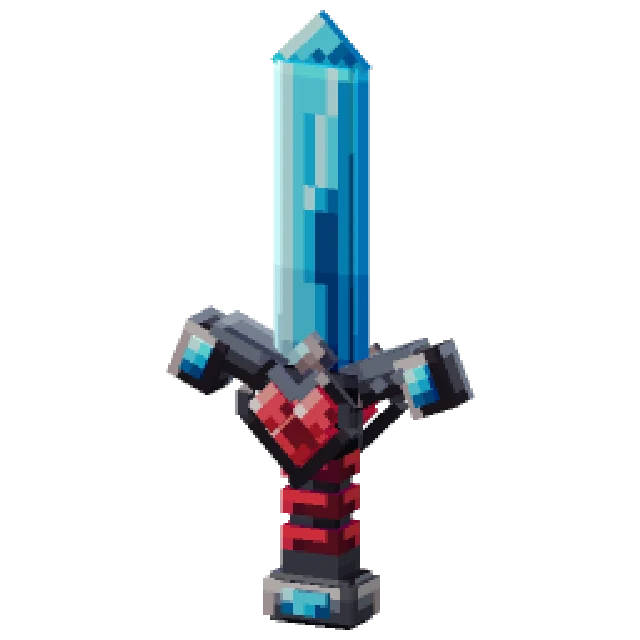 Minecraft 3D Item Generator
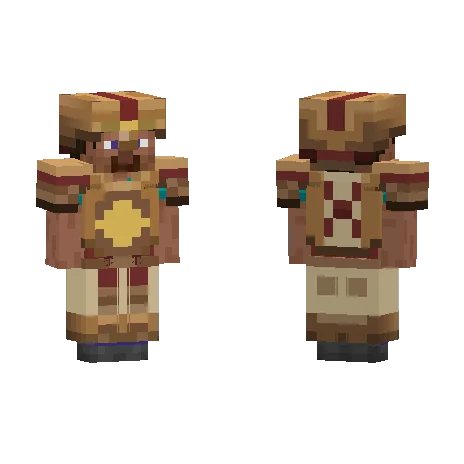 Minecraft Armor Generator
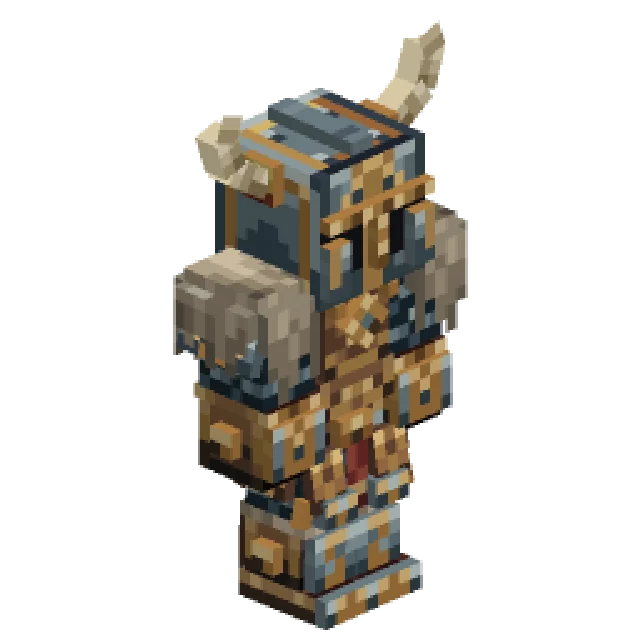 Minecraft 3D Armor Generator
 Minecraft Skin Generator
 Minecraft Icon Generator
 Minecraft Rank Tag Generator
 Minecraft GUI Generator
 Minecraft Custom GUI Generator
 Minecraft HUD Generator
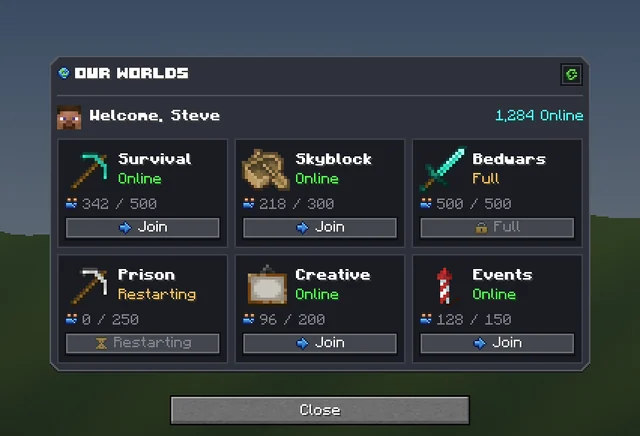 Minecraft Dialog Generator
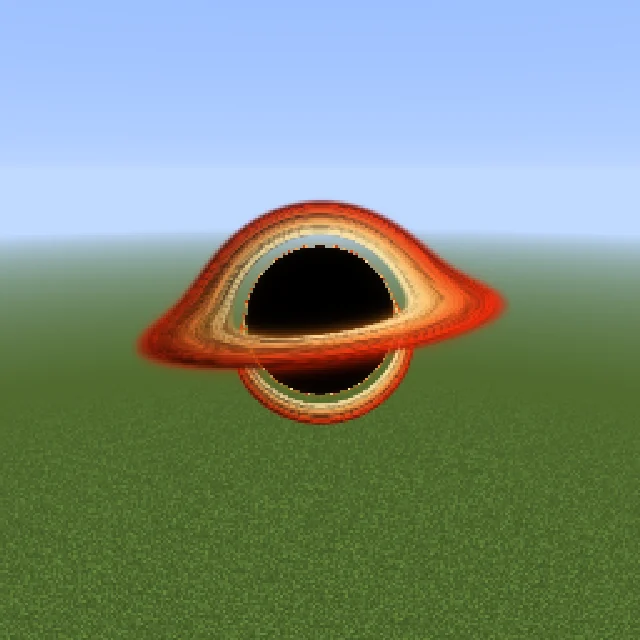 Minecraft Shader Generator
 Minecraft Text Effect Generator
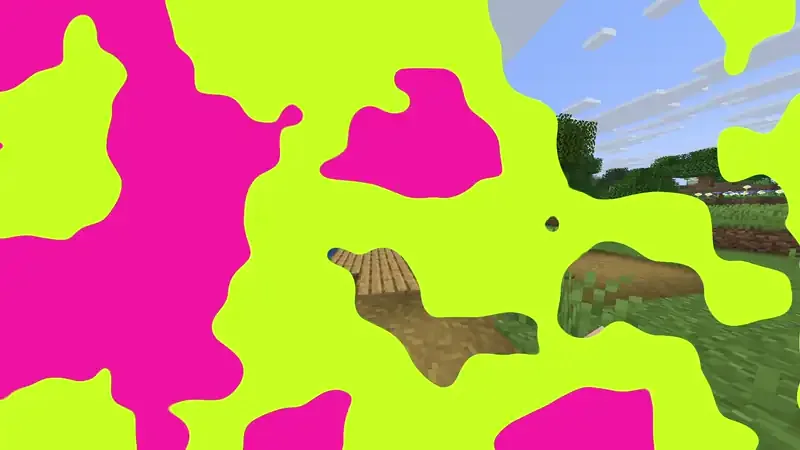 Minecraft Transition Generator