From a sentence
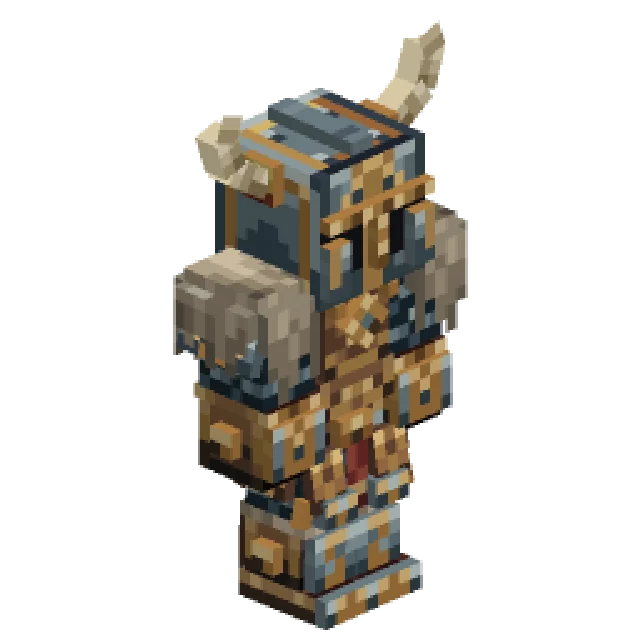
"A knight in dented steel armour with a red cloak."
Describe a character and Studio paints the Skin, starting from the default so the face and shape are right. Then wear it everywhere you play.
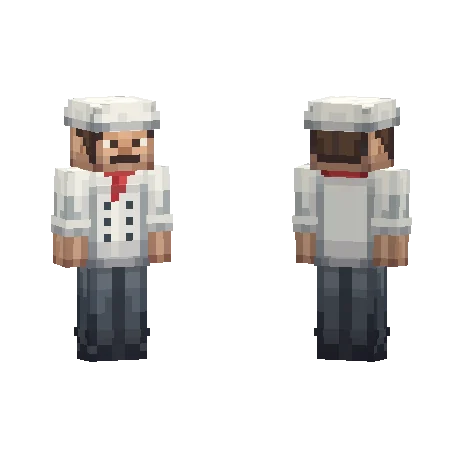
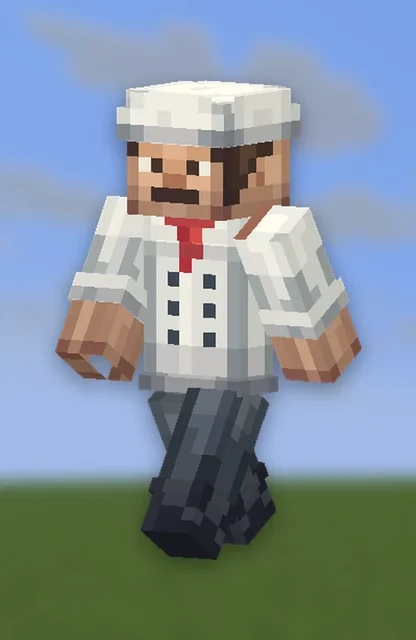
Every Skin is painted on the real 64x64 layout, with the outer layer for hair, hoods and jackets, and lives on your account wherever you play.
"A knight in dented steel armour with a red cloak."
Choose 4px or 3px arms, and change it later.
Hair, hoods, sleeves and jackets stand proud of the body.
An empty body, a default skin, or any Minecraft username.
"Give him a green hood" makes an edited copy and keeps the original.
Apply downloads the PNG and opens the skin page on minecraft.net.
From one sentence to your server, in four steps.
Describe the character, or start from any skin or username.
Paint the base and outer layers beside a 3D player.
Press Sync to wear it on our test server.
Press Apply and upload the PNG on minecraft.net to wear it everywhere.
A real Skin from the public gallery, beside the exact prompt that made it. Open it and copy it into your own account.
Anything you would like to be.
Knights, mages and rogues with armour painted on.
Chefs, doctors and builders for a roleplay server.
Start from your current skin and change one thing.
A cast of villagers and shopkeepers for your server.
Paint the Skin flat beside a 3D player you can turn. Switch to the outer layer for anything that stands off the body. Pencil, fill, a colour picker, shapes and Fill part to colour a whole body part at once.
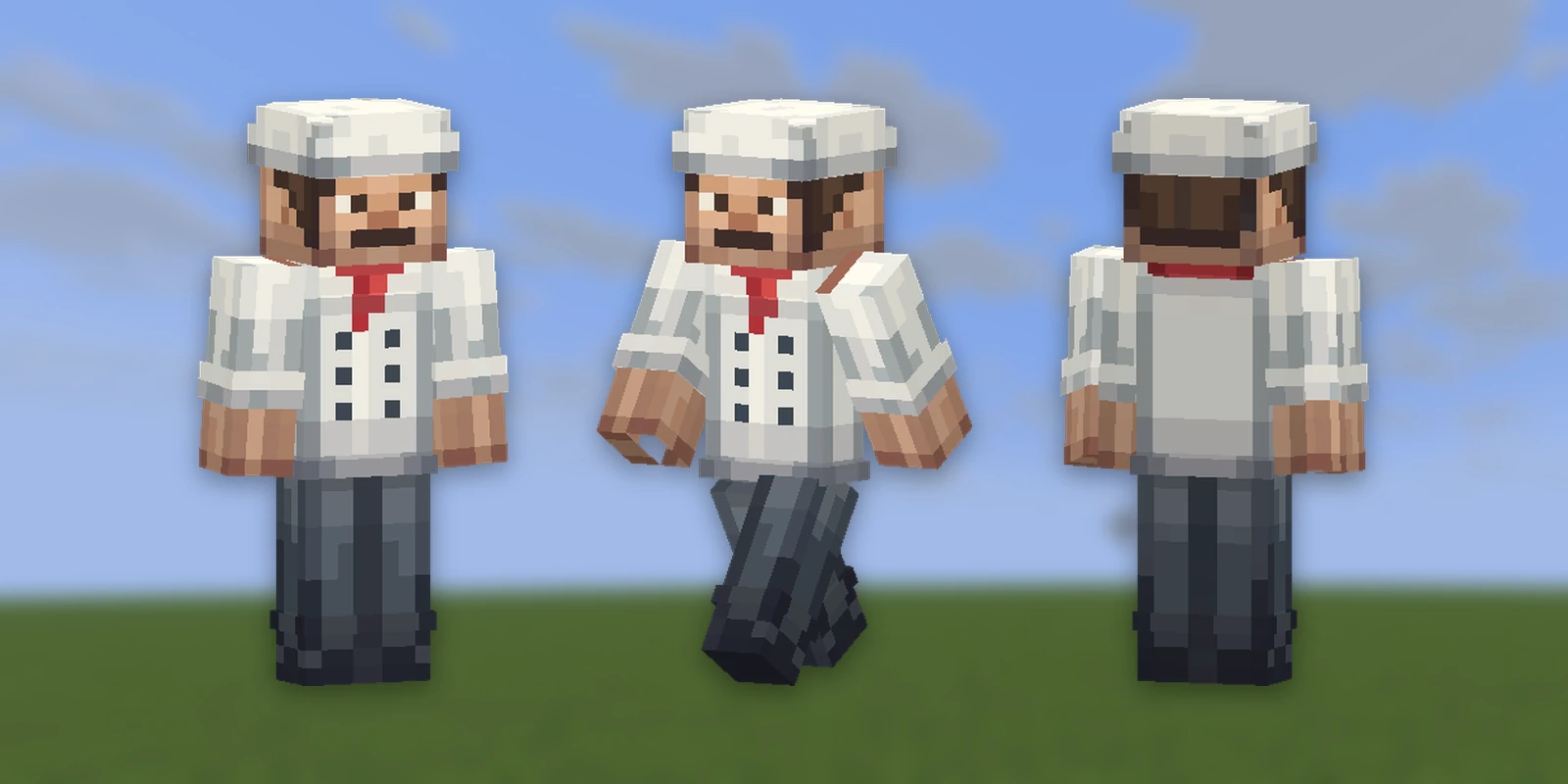
A Skin belongs to your account rather than a pack.
ApplyEverybody sees it, on every server, once you upload the PNG.
SyncPut it on without leaving the game. Your account stays as it was.
.pngThe 64x64 file Minecraft uses, to keep or share.
Press Apply. Studio downloads the 64x64 PNG and opens the skin page on minecraft.net, where you upload it with the same arm width. It changes next time you join a world or server.
Yes. Sync puts it on you straight away on our test server, with your Minecraft account linked to Studio. Your account does not change.
Yes. Open the editor on any Minecraft username, a default skin or an empty body, or upload a PNG.
Every Skin has an arm width, Classic at 4 pixels or Slim at 3, which you can change later.
You do. Everything made on your account is yours and we retain no ownership.
Skins are one of 21 kinds of asset Studio makes, all in one Resource Pack.
 Minecraft 3D Model Generator
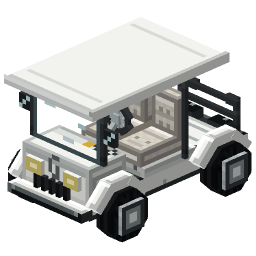
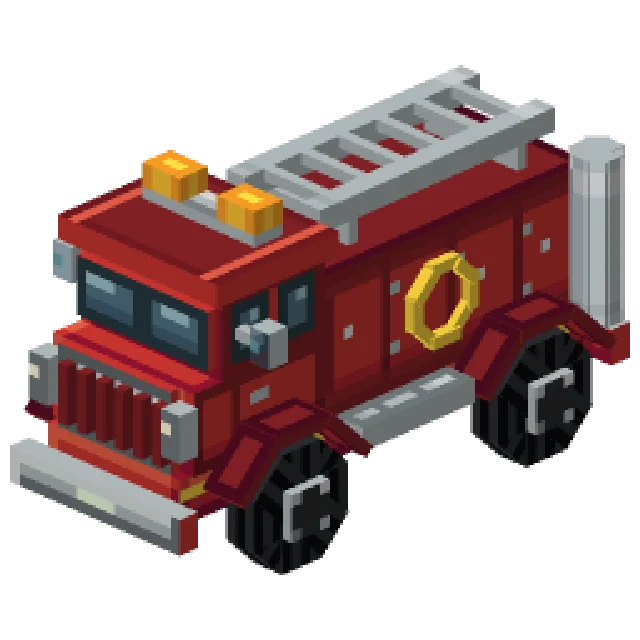 Minecraft Vehicle Generator
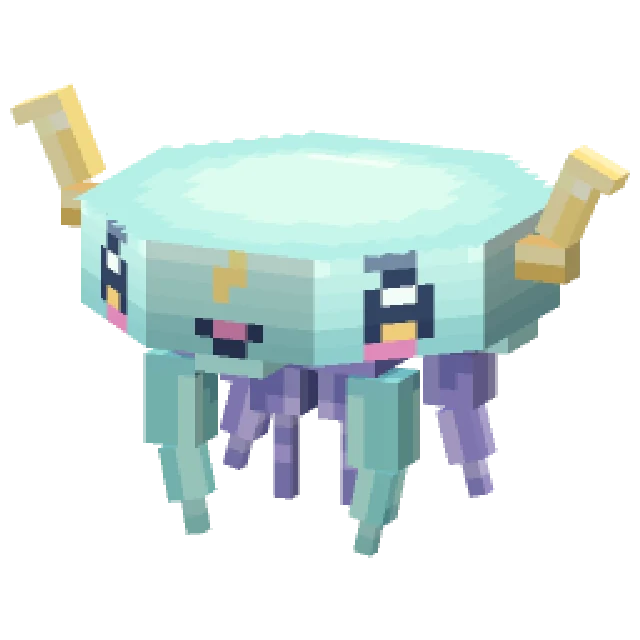 Minecraft Mob Generator
 Minecraft Sound Generator
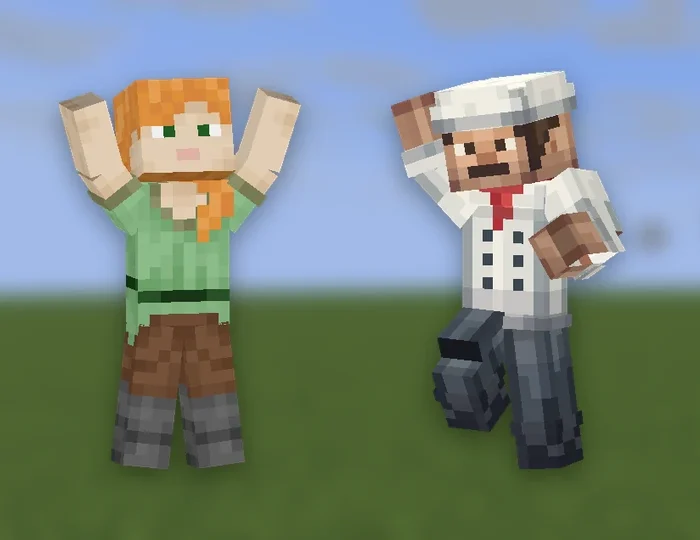 Minecraft Emote Generator
 Minecraft VFX Generator
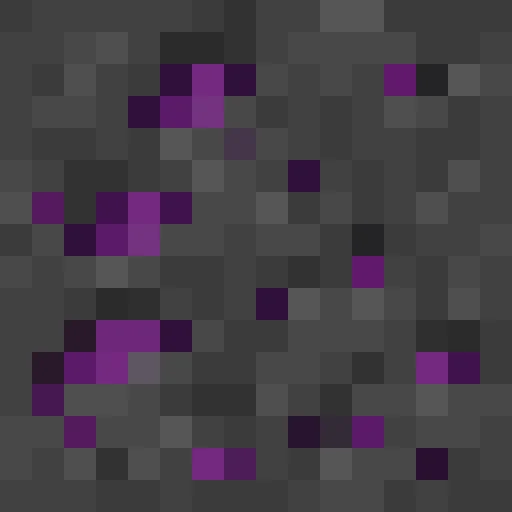 Minecraft Block Texture Generator
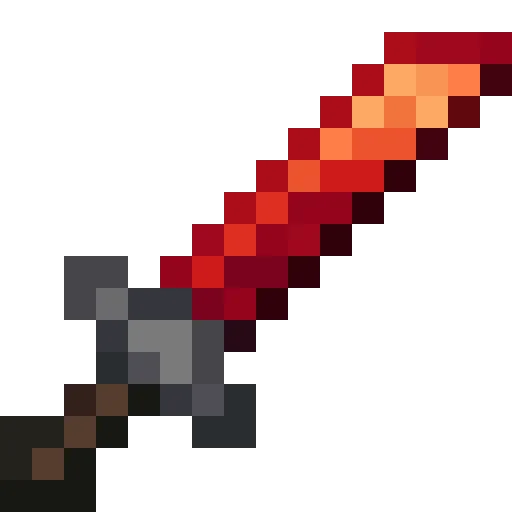 Minecraft Item Generator
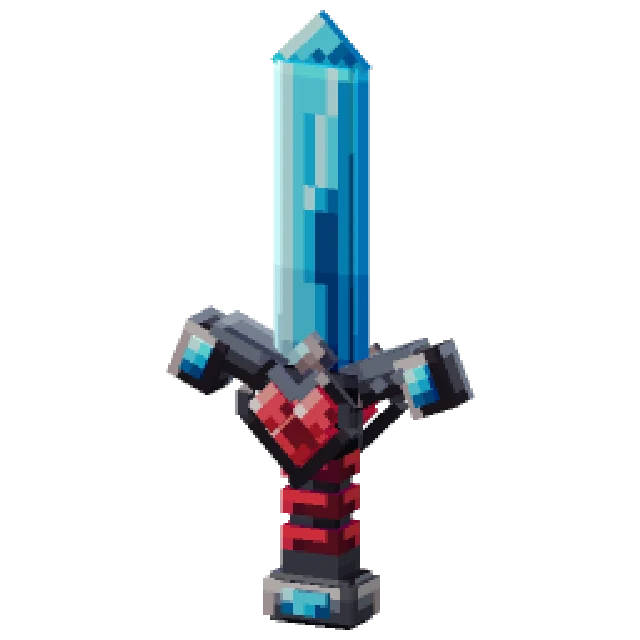 Minecraft 3D Item Generator
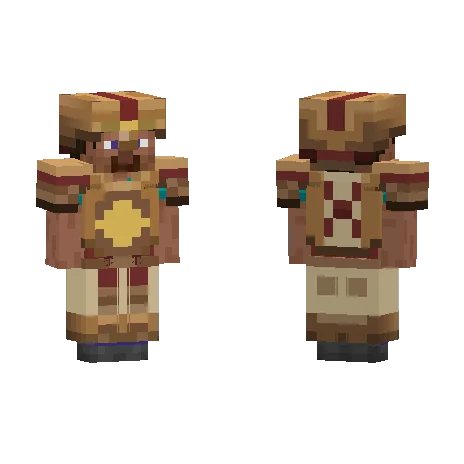 Minecraft Armor Generator
 Minecraft 3D Armor Generator
 Minecraft Icon Generator
 Minecraft Rank Tag Generator
 Minecraft GUI Generator
 Minecraft Custom GUI Generator
 Minecraft HUD Generator
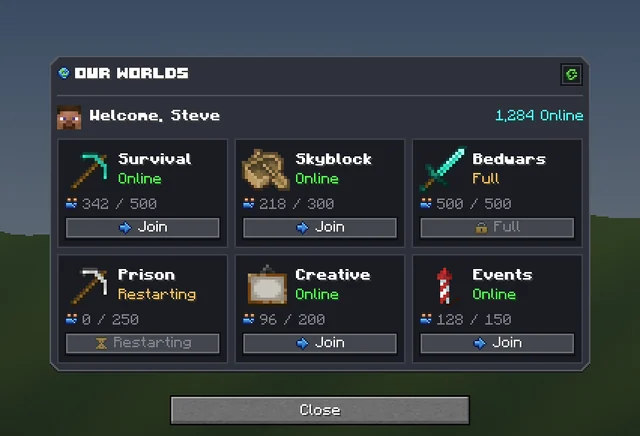 Minecraft Dialog Generator
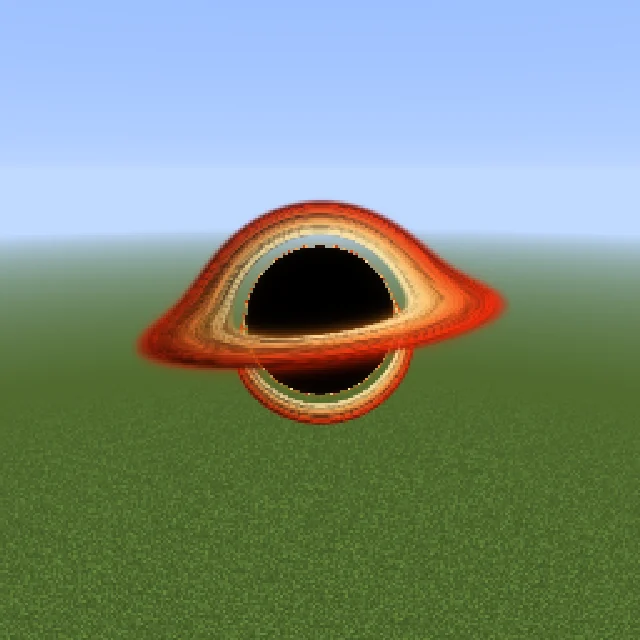 Minecraft Shader Generator
 Minecraft Text Effect Generator
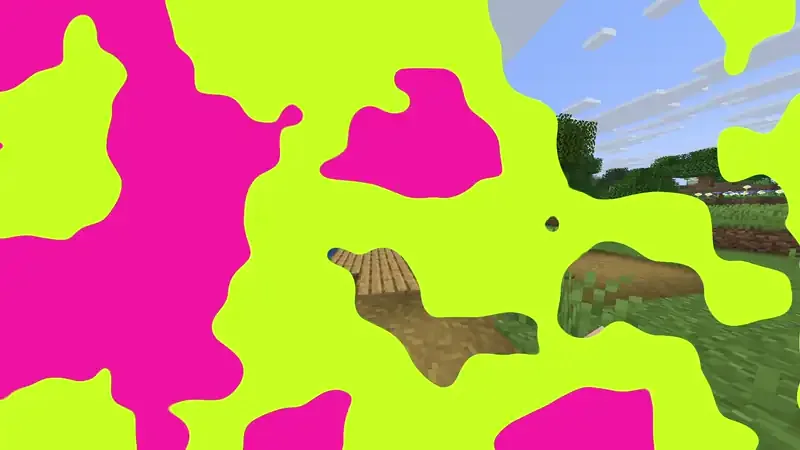 Minecraft Transition Generator